Start
Run it in the session that holds your literature, design and analysis:
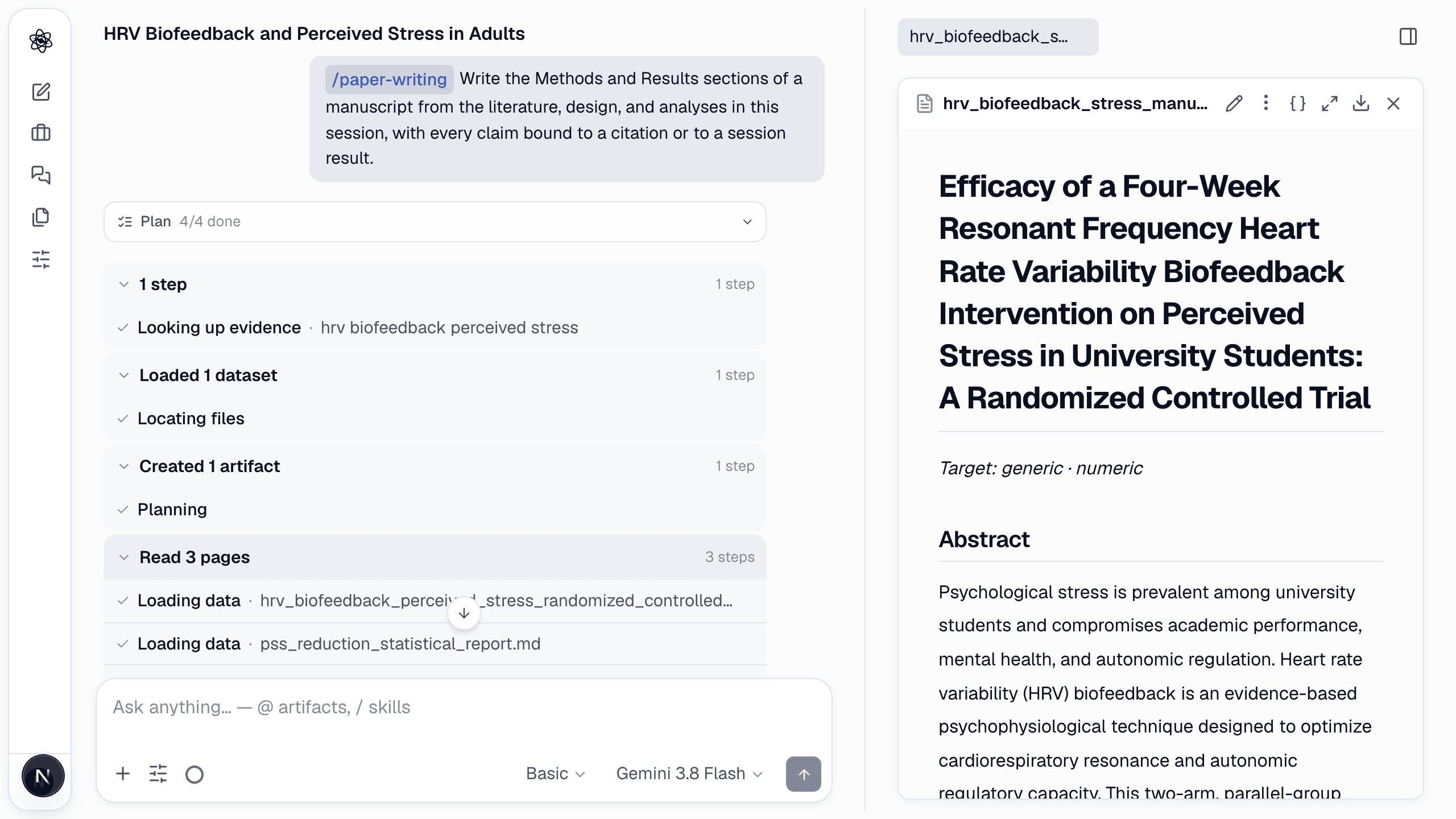
/write Draft the Methods and Results sections of a manuscript from this session's literature, design and analysis. Tie every claim to a citation or a session result.
Name the sections you want (Introduction, Methods, Results, Discussion, Conclusion, or a full draft) and the target journal or format if you have one.
What happens
- The skill reads the session artifacts — reports, design, statistical results — and writes from them rather than from memory.
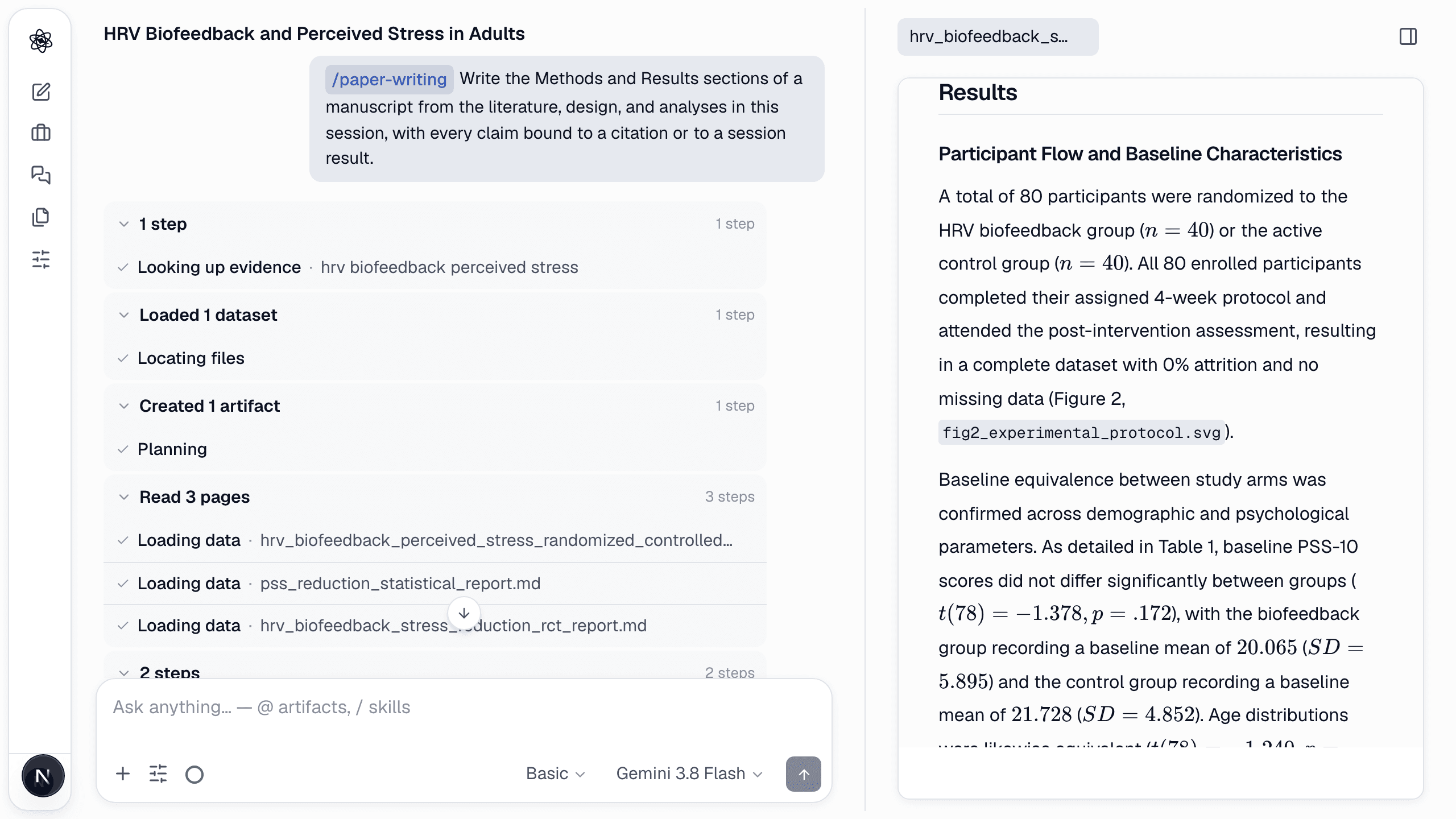
- Numbers in Results come from the statistics artifacts; citations come from the screened literature.
- The reviewer checks each claim against its source before the draft is delivered.
What you get
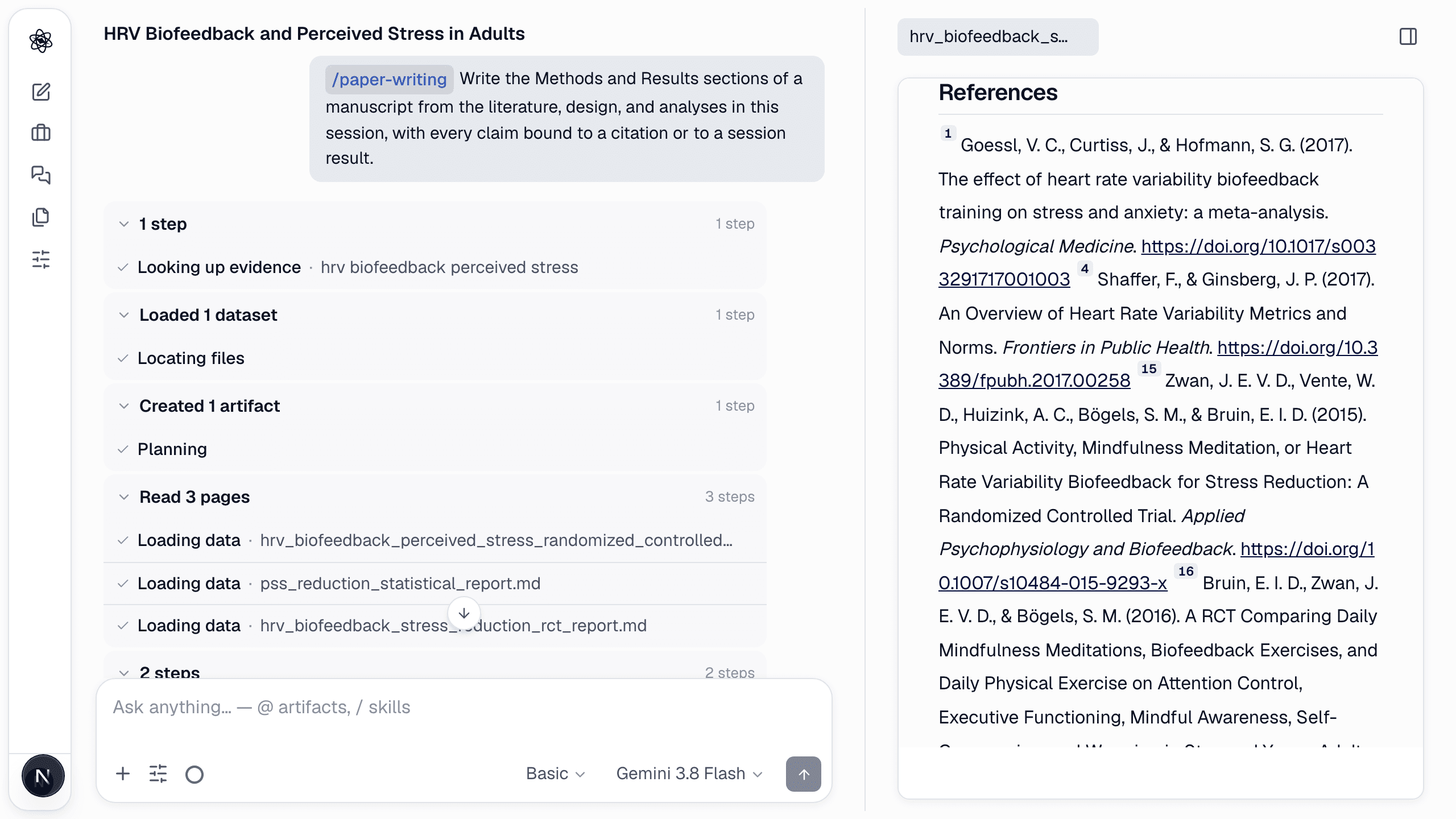
<topic>_manuscript.md — the sections you asked for, a reference list in [n] numbered form, and a note of anything the session lacks (for example, a missing measure) so you can fill it in. Tables and figures sit inside the text where they are discussed, as in a published paper: each table has a Table n. caption line above it, and each figure is an image line () right after the paragraph that first cites it — the panel renders the session's figure there, and DOCX/LaTeX exports embed it at the same place.
Revise
Edit in place with the pencil, or ask for changes at the top of the panel: "tighten the Methods to 400 words", "add a limitations paragraph about the active control". Revisions are versioned.
Cite and export
Export from the panel as Markdown, DOCX, LaTeX or PDF. The manuscript keeps its numbered [n] citations and reference list exactly as written; exports convert the text as it is.
Review before you submit
Run `/review` on the draft — it re-derives the statistics from the data and flags discrepancies.
Walkthrough: Writing the paper.