Connect
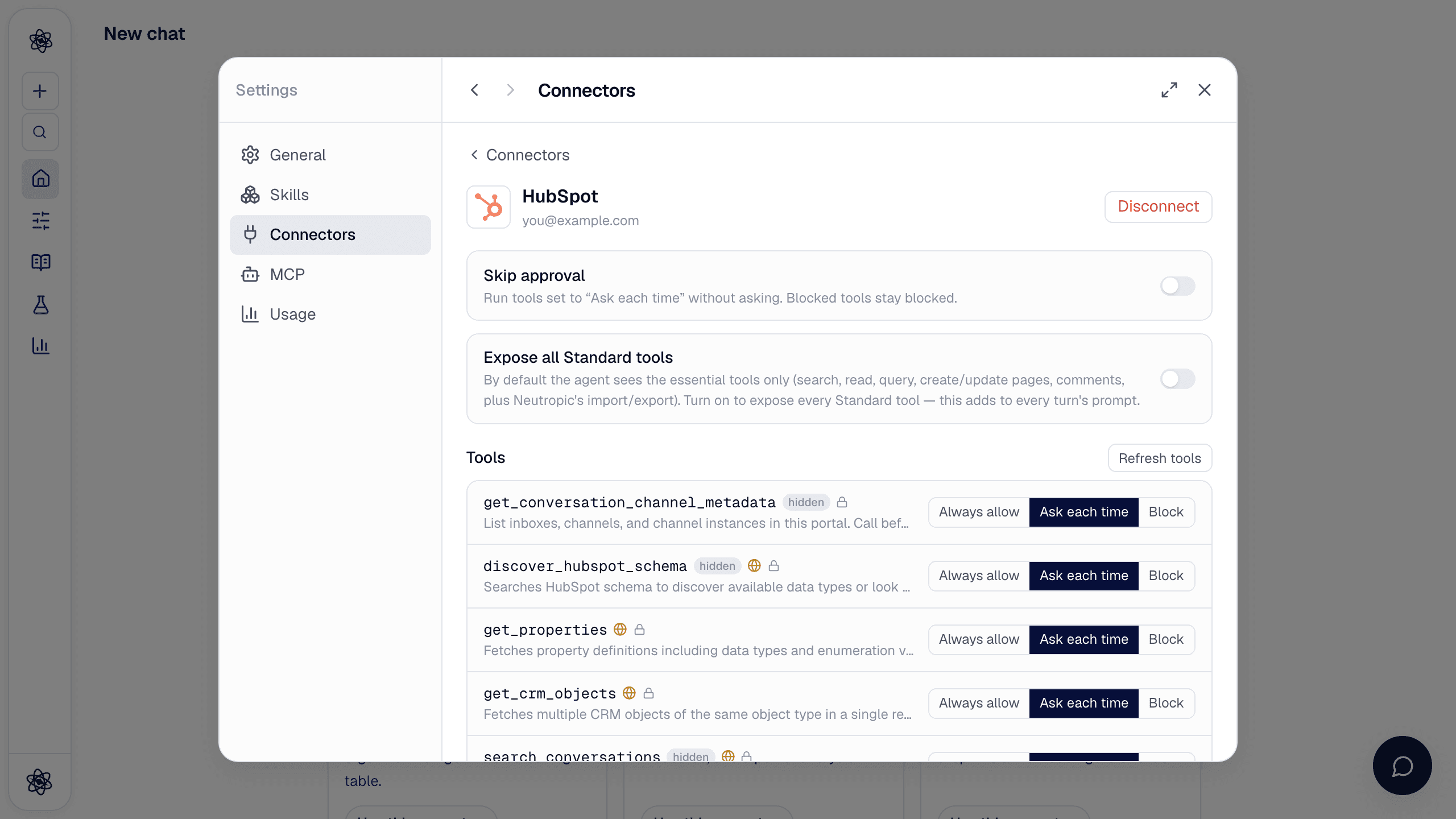
Open Customize → Connectors and turn on HubSpot. HubSpot's page asks you to choose an account and approve the Neutropic MCP connector; approve and you land back in Neutropic. Neutropic talks to HubSpot's official MCP server, and the tools you get follow your HubSpot permissions and subscription. Tokens are stored encrypted on the server; Disconnect deletes them.
Permissions, tool by tool
Every tool starts as Ask each time. By default the agent sees the core CRM tools — user details, search and read records, query CRM data with SQL, properties, owners, and create or update records (including notes) — while marketing e-mail, landing page, campaign, segment, AI-search (AEO), custom schema, onboarding and feedback tools stay blocked and hidden. Expose all Standard tools shows the rest.
| Tool | Does |
|---|---|
get_user_details | Who is connected and which tools this account allows |
search_crm_objects · get_crm_objects · query_crm_data | Search and read contacts, companies, deals, tickets; query with SQL |
get_properties · search_owners | Property definitions and record owners |
manage_crm_objects | Create or update records — including a note, call or task on a contact, company or deal |
Use it in a chat
- "Which partner companies have an open deal about the EEG study?" →
search_crm_objects. - "Log a note on the contact that the pilot results were sent" →
manage_crm_objects(a note on the contact).
Trouble? See Connector authorization.