Connect
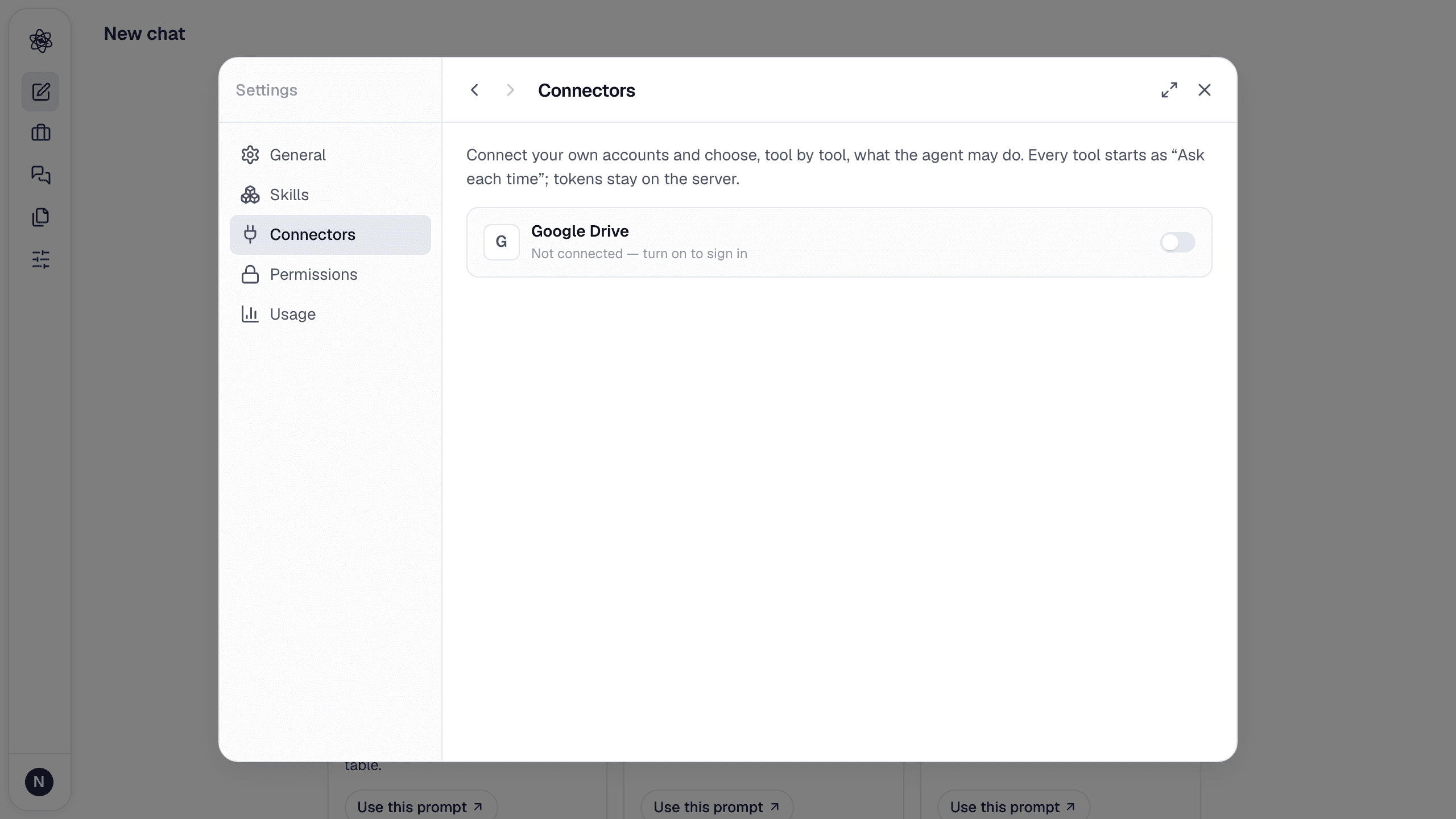
Open Customize → Connectors and turn on GitHub. GitHub's own authorization page asks for repository access (repo), your organizations (read:org) and your profile (read:user); approve and you land back in Neutropic with your GitHub login shown. Tokens are stored encrypted on the server; Disconnect deletes them (you can also revoke the app under GitHub → Settings → Applications). Organization repositories may need the organization to allow the app.
Permissions, tool by tool
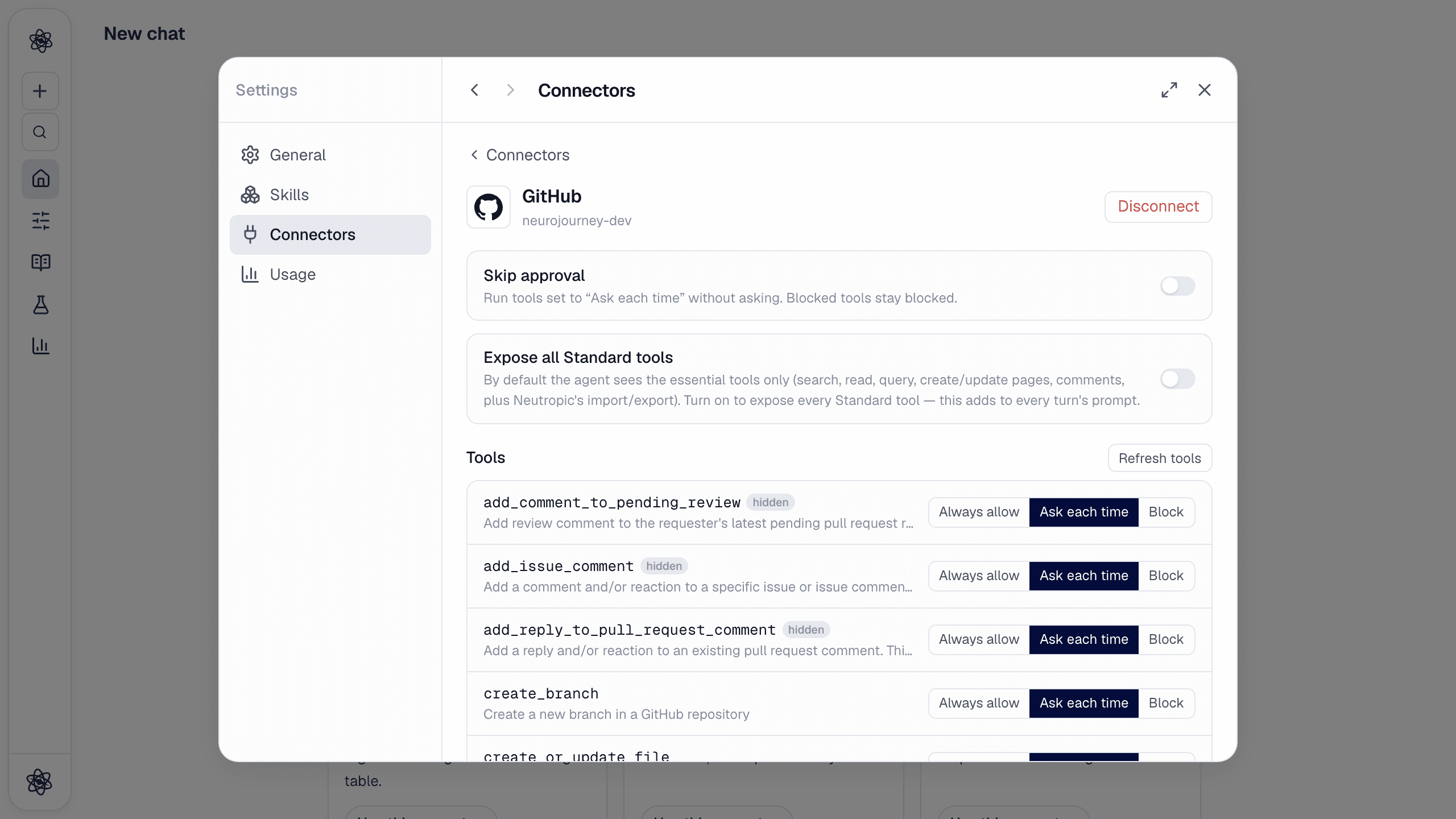
Every tool starts as Ask each time. By default the agent sees the essential tools — read files and directories, search code and repositories, commits and branches, write a file or push several, create a branch — plus three tools Neutropic adds. Expose all Standard tools turns on issues, pull requests, releases and the rest; Actions, security scanning, notifications, gists and projects stay blocked and hidden.
| Tool | Does |
|---|---|
get_file_contents · search_code · search_repositories · list_commits · list_branches | Read and search repositories |
import_file · import_files | Bring a file (or a directory's files, e.g. *.csv) into the session as uploads — CSV/XLSX become datasets, scripts and documents become readable files |
export_artifact | Commit a session artifact (script, report, table) to a repository path on a branch |
create_or_update_file · push_files · create_branch | Write directly (commits) |
Use it in a chat
- "Load `data/trials.csv` from my `hwlee/hrv-analysis` repo and run the same preprocessing as `scripts/clean.R`" →
import_files→ analysis on the imported dataset. - "Commit the analysis script and the results table to `hwlee/hrv-analysis` under `neutropic/` on a new branch" →
create_branch+export_artifact. - "What does the README of `owner/repo` say about the stimulus timing?" →
get_file_contents.
Pick from the composer
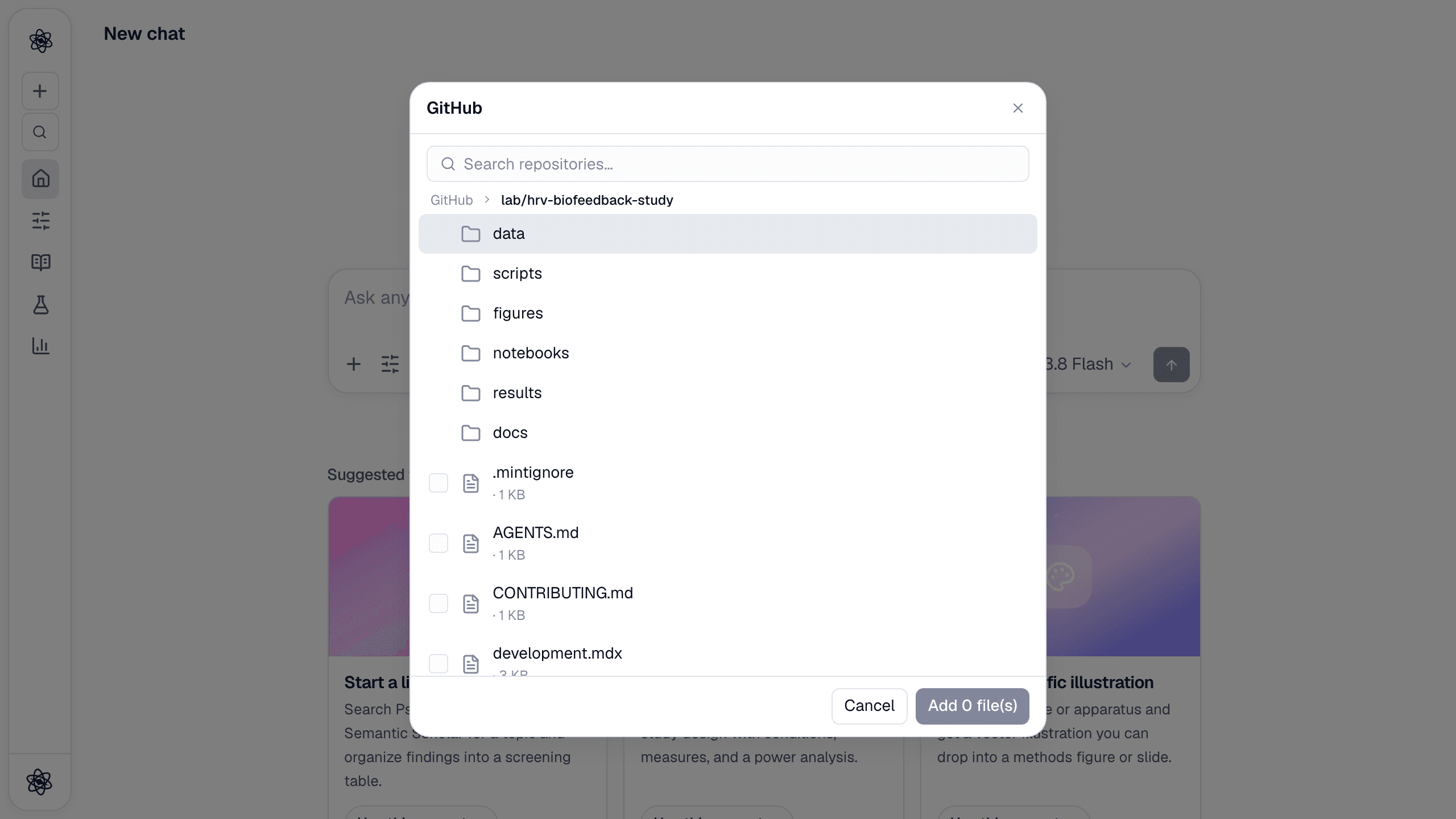
+ → Connected apps → GitHub shows your repositories (most recently pushed first) → directories → files. Tick files to import them; repositories and directories open with ›. Typing in the search box searches your repositories.
Trouble? See Connector authorization.