Connect
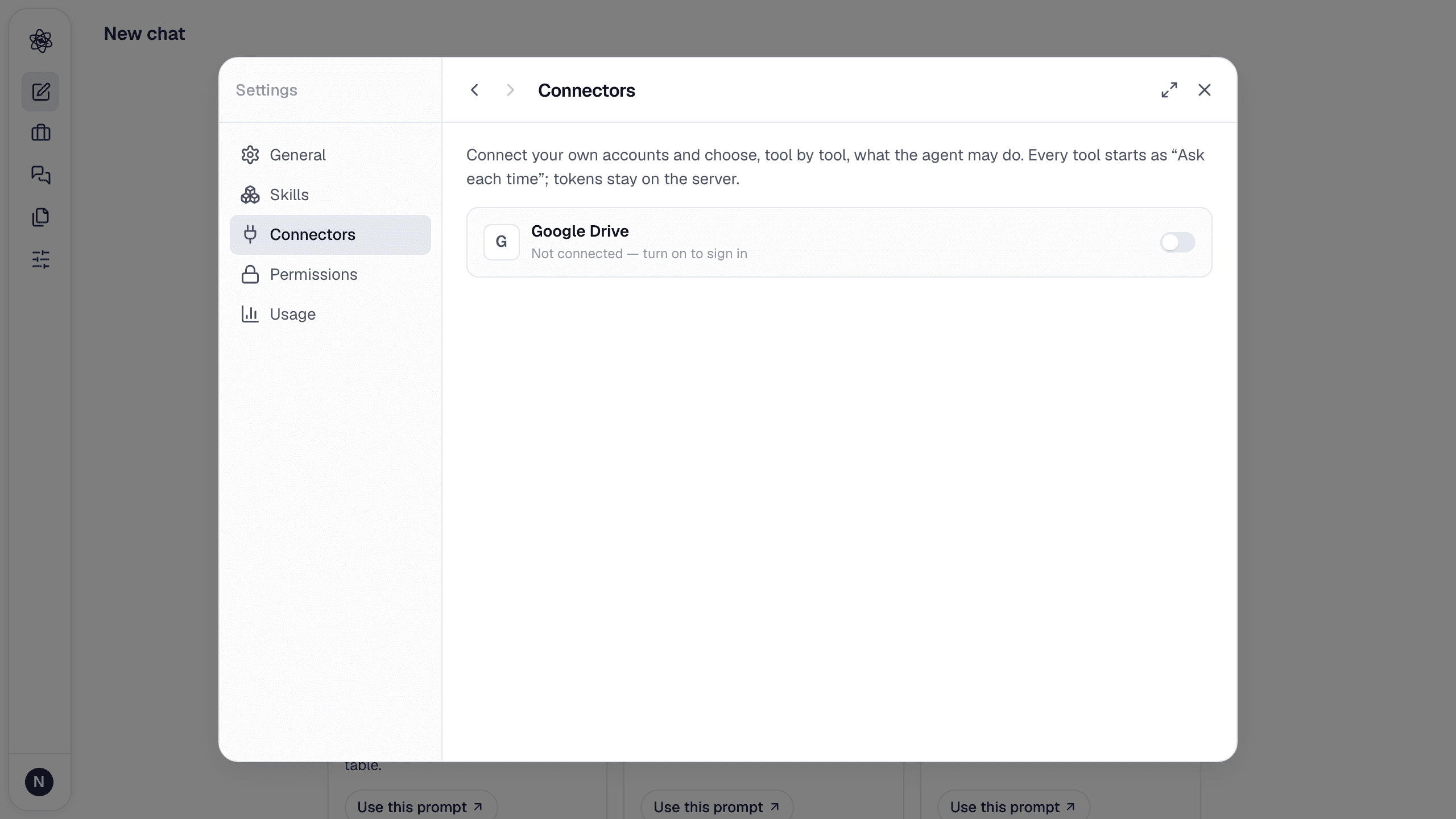
Open Customize → Connectors and turn on Zotero. On neutropic.io this opens Zotero's own approval page: sign in, review the permissions (library access, notes, write access, group libraries — untick anything you don't want), and approve. You land back in Neutropic with your username shown; the access key is stored encrypted on the server and Disconnect deletes it.
If a self-hosted server has no Zotero app registered, the switch opens a small dialog instead: create a key at zotero.org/settings/keys/new (allow library access; add write access if the agent should save items; choose group access for group libraries) and paste it. Either way nothing is installed in Zotero itself — the connector talks to the Zotero web library, so sync your desktop library for the latest items.
Permissions, tool by tool
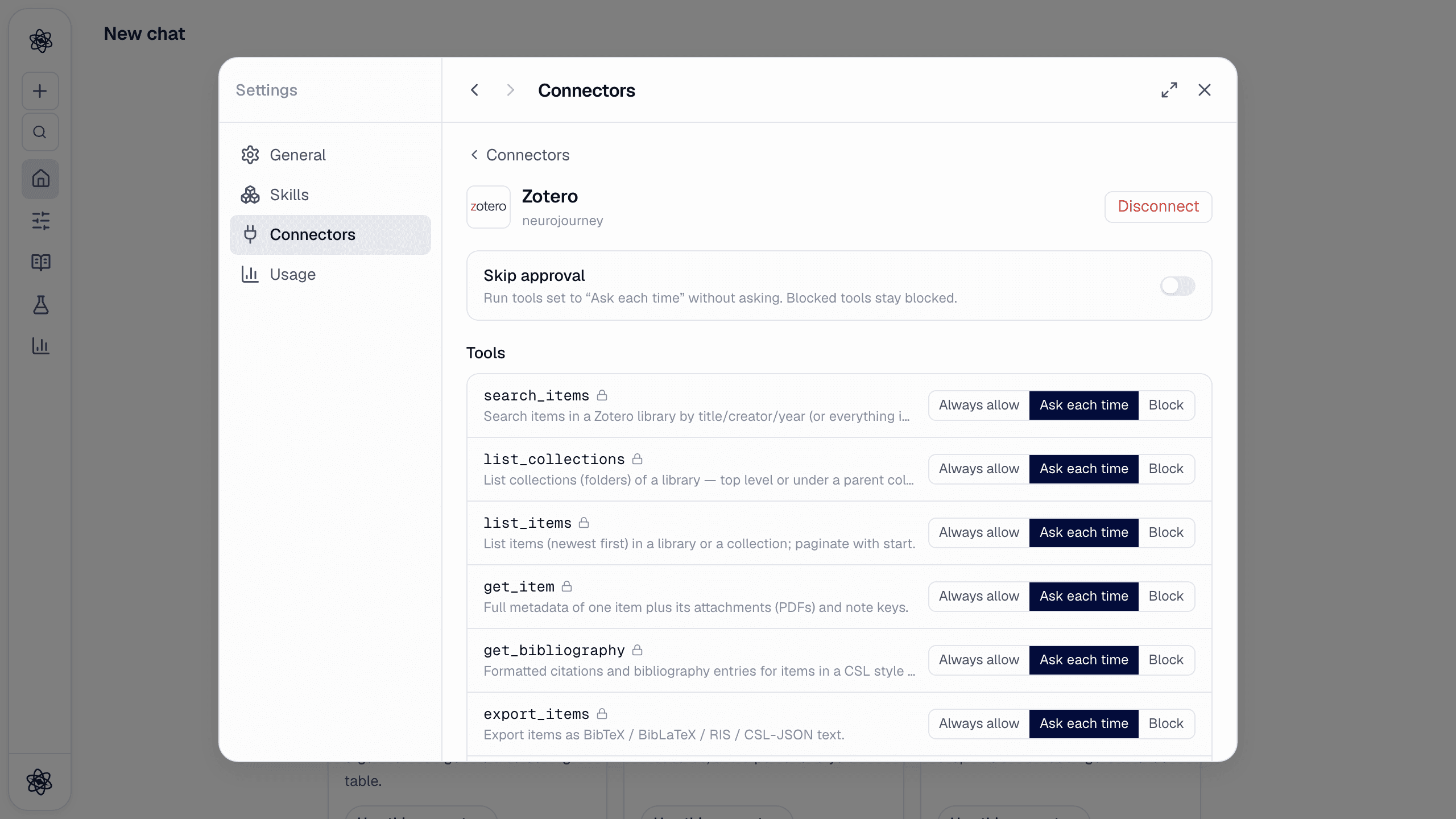
Every tool starts as Ask each time. If the key has no write access, the writing tools start Blocked.
| Tool | Does |
|---|---|
search_items · list_collections · list_items · get_item · list_groups | Find items by title/creator/year (or full text), browse collections and group libraries |
get_bibliography · export_items | APA/Chicago/… citations and bibliography entries; BibTeX, BibLaTeX, RIS, CSL-JSON |
import_attachment | Bring an item into the session: its PDF as an upload (readable, citable), or metadata + abstract + Zotero's full-text index as Markdown |
add_items · save_session_sources · create_collection · add_tags | Write: create items, save this session's literature sources ([n] references) into a collection, make collections, tag items |
Use it in a chat
- "Find the HRV papers in my Zotero and import the three most recent PDFs" → search →
import_attachment→ the PDFs are session files you can ask about and cite. - "Give me an APA bibliography for the items in my 'Stress studies' collection" →
get_bibliography. - "Save the sources from this literature review to Zotero in a new collection called Review 2026" →
create_collection+save_session_sources.
Pick from the composer
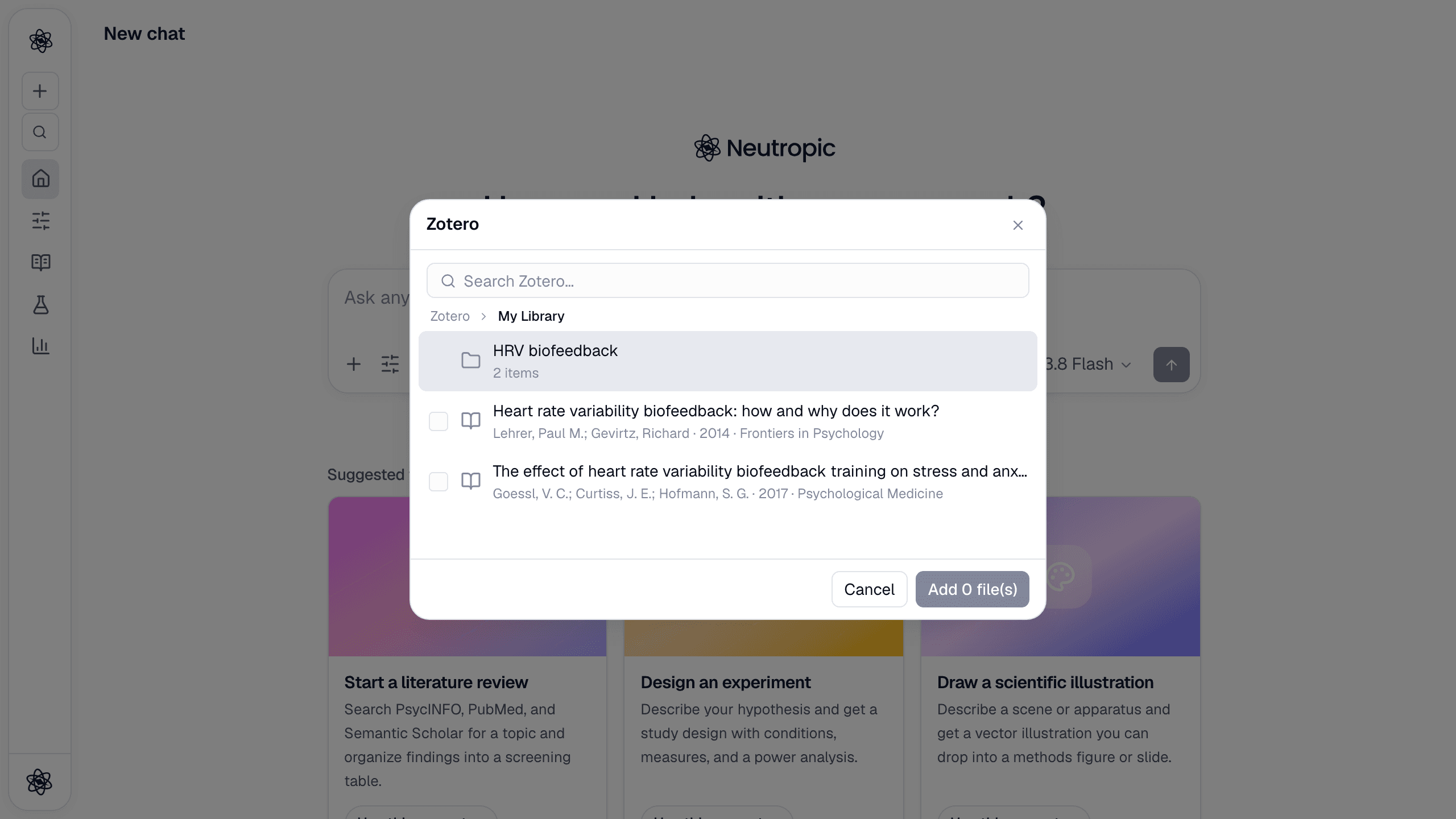
With the connector active, the + menu → Connected apps → Zotero shows your library as a tree — My Library and each group at the root, then collections and items. Tick items to import them (PDF when there is one, otherwise metadata). Typing in the search box switches to search results.
Trouble? See Connector authorization.