Start
text
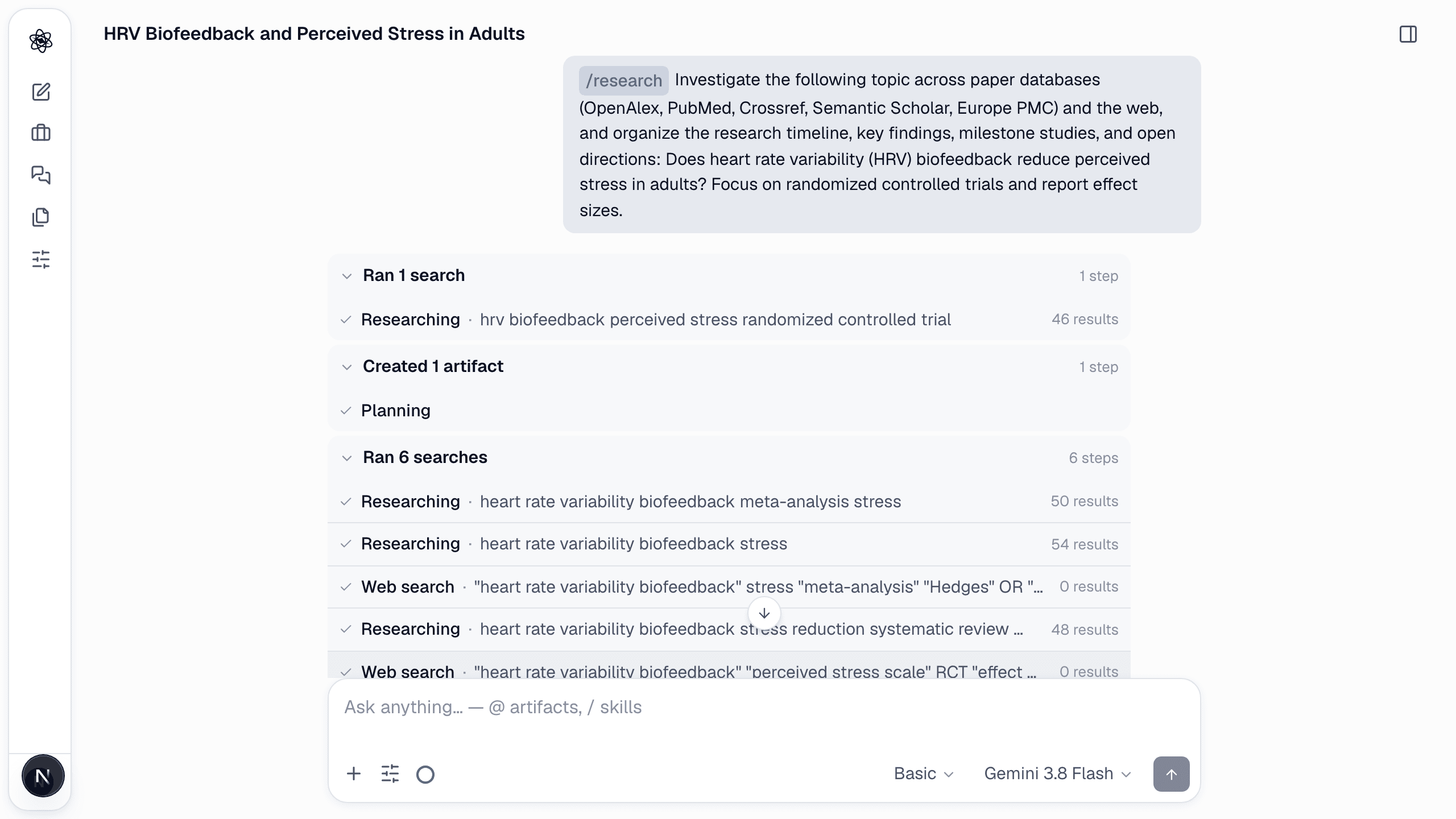
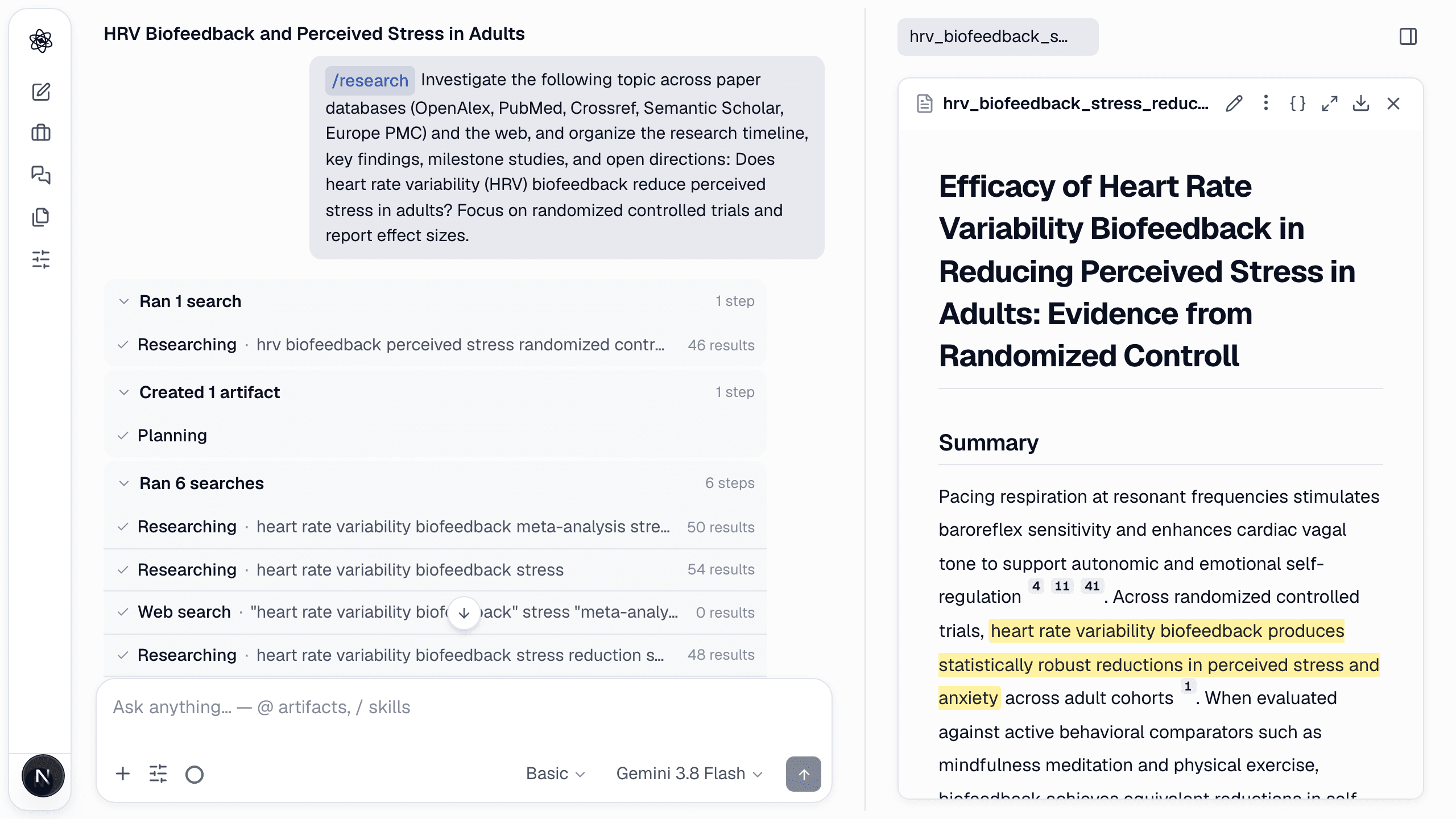
/research Does heart rate variability (HRV) biofeedback reduce perceived stress in adults? Focus on randomized controlled trials and report effect sizes.
A good question names the population, the intervention or variable, and what you want emphasized (study designs, outcomes, time range).
What happens
- Scope from your question — no survey: the search starts immediately. Databases, years, venues and emphasis are taken from the question itself (defaults: all databases, no date limit); any assumption the agent had to make is stated in one line at the top of its summary.
- Search — parallel queries against OpenAlex, PubMed, Crossref, Semantic Scholar, Europe PMC and the web, with keyword tracks derived from your question.
- Screening — each candidate is kept or dropped against your question; the decisions are saved as a table you can audit.
- Synthesis — a report with numbered citations, plus a citation graph and a research mind map.
- Review — a reviewer checks that claims are supported by the cited sources before the turn ends.
What you get
<topic>_report.md— background, research landscape, key findings with effect sizes when reported, milestones, open questions, references.literature_screening.csv— every candidate with the include/exclude decision and reason.<topic>_citation_graph.svgand<topic>_research_mindmap.svg.
Steer it
- Narrow or widen: "restrict to 2018–2026", "include grey literature", "only RCTs".
- Ask follow-ups in the same session: "which of these trials measured HRV coherence?" — the agent uses the screened corpus first.
- Effort: Lite gives a sourced chat answer without a report (cheapest); Basic writes a 3–4 section report; Deep searches without a cap and writes a longer report. See Effort levels & models.
- Patents —
/patents <topic>runs the same pipeline against patent databases and adds a filing-trend chart.
Walkthrough with screenshots: Literature review, step by step.