The Reproducibility button
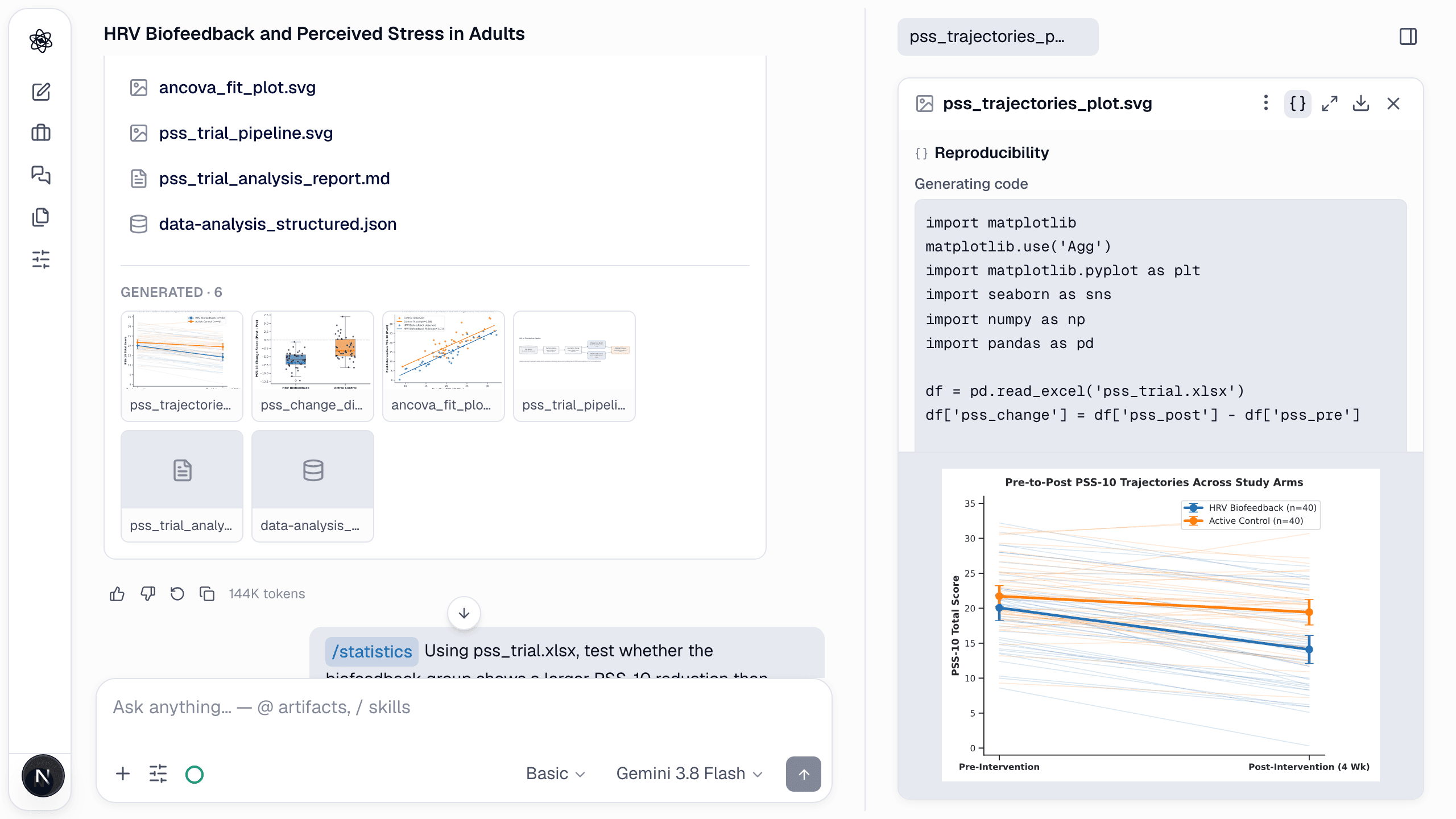
Open an artifact produced by code — a plot, a table, a statistical report — and press Reproducibility in the panel header. The pane shows:
- Code — the exact Python that produced the artifact, runnable as is.
- Provenance — the datasets it read and their data version, the agent run, the content hash, and when it was captured.
- Environment — the Python version and platform of the kernel that ran it.
- Revisions — every later version of the artifact and what changed.
Re-run and modify
Copy the code into the composer with a change ("use a log scale") and the agent re-runs it against the same inputs, producing a new revision. Because analysis steps are code rather than descriptions, a colleague can reproduce the result outside Neutropic with the same data.
The analysis record
Analysis and statistics reports end with a Code section listing every step in order — inspection, cleaning, transformation, tests — so the report itself documents the pipeline.
Export
- Artifacts — download from the panel header, or from the Artifacts page.
- Manuscripts — Markdown, DOCX, LaTeX, PDF with numbered
[n]citations as written. - Figures — SVG, PNG, PDF, PPTX.
- Tables — CSV.
Data handling
Uploads and artifacts are stored under your account; the built-in kernel runs in an isolated sandbox per session. With the desktop app and local models (being prepared for release), files will never leave your machine. See Usage & storage for retention and quotas.