Connect
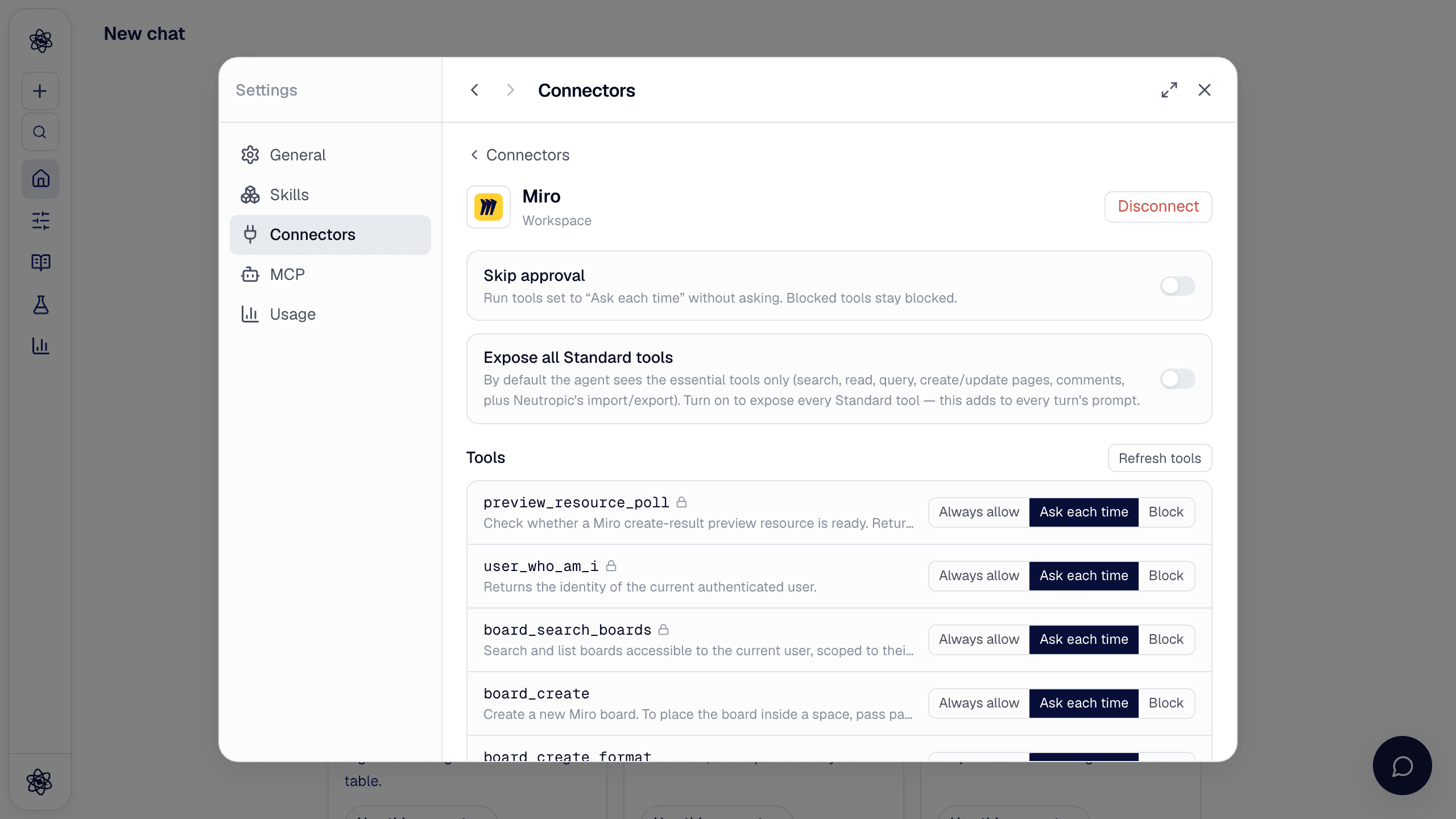
Open Customize → Connectors and turn on Miro. Miro's own page asks you to pick a team and allow access to your boards; approve and you land back in Neutropic. Neutropic talks to Miro's official MCP server, which works on every Miro plan including free teams; there is nothing to register on Miro's side. Tokens are stored encrypted on the server and Disconnect deletes them.
Permissions, tool by tool
Every tool starts as Ask each time. Miro offers about 45 tools, so the agent sees the 11 it needs by default; Expose all Standard tools on the connector page shows the rest (tables, images, spaces, comment replies). Tools that share boards, change roles, move or restore boards, change the structure of spaces and sections, or create prototypes are blocked and hidden until you allow them.
| Tool | Does |
|---|---|
board_search_boards | Find and list the boards you can access |
canvas_search · canvas_read_as_svg | Read what is on a board: frames, sticky notes, text and shapes |
canvas_get_canvas_composer_skill · canvas_create_from_svg | Add sticky notes, text or a diagram to a board |
comment_list_comments · comment_create | Read comments and add one |
board_create · board_create_format | Create a new board, or a table, timeline or kanban on one |
Use it in a chat
- "Summarize what's on our 'Pilot study' board" →
board_search_boards→canvas_search. - "Add the study flow — recruitment, pre-survey, Stroop task, post-survey, analysis — as sticky notes on the 'Neutropic test' board" →
canvas_create_from_svg. - "Leave a comment on the board that the consent step is missing" →
comment_create.
Board search matches single words better than full titles; if a board is not found, ask for the list of your boards. Arrows between notes are not placed automatically.
Trouble? See Connector authorization.