Before you delete
- Download what you need. Deletion removes all sessions, uploads and artifacts. Export manuscripts and figures from the artifact panel first.
- Cancel a paid plan first from Upgrade plan (or
/plan) so no further charges are made. - Disconnect connectors if you want to revoke Google Drive, Notion, Zotero or GitHub access explicitly — deletion revokes it anyway.
Delete
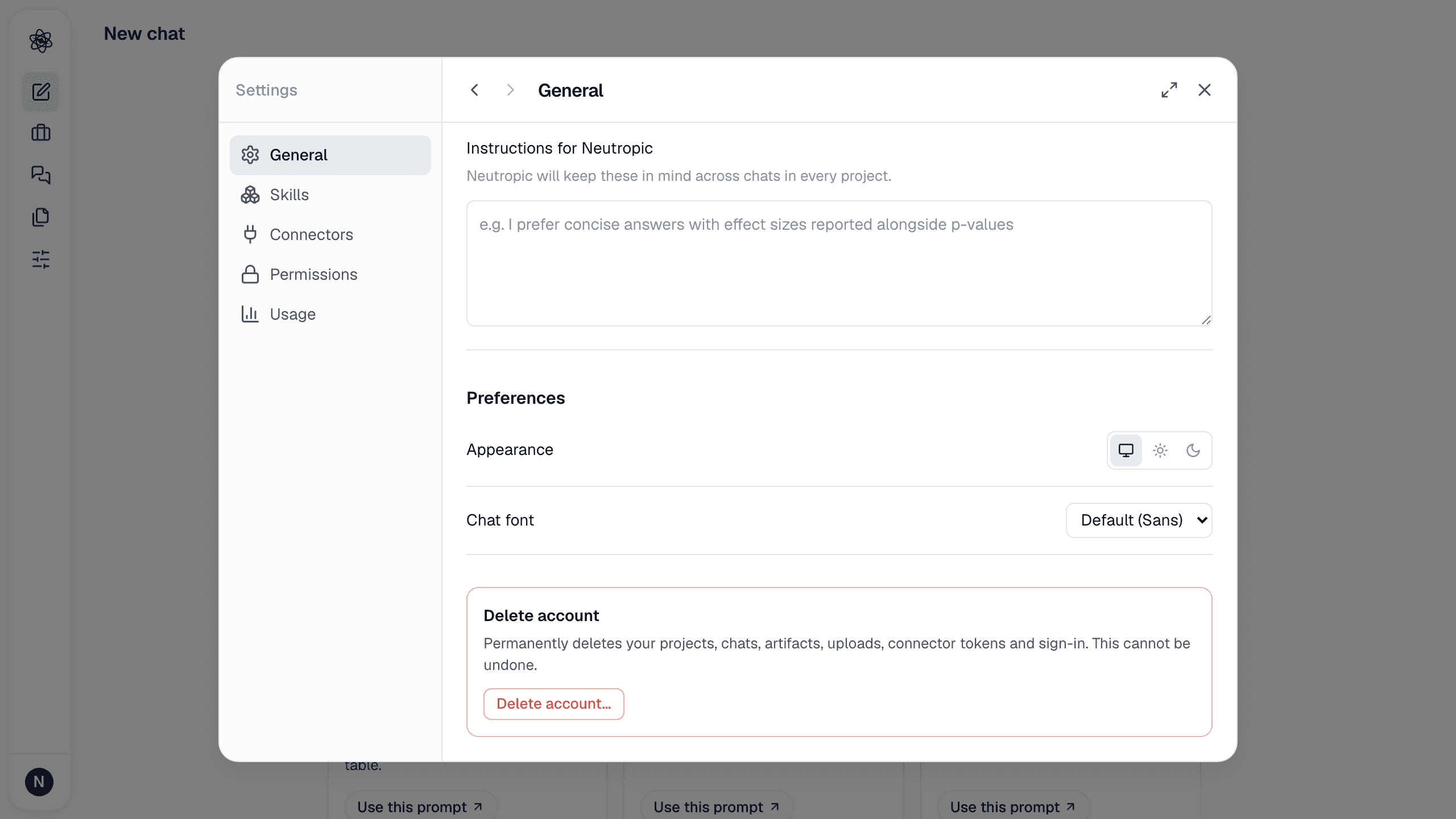
- Open Customize → General and scroll to the bottom.
- Press Delete account, type
DELETEto confirm, and confirm again. - You are signed out and returned to the sign-in page.
What is removed
Your profile, sessions, uploads, artifacts, memory, custom skills, connector tokens, credentials and usage history. Billing records required by law are kept by the payment provider. Deletion is immediate and cannot be undone.