1. Start a new chat
Press New in the sidebar (clicking the logo does the same). The composer at the bottom accepts a plain question, a slash command, or a file.
Type / to see the workflow commands. For a literature review, choose /research and finish the sentence:
/research Does heart rate variability (HRV) biofeedback reduce perceived stress in adults? Focus on randomized controlled trials and report effect sizes.
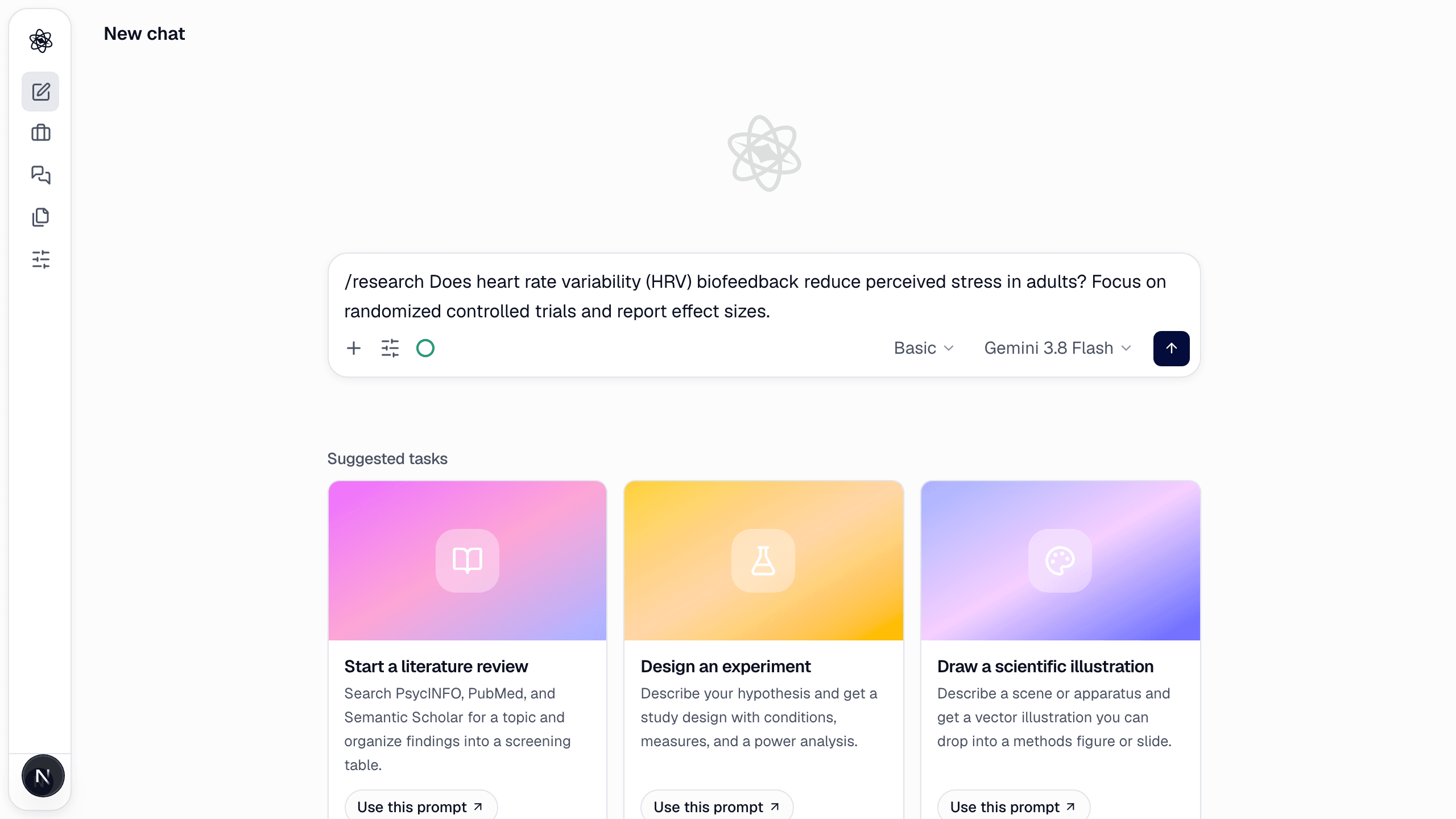
You don't have to use a command — "Search the literature on X and summarize the evidence" runs the same skill. Commands just make the intent explicit.
2. Say what matters in the request
The turn starts as soon as you send it — no questions first. Whatever the request leaves open (databases, date range, emphasis) the agent settles itself and states in the first line of its summary, so if you care about a setting, put it in the request: "RCTs only, 2015–2026, report effect sizes". See Confirmation cards for the one card that can still pause a turn.
3. Watch the turn run
The progress card shows what the agent is doing — searches, screening, code — and which step it is on. A typical literature turn takes three to six minutes at the default Basic effort. You can keep typing in other chats meanwhile; the turn keeps running on the server, and you'll be able to come back to it.
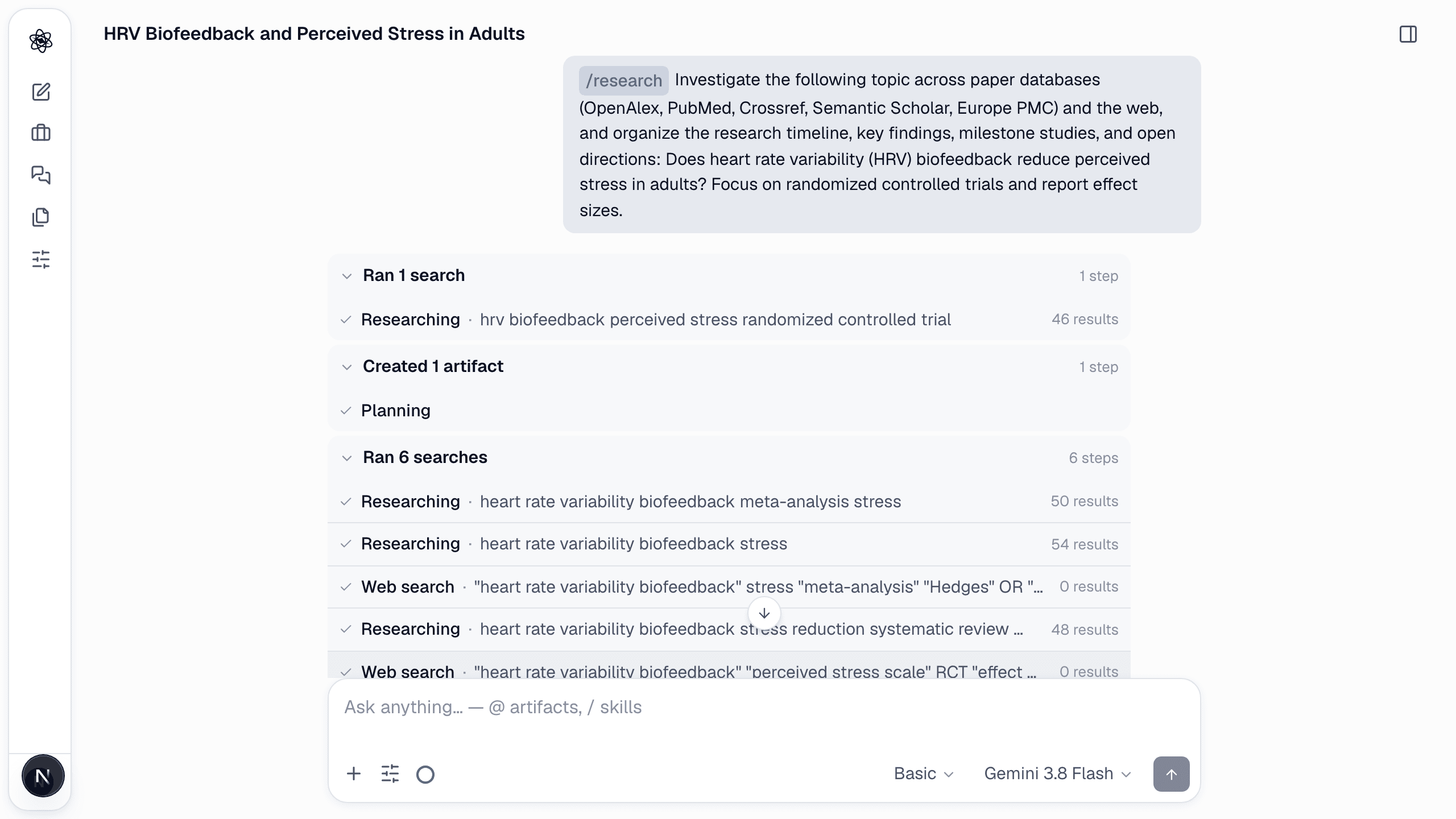
To stop a turn, press Stop on the composer. Partial results are kept.
4. Open the artifacts
When the turn ends, the answer summarizes the findings and lists the artifacts it created. Click any of them to open the artifact panel on the right — the report renders with numbered citations, tables sort, figures zoom.
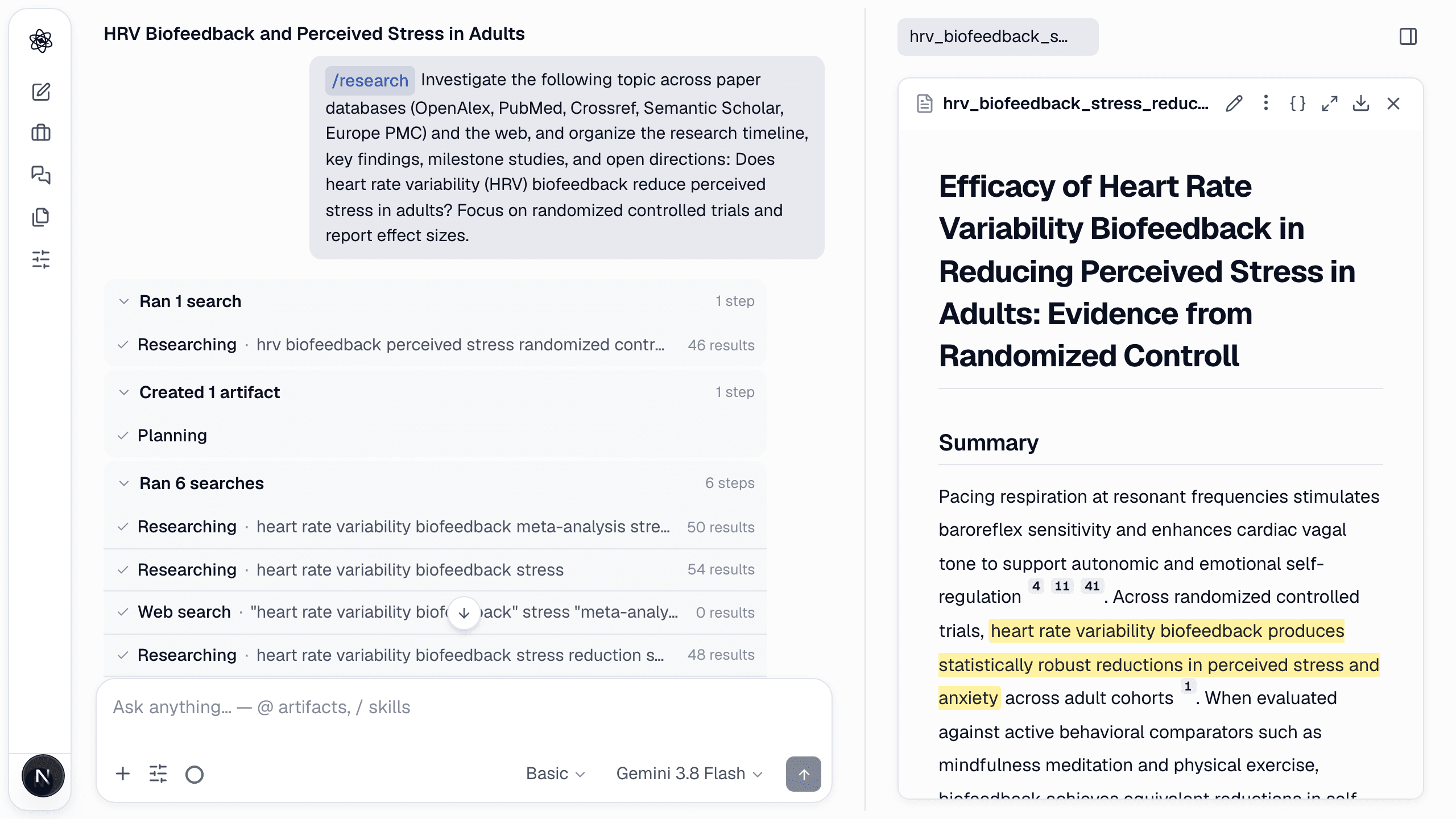
5. Continue in the same session
Each following turn sees everything above it. Try:
/hypothesis— map the research space and rank testable hypotheses from this literature.- "Design a two-arm randomized experiment to test this" — a design report with protocol flow and power analysis.
- Upload a dataset and
/analyzeit.
Next: Upload data & reference it.