Connect
- Open Customize → Connectors and turn on the Google Drive switch (Not connected — turn on to sign in).
- Sign in with Google and approve the requested access. Neutropic asks for the
drive.filescope — access to only the files and folders you pick in Google's file picker (plus files Neutropic creates) — and your email address to identify the account. It never sees the rest of your Drive. - You land back on the connectors list with the connection marked active.
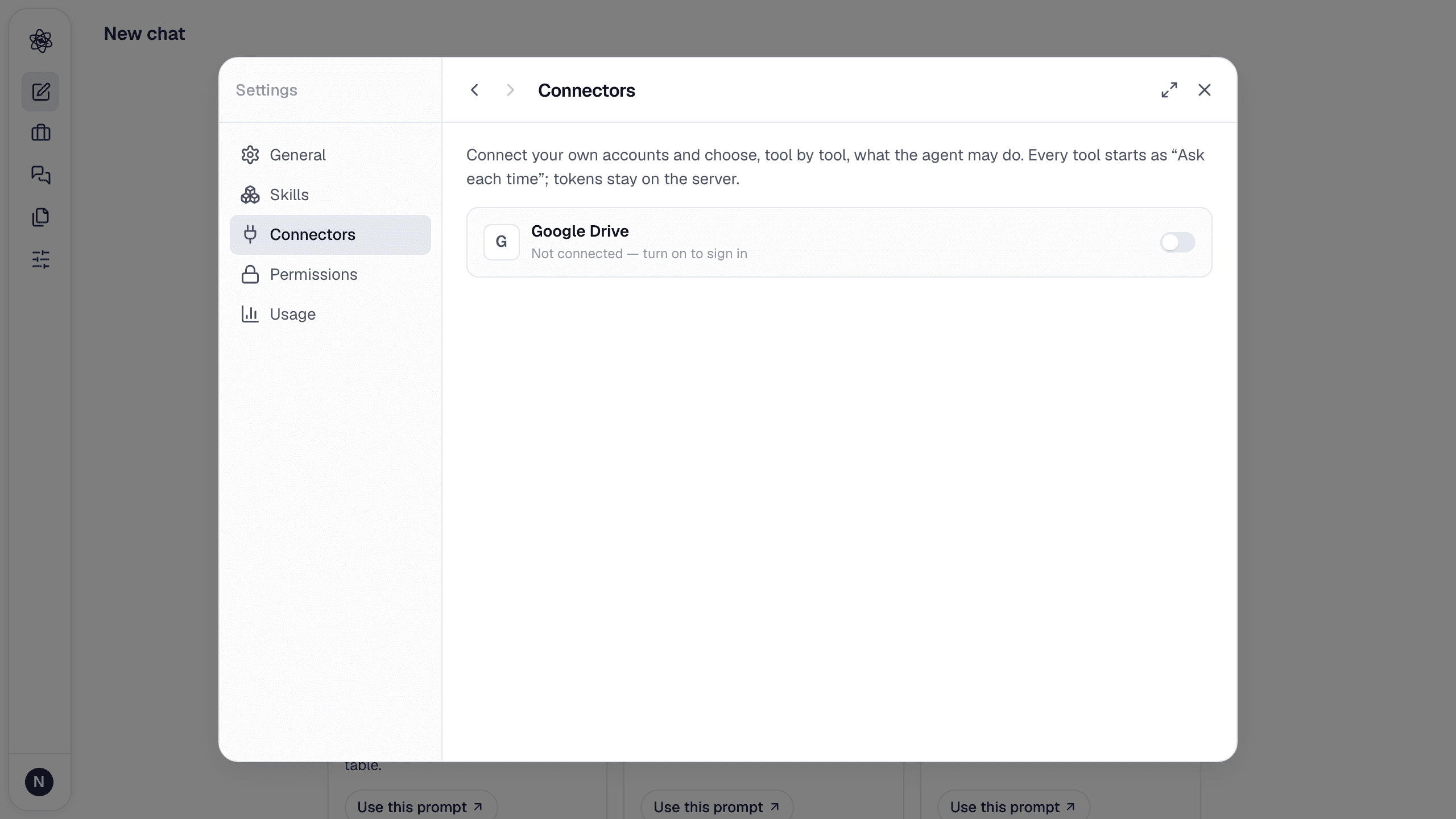
Tokens are stored encrypted on the server and are only used when a turn calls a Drive tool. Disconnect at any time from the same page; the token is deleted.
Permissions, tool by tool
Every Drive tool starts as Ask each time: when the agent wants to use it, an approval card appears in the chat and nothing happens until you allow it. Change a tool to Always allow or Block in the connector's detail view. Skip approval runs all Ask tools without asking; blocked tools stay blocked.
| Tool | Does |
|---|---|
| Search files · List recent | Find files by name or content, list recently changed files — among the files and folders you have picked |
| Read file · Download | Read a Google Doc/Sheet or download a file into the session |
| Create file · Update file | Write a new file (for example an exported report) or update one the agent created |
| Sheets read · write · tabs | Read a range of a Google Sheet as rows (optionally saved as a CSV dataset), write or append rows, list tabs |
| Docs append · replace text | Append a section (Markdown headings become Docs headings) or find-and-replace in a Google Doc |
| Slides read · create | Read a deck's outline, or build a deck from a Markdown report (H1 → title slide, H2 → one slide each) |
| Copy · Trash · Share · Permissions | Housekeeping and sharing — ask-only by default |
Import files into a session
With the connector active, the composer's + menu lists Google Drive under Connected apps (hover on desktop, tap on touch screens). Choose from Google Drive… opens Google's own file picker; whatever you select there (files or whole folders) becomes visible to Neutropic. The list below it shows the files already shared with Neutropic, searchable; pick several and they are imported as session uploads and attached to your message as @ references. If the agent reports that a file is missing, pick it (or its folder) in the picker and ask again.
The Artifacts page also gets a Connectors → Google Drive filter to browse Drive files, with Import to new chat and Open in Google Drive on each card.
Privacy
What Neutropic does with Google user data is described in the privacy policy (section 4): data is used only to perform the actions you ask for, is never sold or used to train models, and is deleted when you disconnect. The app complies with the Google API Services User Data Policy, including the Limited Use requirements.
Other connectors
API tokens for research platforms the search and survey skills can use on your behalf — Qualtrics, REDCap, Scopus, Web of Science, KCI, PatentsView — are coming to Customize (Credentials). Open databases (PubMed, OpenAlex, Crossref, Semantic Scholar, Europe PMC, arXiv, ERIC, Google Patents) need no token. Notion, Zotero and GitHub are available too; other connectors are planned — see the changelog.
Trouble? See Connector authorization.