Effort levels
The Agent control in the composer sets the effort for the next turn. The default is Basic.
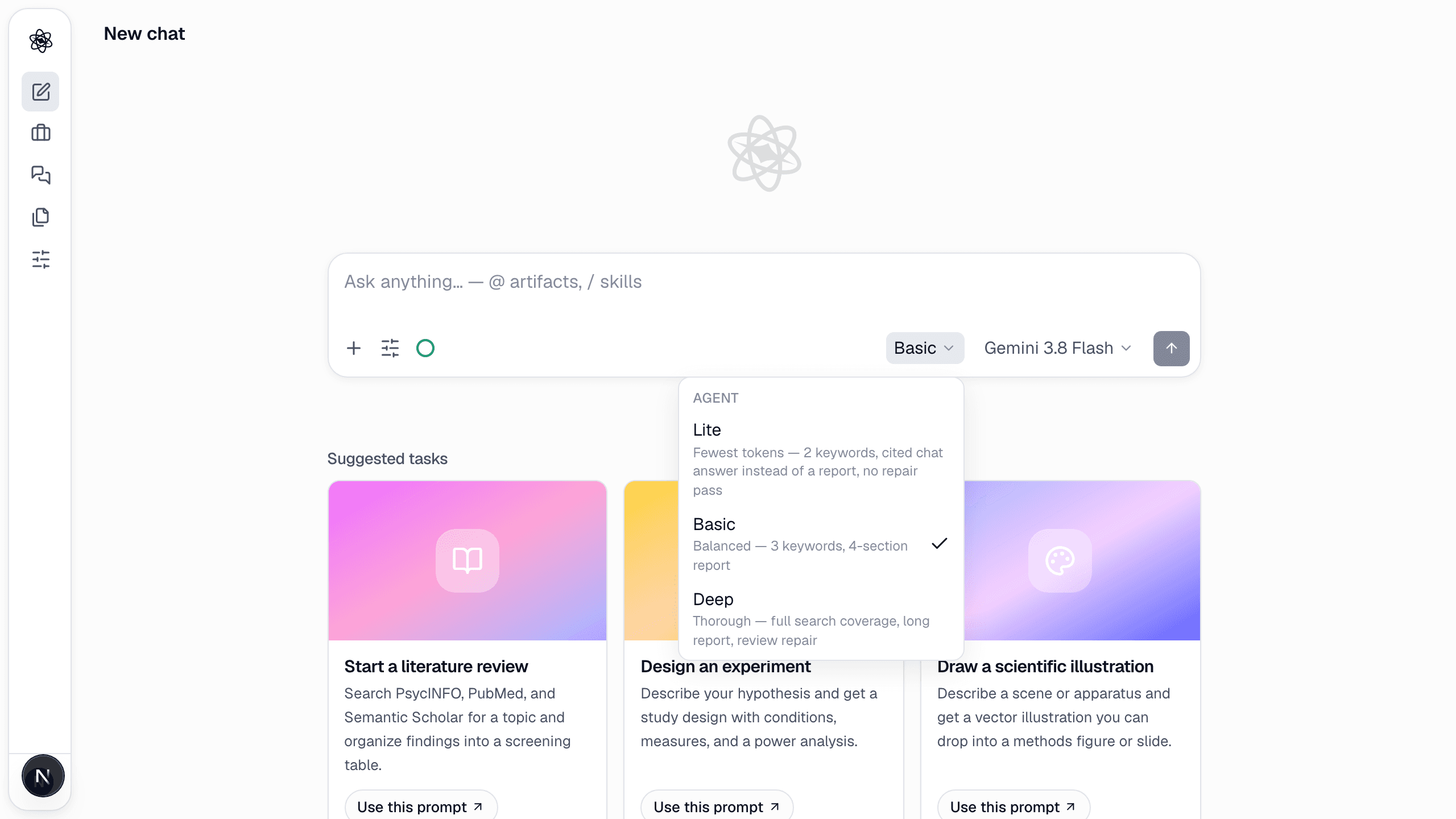
| Lite | Basic (default) | Deep | |
|---|---|---|---|
| Searches per turn | up to 4 | up to 8 | unlimited |
| Sub-agents (parallel delegation) | no | yes | yes |
| Report | none — a sourced chat answer is the deliverable | 3–4 section report | 3–6 section, longer report |
| Coverage checks and gap planning | off | on | on |
| Review repair | off | on | on, with re-runs |
| Steps per turn | 14 | 40 | 64 |
| Illustration quality | draft | standard | publication |
| Typical literature turn | ~150K tokens | ~400–500K | ~800K+ |
Use Lite for quick questions and orientation, Basic for day-to-day research turns, Deep for the final pass on something that matters. The level applies to the whole turn, including report synthesis and review.
Models
The Model control chooses the model for the next turn. Gemini, Claude, ChatGPT, DeepSeek and Kimi models run on your plan's managed tokens; the bars next to each model show how fast it uses the allowance (one bar light, two standard, three heavy). Models marked premium are not selectable on the Free plan; every paid plan can use every model. The Agent menu shows an estimate of the tokens each effort level will use with the selected model, and the share of this week's tokens.
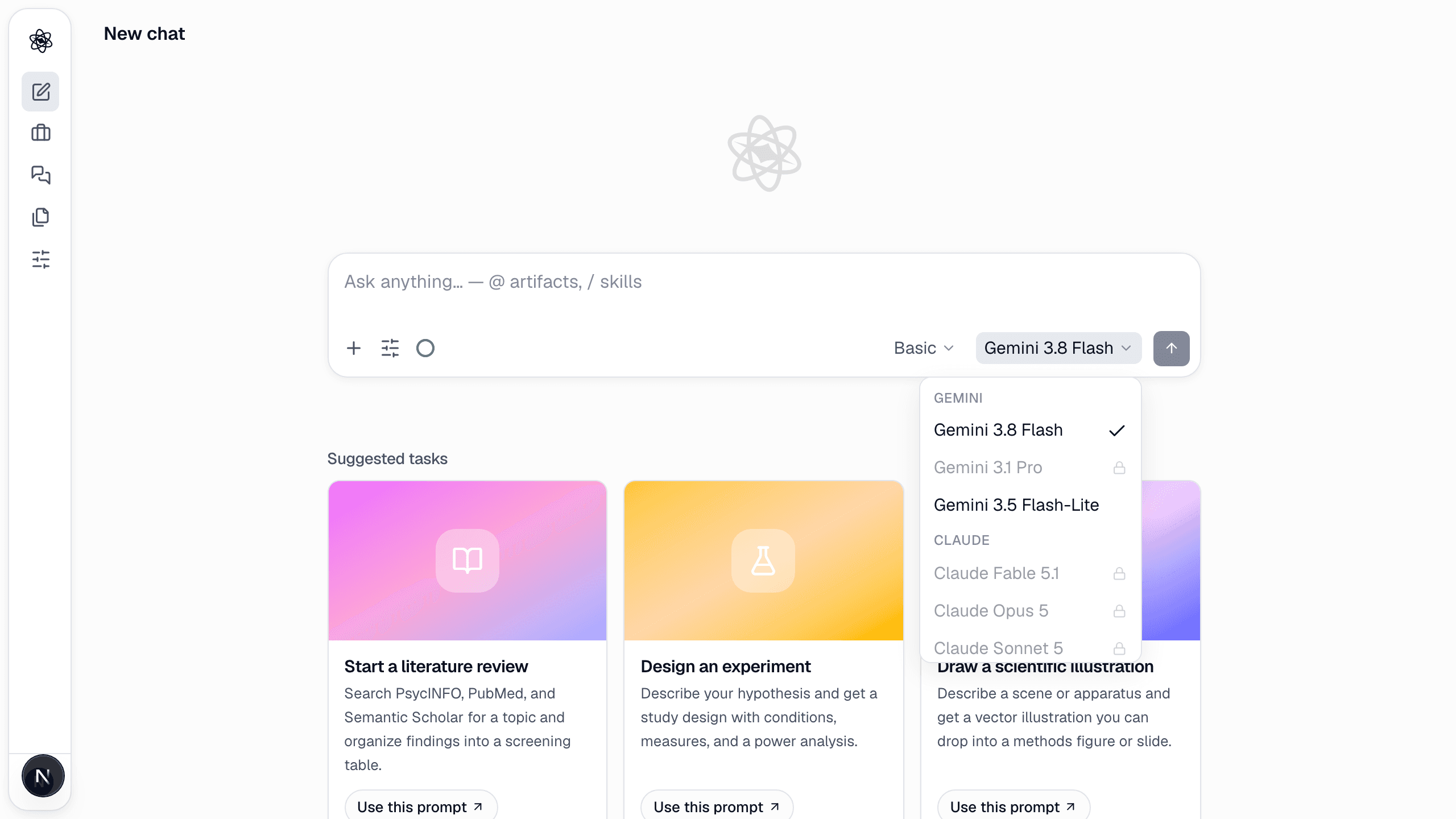
When you don't pick a model, the router picks a tier per task: a stronger model for research and writing, a faster one for analysis code. Lite drops one tier to save tokens.
Local models (desktop app)
Local models will be available once the desktop app, now being prepared for release, launches. In the browser, turns run on cloud models.
In the desktop app (macOS and Windows) a turn can run on a model that lives on your computer. Open Customize → Local AI — the panel is desktop-only — and either install the runtime (llama.cpp, downloaded once) plus a model from the recommended list, or point Neutropic at an Ollama, LM Studio or any OpenAI-compatible server you already run. Installed models then appear in the composer's Model menu under On this device; in the browser and on mobile that group is not available.
The recommended list is sized to your computer's memory: 8–16 GB of RAM suits a 4B-class model, 24–32 GB an 8B–20B-class, and 64 GB or more a 30B-class model.
- Never billed. Local turns use no managed tokens and work on every plan, including Free.
- Lite and Basic. Both effort levels are available; Deep is not available on local models yet — a Deep turn runs as Basic with a notice.
- Slower than the cloud. The first step of a turn can take a while as the model processes the prompt; later steps are quicker. If the local model fails (out of memory, app closed mid-turn), the chat offers Retry with a cloud model.
- Where your data goes. The model runs on your computer. Prompts and tool observations pass through Neutropic servers in memory to reach it, but no third-party AI provider receives your data. Your original files are still read only on your device, as with every desktop turn.
- Sensitive projects. With a local model selected, everything — including routing and summaries — stays on the local model. In other projects, the Use cloud for routing & summaries (uses managed tokens) toggle in the Local AI panel can send those small helper calls to a fast cloud model instead; it is off by default.
Your own API keys
Turns that run on your own provider keys (Gemini, Anthropic, OpenAI) will likewise be never counted against managed tokens — unlimited on every plan, including Free. The per-account settings for adding keys will come with the desktop app, which is being prepared for release; until then, cloud turns run on managed tokens. Watch the changelog.
Research-platform tokens (Scopus, Web of Science and similar) for the search skills are coming to Customize as well; open databases need none.
Managed tokens
Cloud turns are counted in managed tokens at a standard model's rate: lighter models stretch your allowance further, heavier models use it faster. Each answer shows the tokens it used; the profile menu and Customize → Usage show the month's balance, the daily cap and a per-session breakdown. See Plans & tokens.