Two kinds of code
- Promotion codes add managed tokens to your balance. Redeem them from the profile menu → Promotion. The grant appears under Customize → Usage as Promo tokens, and the code's tokens are usable immediately, on top of your monthly allowance.
- Discount coupons reduce the price of a plan. Enter them in the same place — profile menu → Promotion. Neutropic recognises which kind of code you entered: a coupon opens the plans page with the discount applied to eligible plans, a banner at the top showing the discount, and a countdown. The discount can be used for 24 hours from the moment you enter the coupon; during that window the plans page (profile menu → Upgrade plan) opens with the discount already applied, and after 24 hours the coupon is reported as expired. There is no coupon field in the payment window.
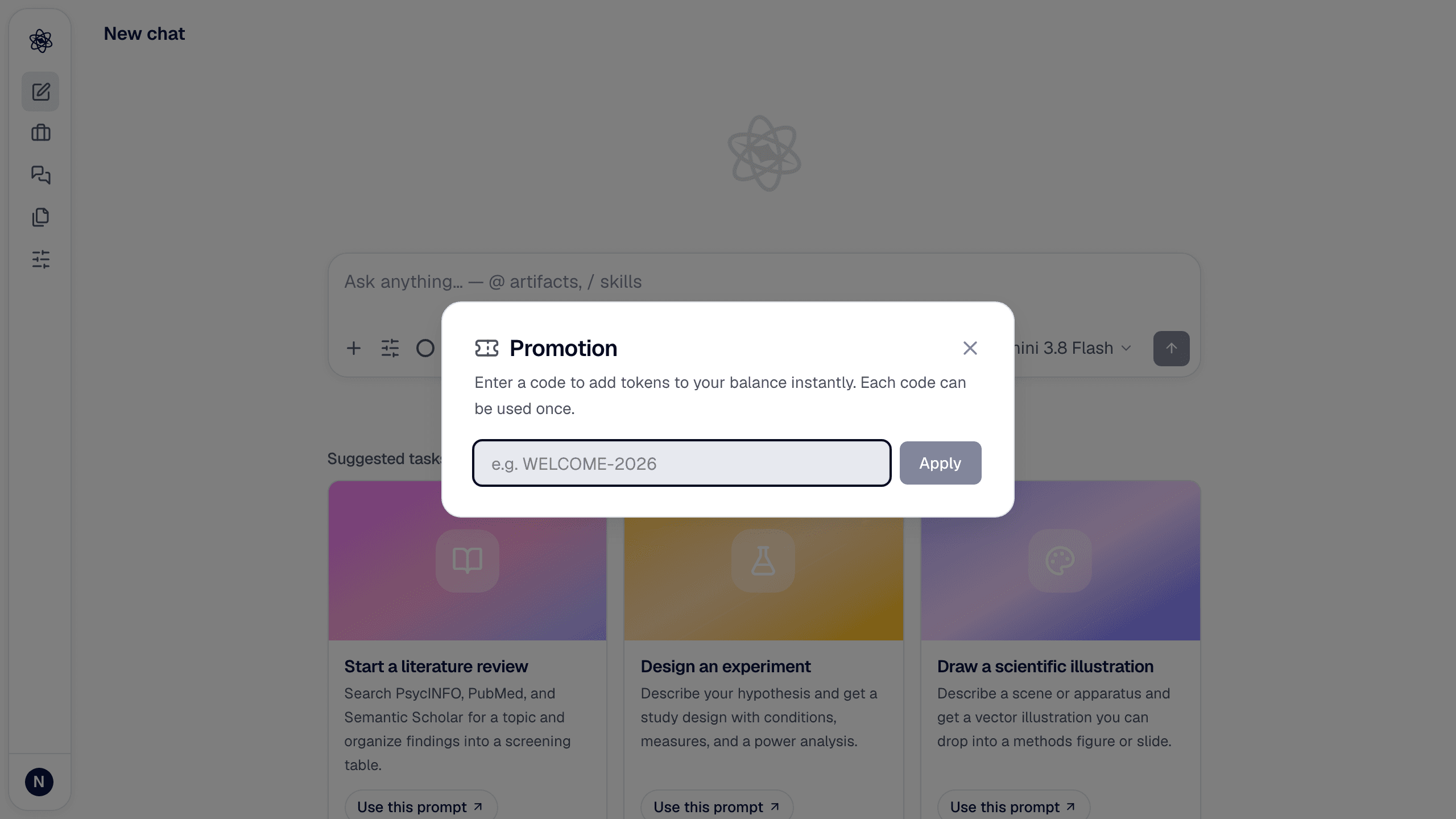
Codes are 3–32 letters and digits (case doesn't matter), and each can be redeemed once per account. A coupon applies to the checkout you start from the discounted plans page, and to plan changes made from it if you already have a paid plan. Some have an expiry date or a limited number of uses; an expired or exhausted code is refused with a message that says why.
Problems
- "Invalid code" — check for confusable characters (0/O, 1/l); codes contain only letters and digits.
- "Already redeemed" — each account can use a code once.
- "This coupon expired" — the 24-hour window after you entered the coupon has passed.
- The tokens don't show — refresh the Usage page; grants are recorded within a few seconds.