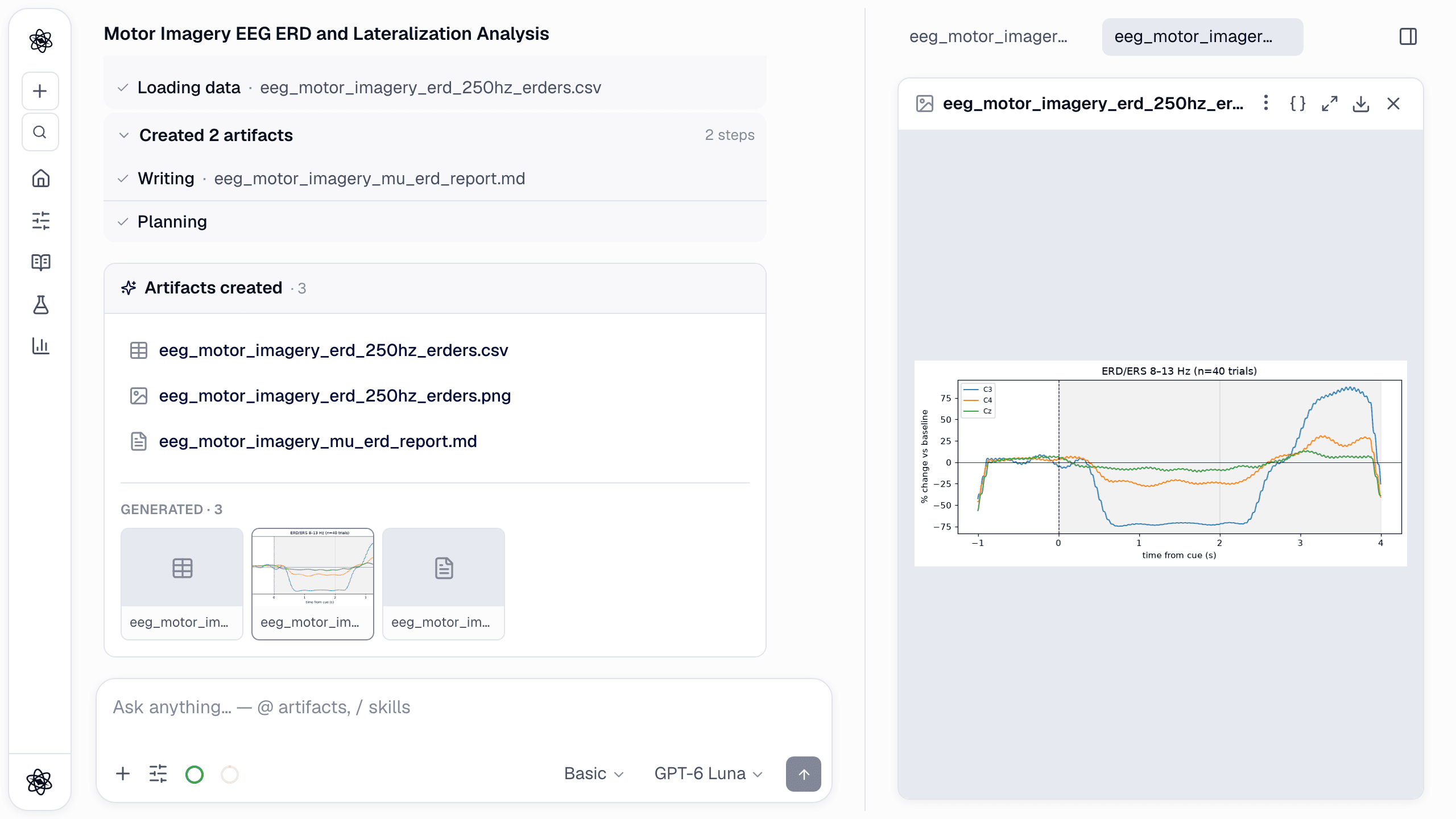
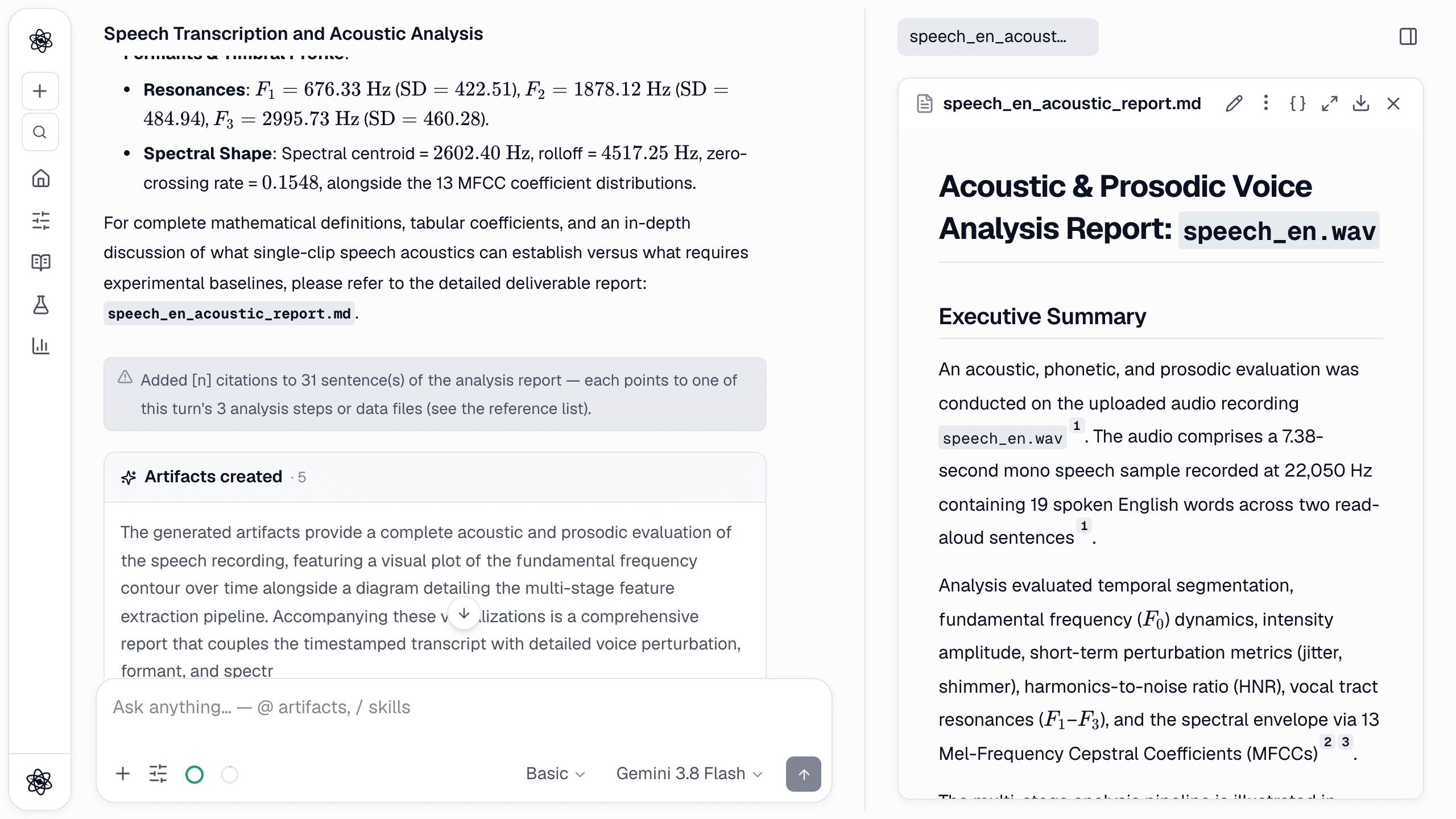
How people hold their bodies says a lot about a task. Posture shows whether a workstation fits, how much a person moves during a session, and whether a participant leans in or turns away. Measuring it has usually meant motion-capture suits or hours of manual annotation. For many questions, a single camera and a pose-estimation model are enough, as long as you know what a 2-D estimate can and cannot tell you.
Neutropic estimates body pose from photos and videos with the pose_estimate tool, and head orientation with face_expression. This post covers what they compute, what you get back, and where the limits are. The screenshots come from one new chat that measured a full-body photo and a portrait.
What you can upload
- Photos. PNG, JPG, WebP or BMP.
- Video. MP4, MOV, WebM, AVI, MKV or M4V. The in-app preview uses your browser's player, so H.264 MP4 is the safest choice for watching; the analysis decodes the file on the server either way.
/analyze Estimate the body pose in pose_yoga.jpg: joint angles, posture and a landmark overlay. Summarise the numbers briefly.
How the measurement works
The tool runs MediaPipe PoseLandmarker (the lite model) and finds 33 body landmarks, from nose and ears to shoulders, elbows, wrists, hips, knees, ankles and feet. Each landmark has a visibility score, and landmarks below 0.3 are dropped rather than guessed. From the rest it derives:
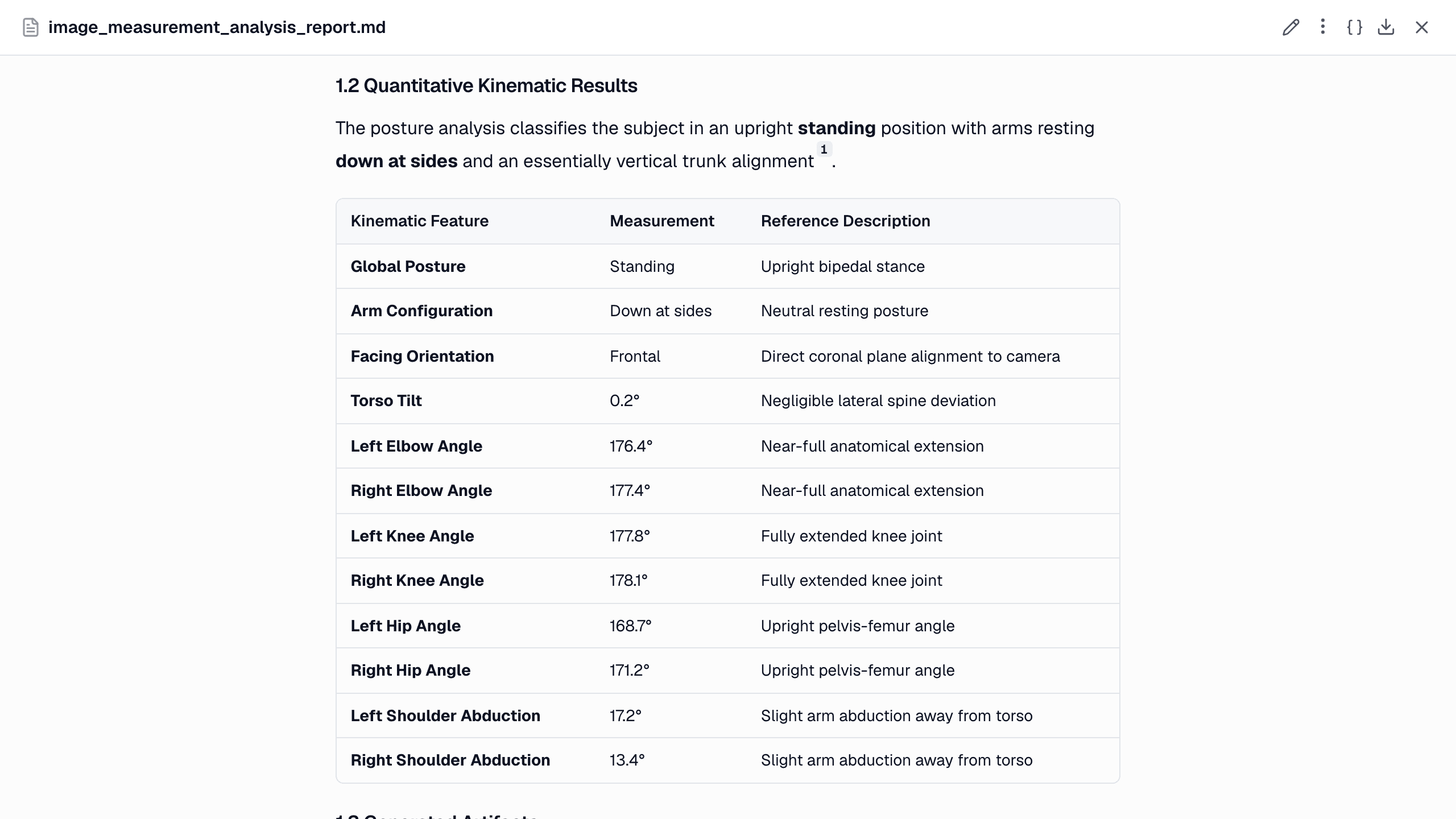
- Eight joint angles in degrees: left and right elbow, knee and hip, and left and right shoulder abduction (the angle between the upper arm and the trunk).
- Posture. Standing when knees and hips are both near straight (≥ 150°), sitting/squatting when both are clearly bent, bent/transitional in between, and unknown when the legs are not visible.
- Arm position. Raised, extended sideways or down at sides, from shoulder abduction.
- Torso tilt. The lean of the line from mid-hip to mid-shoulder, in degrees.
- Facing. Frontal, oblique or sideways/turned, judged from shoulder width relative to torso length.
For video, frames are sampled at 5 per second by default. On top of the per-frame values you get the share of time in each posture and arm position, the mean joint angles, and a mean frame-to-frame landmark displacement. The displacement is a coarse index of how much the person moves.
Head orientation comes from the face tool. face_expression returns yaw, pitch and roll in degrees for every frame with a face. For the portrait in this chat they were −5.7°, −8.5° and −1.5°, a face turned only slightly from the camera. See facial expression analysis.
What you get back
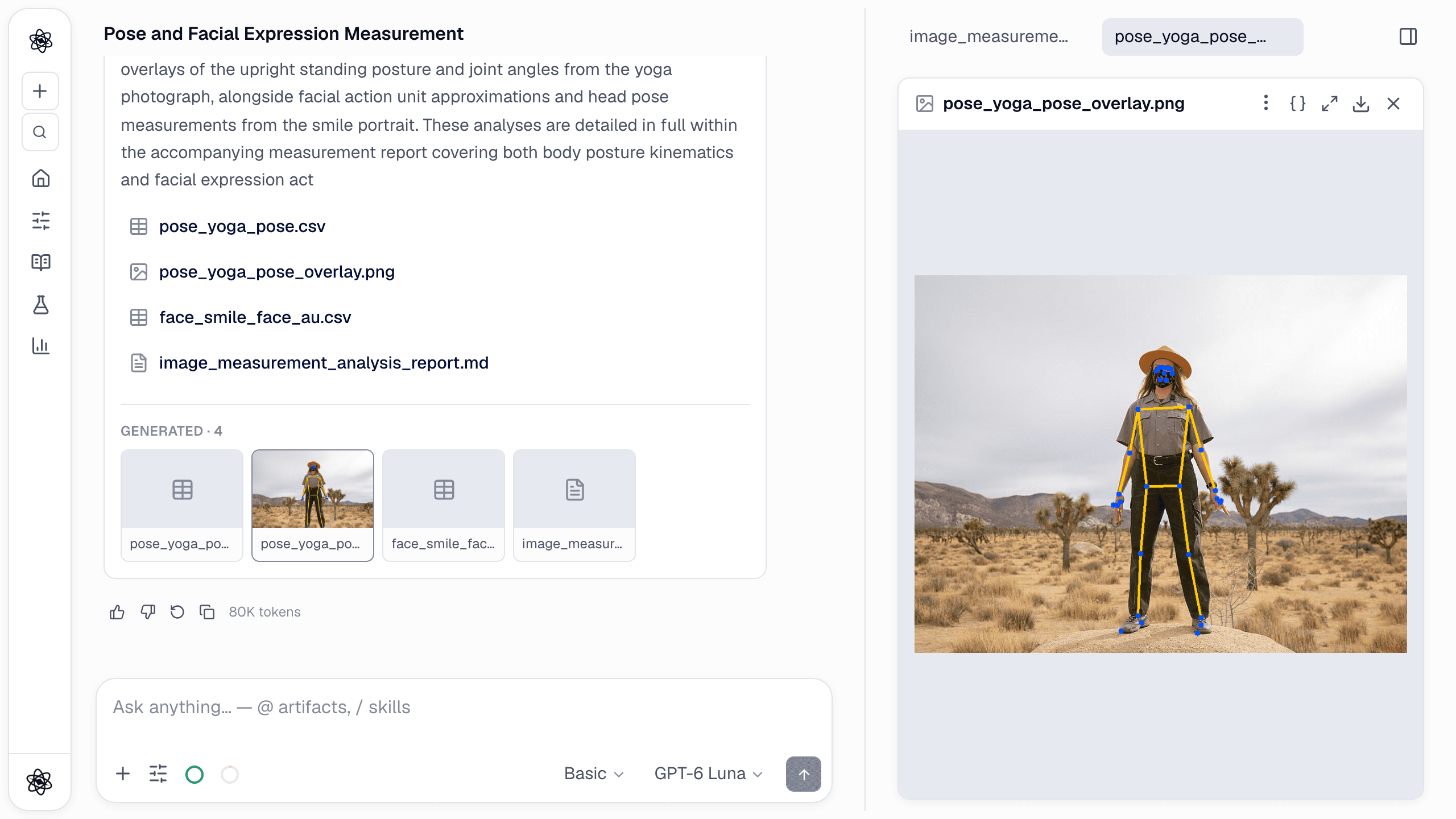
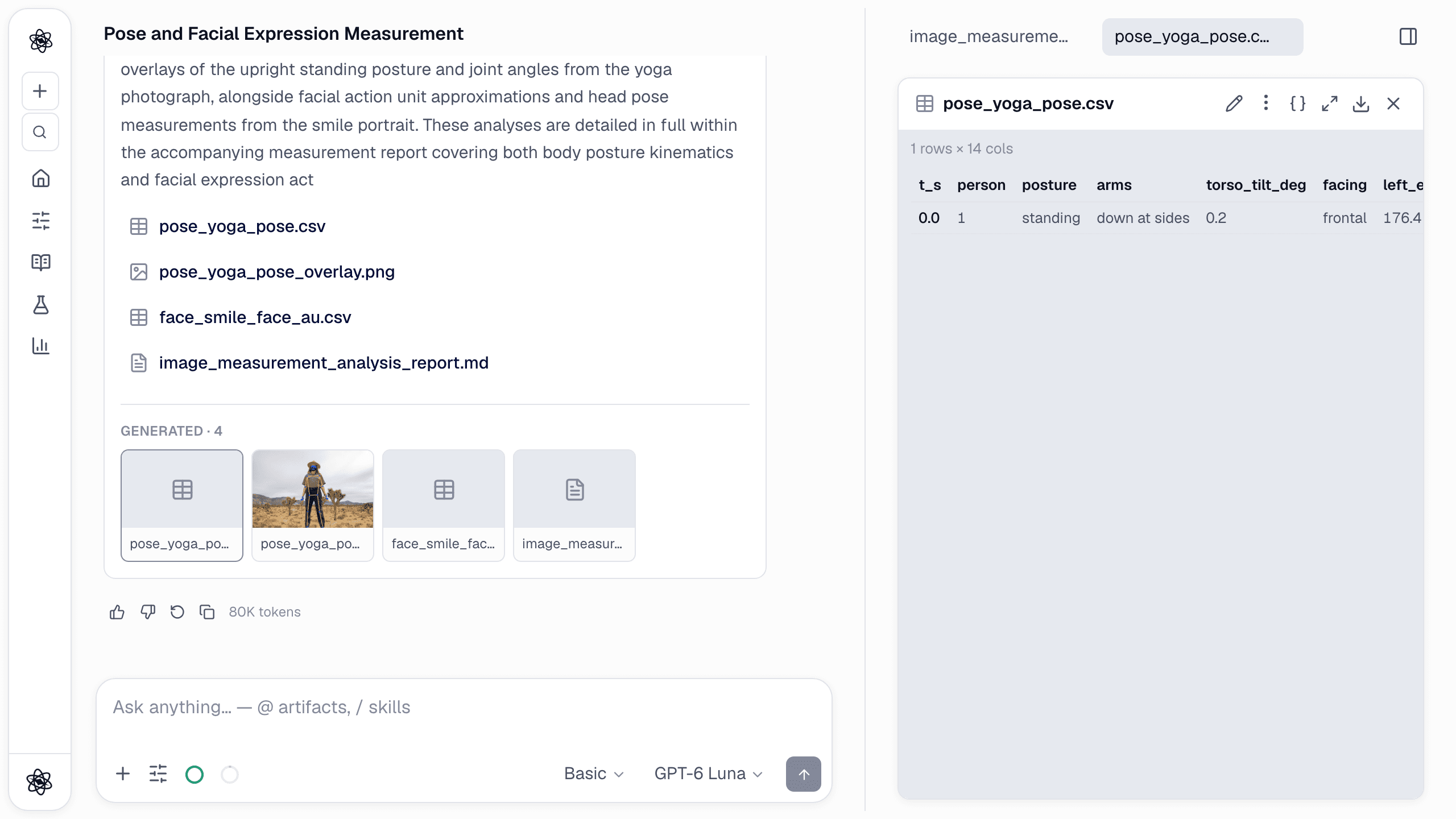
- An overlay image (
*_pose_overlay.png) with the landmarks and skeleton drawn on the first frame where a person was found, so you can see at a glance whether the model locked on to the right body. - A table (
*_pose.csv) with one row per image or sampled frame: posture, arms, torso tilt, facing and the eight angles. - Summary numbers in the chat and a report, with each value traceable to the tool call.
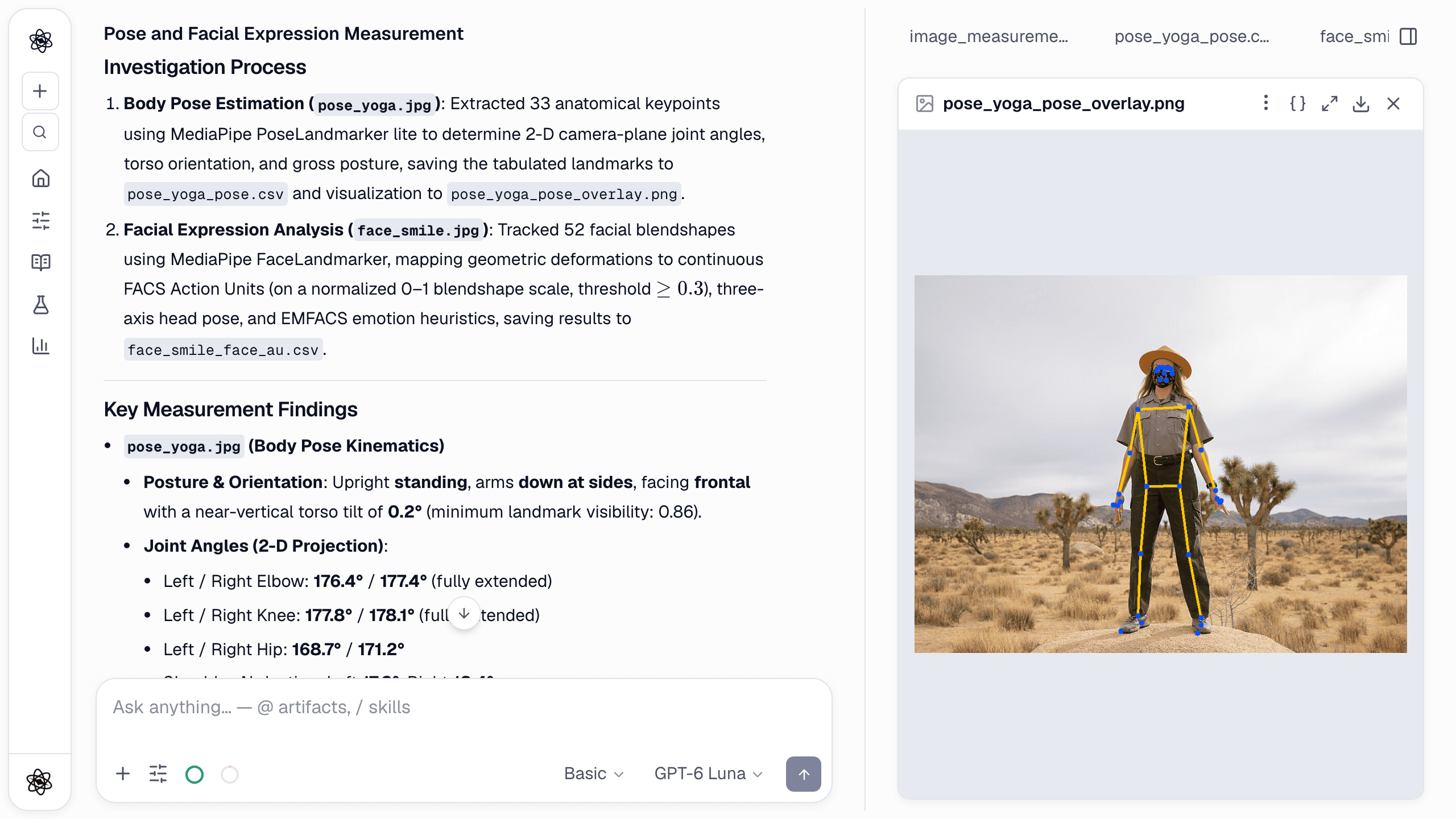
The report lays out the same values as a table, and its sentences carry [n] citations to the pose_estimate step:
How it was checked
In our internal checks, the full-body photo above came back as standing, arms down and frontal, which matches the picture. An earlier version judged facing from absolute shoulder width, which is always small when a whole body fits in the frame, so full-body photos looked turned away. Facing is now judged from shoulder width relative to torso length.
The honest failure matters as much. On a face-only video, the tool reported "no person detected" instead of inventing a body. That is the behaviour you want when your camera framing is wrong.
Research uses
- Ergonomics and workstation studies. Time spent sitting versus standing, torso lean and shoulder abduction while reaching, compared across desk setups.
- Movement and activity. Mean landmark displacement as a coarse activity index across task phases, for example fidgeting during a boring versus an engaging block.
- Social and nonverbal behaviour. Facing and head orientation towards a partner or screen.
- Rehabilitation and sport pilots. Knee or elbow angles in a controlled camera setup, as a first look before a lab-grade system.
Per-participant summaries go into the statistics tools like any other table:
/stats posture_by_setup.csv has one row per participant and desk setup (standard, sit-stand) with the share of time sitting and mean torso tilt. Compare the setups, check the assumptions, and report effect sizes.
Limits, stated plainly
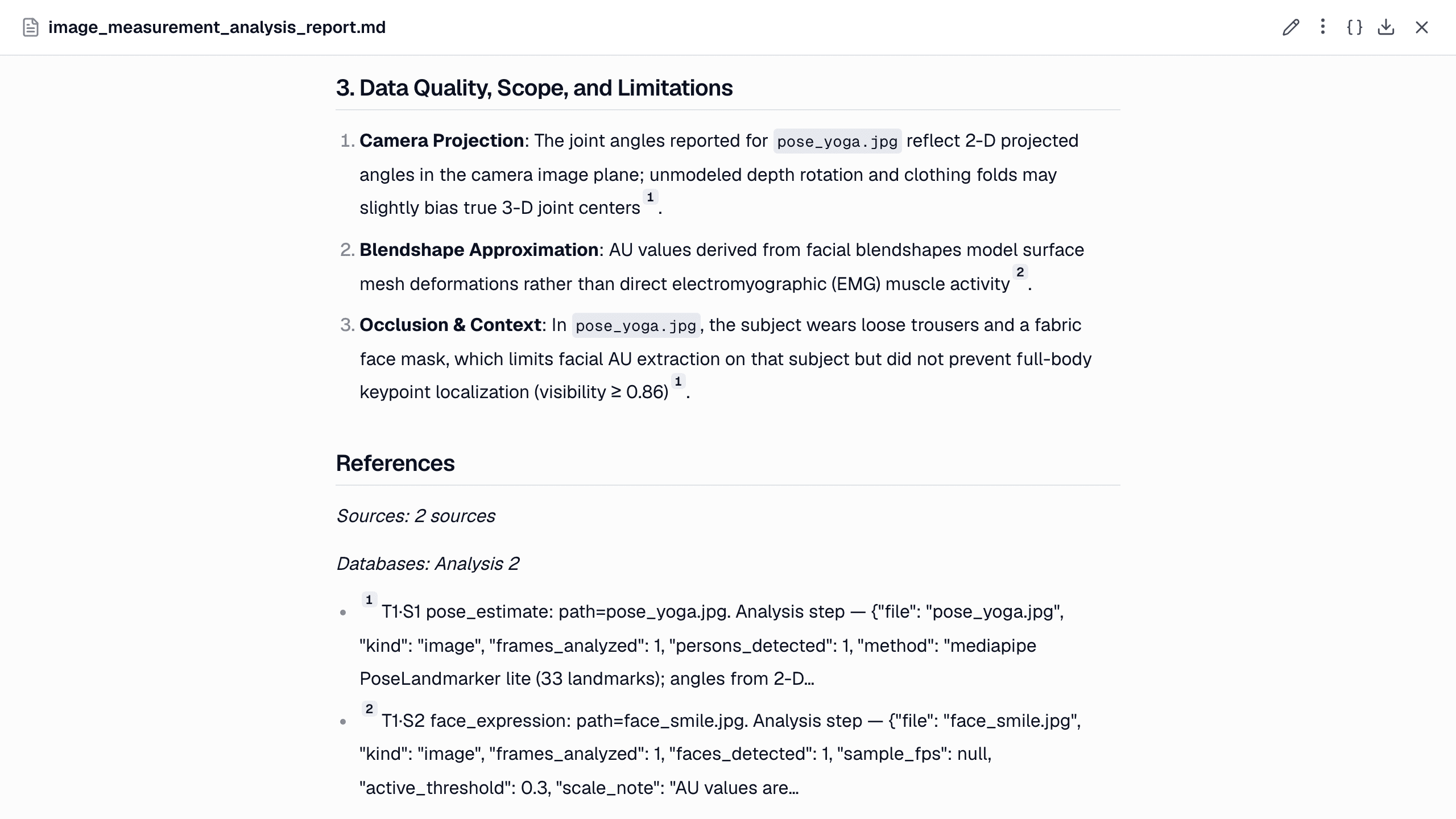
- 2-D angles. Angles are measured in the camera image, not in 3-D. A limb pointing towards the camera looks shorter and bends the angle. Keep the camera perpendicular to the plane you care about (side-on for knee flexion, front-on for shoulder abduction).
- One person. The model tracks a single person. Crop group scenes first.
- Coarse posture labels. Standing, sitting and so on come from fixed angle thresholds. Check the overlay and the angles, not only the label.
- Visibility. Loose clothing, occlusion and unusual poses reduce landmark visibility. Low-visibility landmarks are dropped, so some angles may be missing rather than wrong.
- Sampling. At 5 frames per second, fast movements are undersampled. Ask for a higher rate for movement analysis.
- Not a clinical gait or motion-capture system. Treat the values as research measurements, and check them against a reference on a subset if precision matters.
The report in this chat lists its own limits, including the 2-D projection:
Filming participants: consent and privacy
Full-body video can identify people even when the face is hidden. Before the first upload, Neutropic shows a Before you upload research data notice. You confirm that you have the rights, consents and approvals (such as an IRB or ethics committee) needed to process the data. Tell participants that their movement will be analysed automatically. The measurement runs on Neutropic's servers, uploads stay in your private workspace until you delete them, and they are not used for training (see the privacy policy). Share the derived pose tables rather than the video where you can.
Related
- Facial expression analysis, including head pose
- Heart rate from face video (rPPG)
- Image analysis for still photos and figures
- Beyond spreadsheets: EEG, audio and video
- Neutropic for psychophysiology labs