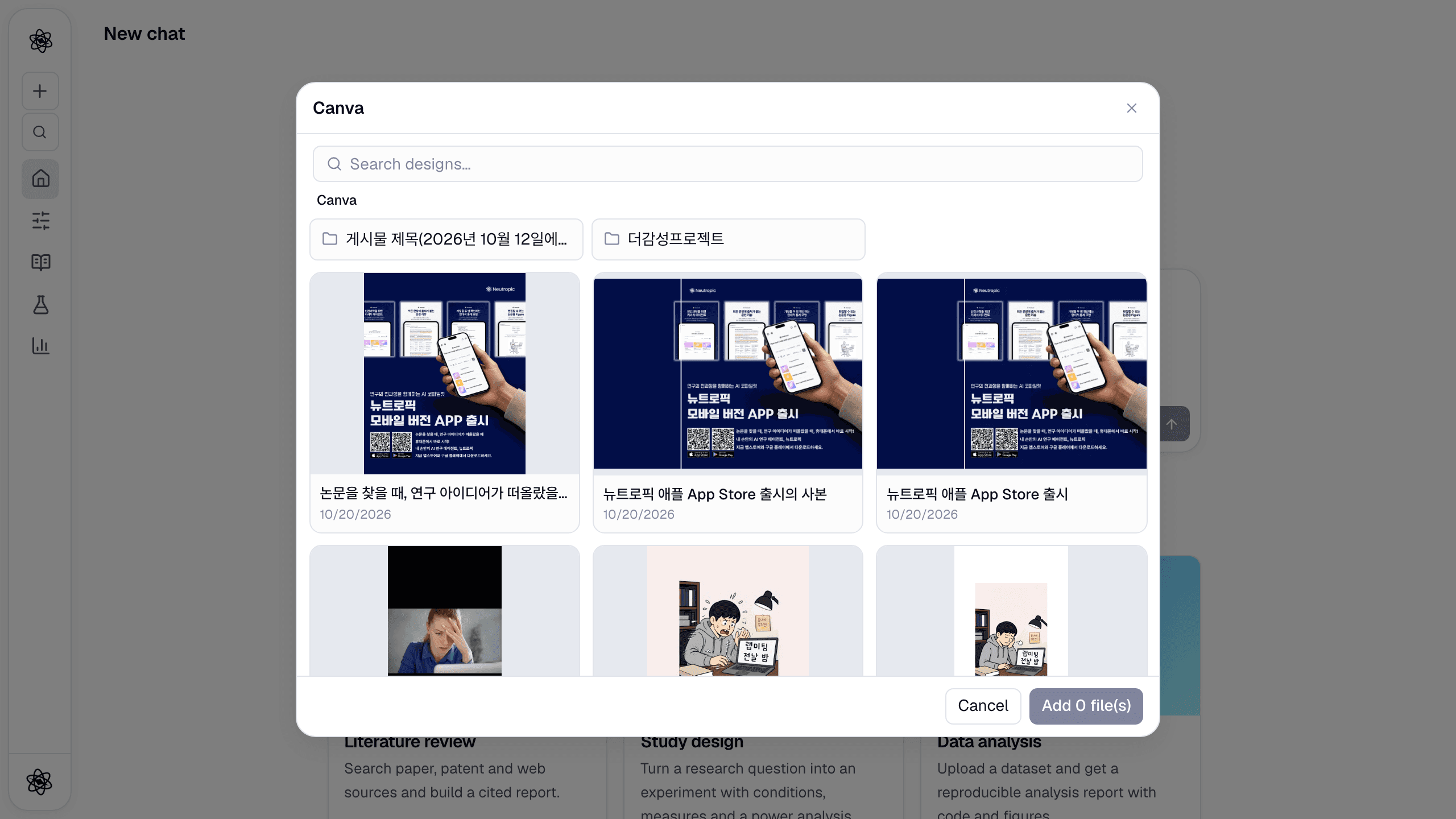
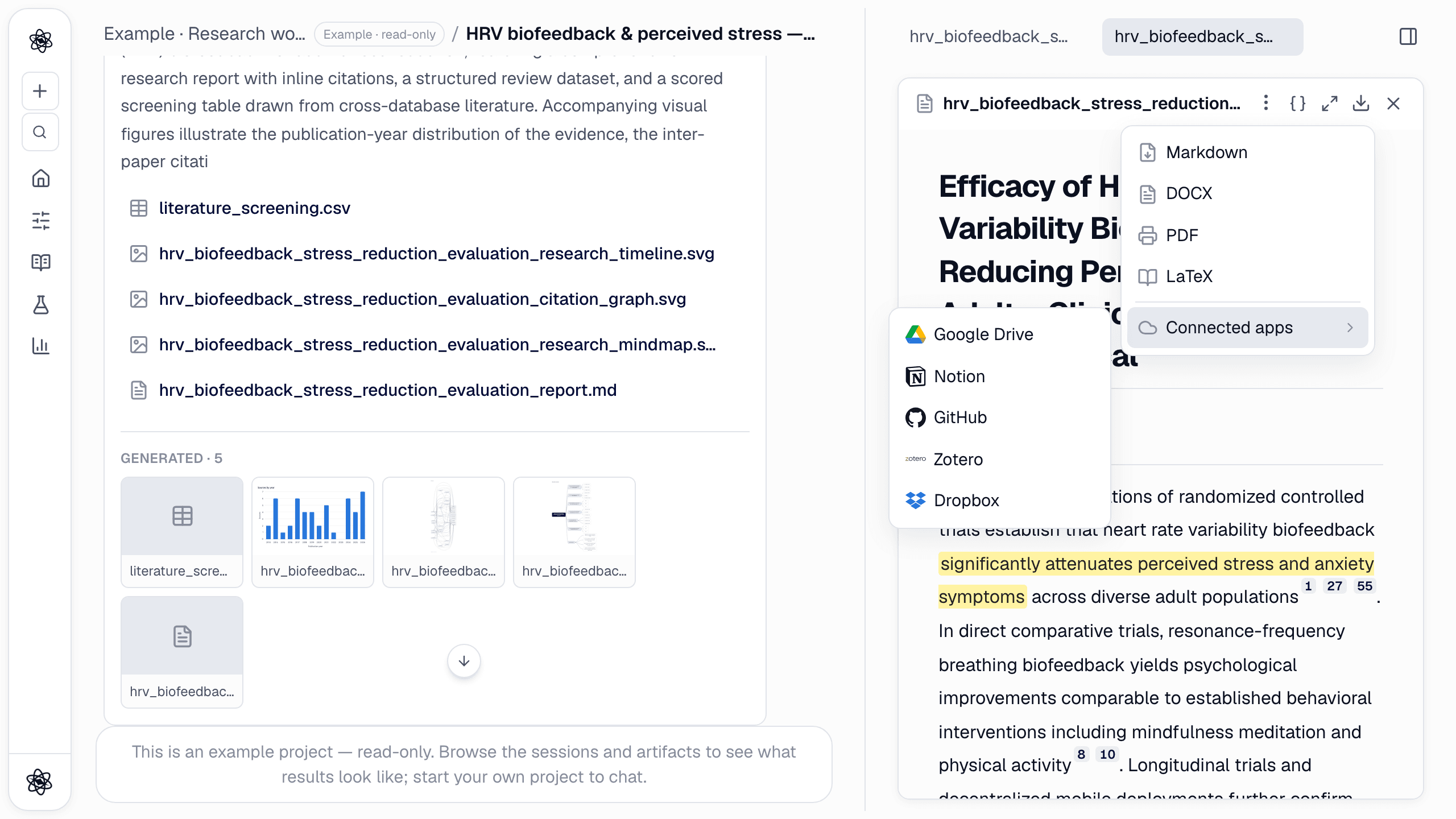
Research work rarely ends in the chat where it was done. You run the analysis, read the report, and then someone else needs to see it — your advisor, a co-author, a client, a reviewer who asked "where did that number come from?". Until now that meant exporting files or taking screenshots.
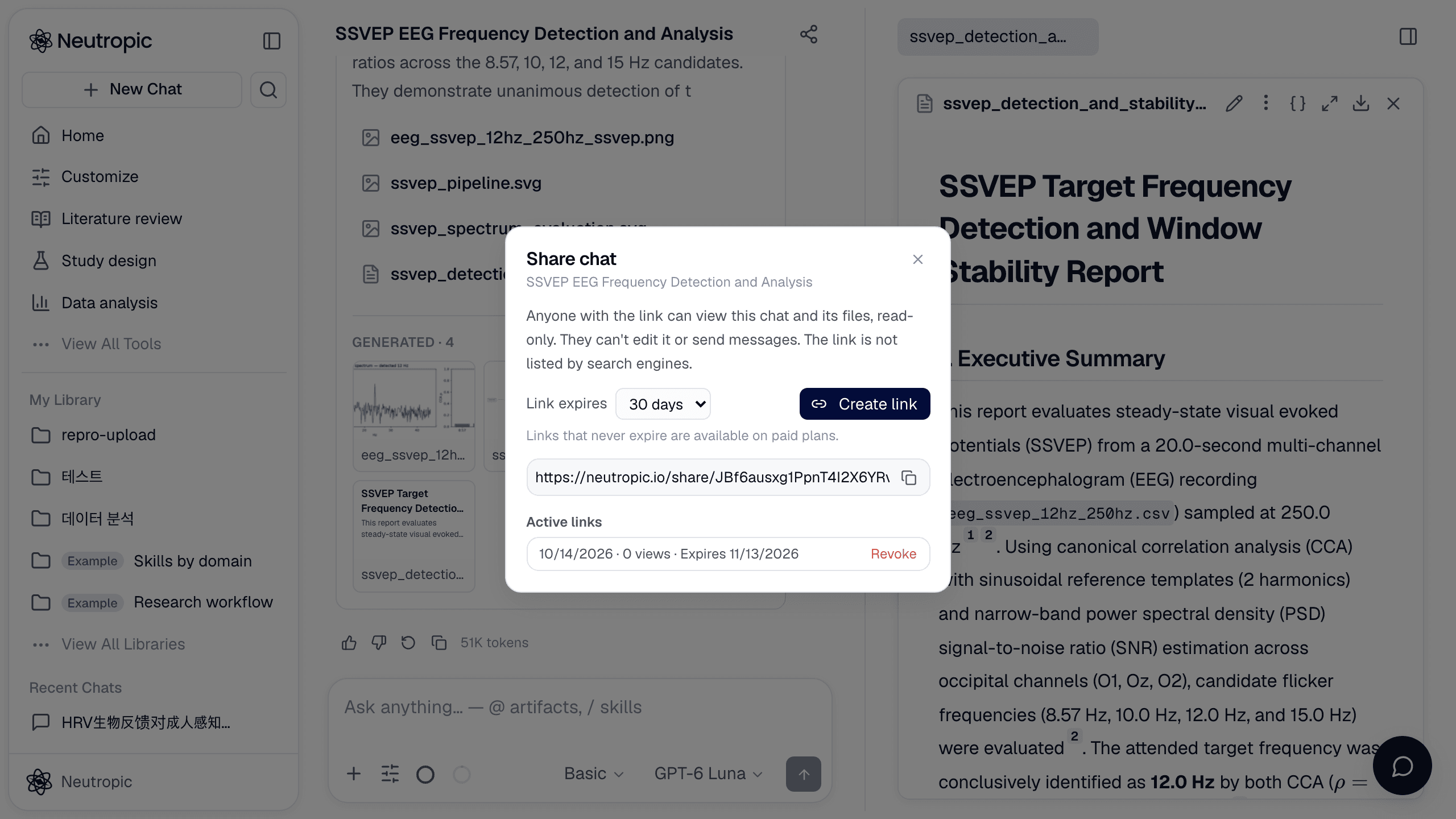
Starting today every chat in Neutropic can be shared as a read-only link. Open the chat, click the share icon in the header, and anyone who has the address sees the chat exactly as you do — the conversation, the task steps, and the artifacts panel with every report, figure, table and deck it produced. They don't need a Neutropic account, and they can't change anything.
The same screen, not a transcript
Most "share" features export a flat transcript. A Neutropic chat is more than text: the agent's plan, the data it uploaded, the reports it wrote with sentence-level citations, the figures and the slides it built. A share link opens the real chat screen in the viewer's browser, so all of that stays in place.
- The conversation reads as you saw it, including the task steps the agent went through.
- Every artifact opens in the right-hand panel — reports with their references, figures, tables, decks with their slide navigation — and viewers can look through versions and download files.
- The chat is live. If you keep working, the link shows the new turns too.
What viewers can't do is just as important: no sending messages, no editing artifacts, no rewinding, no deleting. The composer is replaced by a note that the chat is shared.
Expiry and revoking
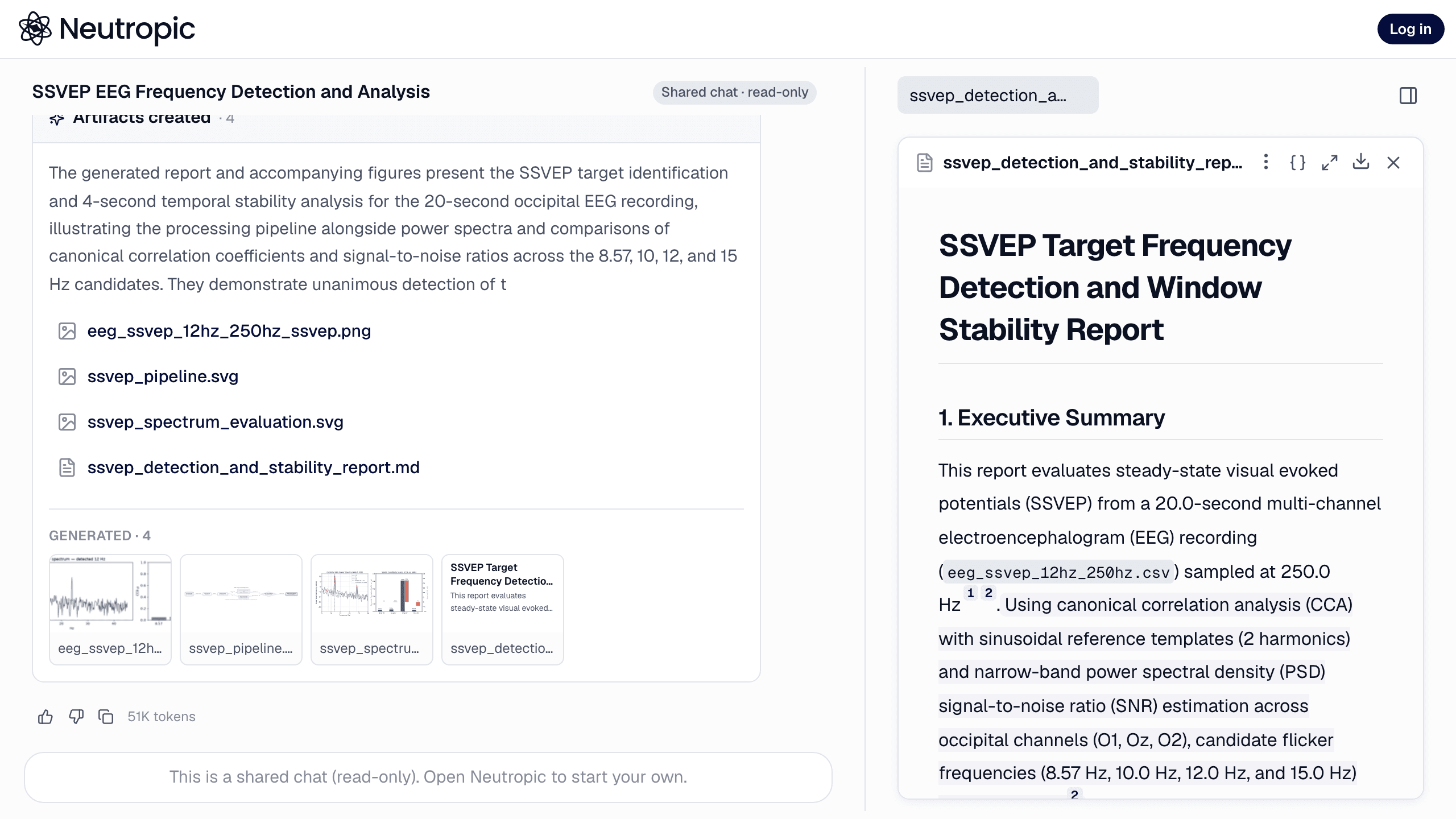
When you create a link you choose how long it lives: 7 days or 30 days on every plan, or never on paid plans — a link that stays valid until you revoke it. The share dialog lists your active links with when each was created, how many times it has been viewed and when it expires. Revoke stops a link at once; anyone opening it afterwards sees that it has expired or was removed. Deleting the chat removes its links too.
Built for sending
Paste the link into KakaoTalk, Slack or an email and the preview shows the chat's title, so the person on the other end knows what they're opening. The page asks search engines not to index it, and the link itself is a long random token that can't be guessed.
Where it fits
- Advisors and co-authors read the full analysis — not a summary of it — and can download the manuscript or the figures directly.
- Lab meetings: share the chat instead of building a deck, or share the chat that already contains the deck.
- Clients and stakeholders get the Insight report or the data analysis with every step visible.
- Reviewers and reproducibility: a link shows how a result was produced, with the uploads, the plan and the reports in one place.
Editing a chat together — comments, shared projects, shared token pools — is on the roadmap for team plans. For now, sharing is view-only, which is exactly what most hand-offs need.
The details are in the docs: Share a chat.