Until now, getting good work out of Neutropic meant knowing what to ask for and how. You picked a slash command, wrote a careful prompt and steered the conversation toward the result you had in mind. That worked, but the quality of the result depended a lot on the quality of the prompt.
Neutropic 2.5 turns this around. You give a task, and an agent carries it out. An agent is a fixed, tested workflow for one kind of research work — search these databases, screen the results, run the statistics, write the report — so the same task is done the same careful way every time, whoever asks and however they phrase it.
Start from Home
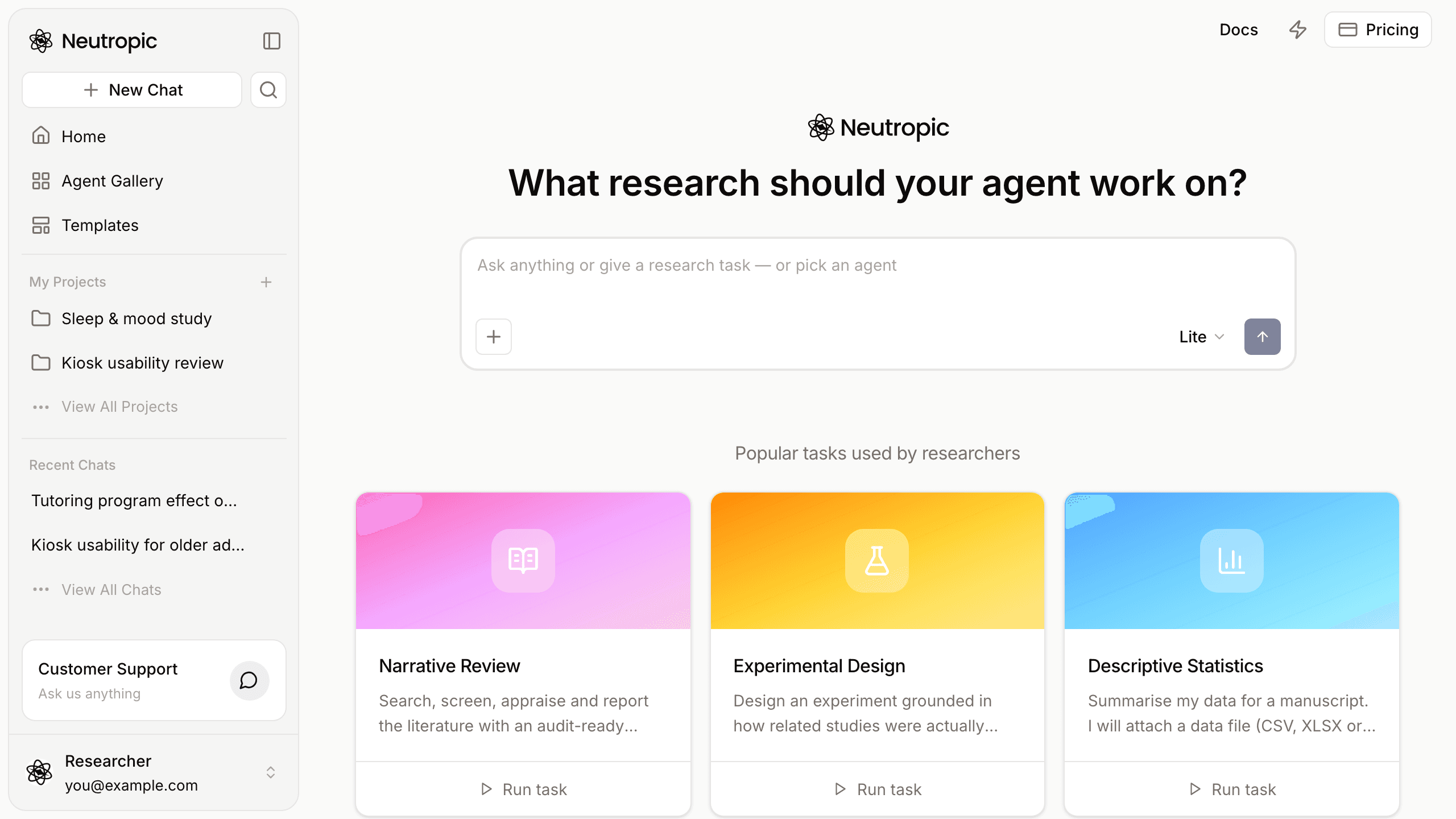
Press New Chat or Home in the left panel. Home asks What research should your agent work on? — type your task the way you would brief a research assistant: the question, the population, the date range, the output you want.
Does heart rate variability (HRV) biofeedback reduce perceived stress in adults? Focus on randomized controlled trials since 2015 and report effect sizes.
The home agent reads your message first. A simple question gets a direct answer. When the request is a task one of the agents does well, a card appears instead — A gallery agent fits this request — with Run with this agent, Just answer here and View agent. You stay in control: one click runs the full workflow, the other keeps it a quick answer.
Below the composer, Popular tasks used by researchers shows agents with a ready example task, and Run task on a card runs it right away. See Your first task.
The Agent Gallery
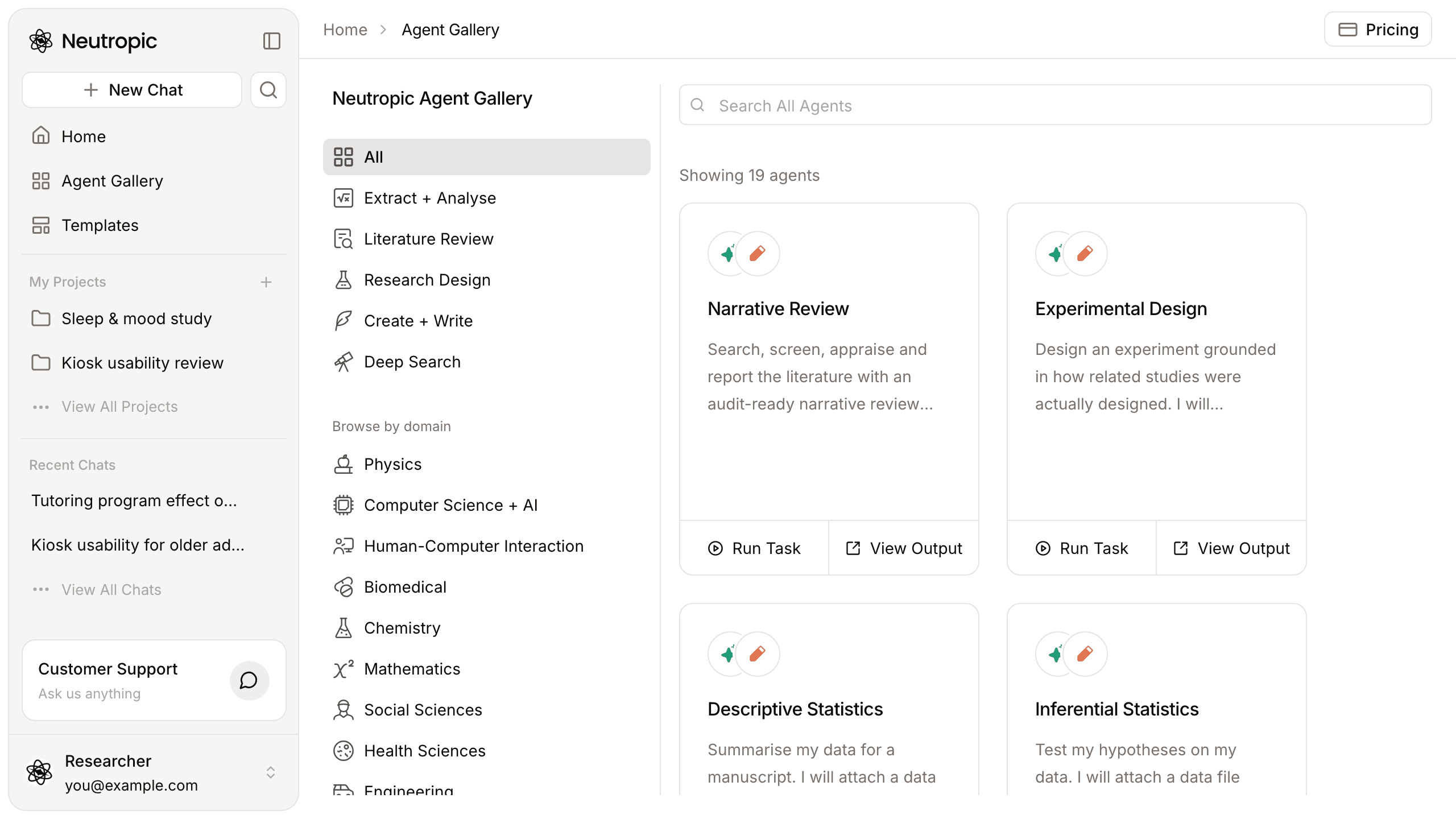
The Agent Gallery collects every ready-made agent. At launch there are 19, in four groups:
- Extract + Analyse — 14 agents for data and signals: descriptive, inferential, exploratory, causal, predictive and prescriptive analysis, plus ECG HRV, EDA, EEG ERP, EEG spectral, facial expression, fMRI, PPG pulse and remote PPG analysis.
- Literature Review — Narrative Review: search, screen, appraise and report the literature, with a table of every paper found.
- Research Design — Experimental Design: a design report grounded in how related studies were actually designed, with a power curve and a preregistration draft.
- Create + Write — Paper Draft, LaTeX Paper Draft, and a converter that turns a Markdown research report into a print-ready PDF and a PNG of every page.
Each agent has its own page with the steps it runs and a sample output from a real run, so you can see what you will get before spending tokens. The Agent Gallery tour walks through it, and the posts on the Narrative Review agent, the Experimental Design agent, the data analysis agents, the biosignal analysis agents and paper writing go deeper.
Pick a level
Every task runs at a level you choose next to Send:
| Level | Best for |
|---|---|
| Lite | Quick and lightweight tasks |
| Pro | Efficient coverage for most tasks |
| Expert | Complex and heavy tasks |
| Max Thinking | The deepest reasoning and longest runs for the toughest tasks |
Higher levels search more sources, check more and use more tokens. The Free and Lite plans run tasks at Lite; Pro adds Pro and Expert; Max adds Max Thinking. See Plans & tokens.
Cited, checked, and saved as files
While an agent works, each step appears in the chat as it runs — searches, screening, code, files, reviewer checks. You can leave and come back; the task keeps running. At the end you get an answer plus the files the agent produced: reports with numbered citations, tables, figures and drafts.
Three things hold across agents:
- Literature answers cite the papers they used, so every claim can be traced back.
- Analyses run as real code, and the agents that work on recordings show the code each step ran.
- Reviewer steps check claims before the answer is final.
Projects: files, notebooks and chats together
A project is the place for one study. Its Files tab is a table you can extend with AI columns — Sample size, Methods, Main findings — filled in for every file, each value with a citation you can hover and open with Locate in File. Notebooks turn your material into a draft with citations and a reference list in the style you choose, exported to Word. Chats keeps every task you ran for that study, and the whole project can be shared with collaborators. More in Projects and notebooks.
Writing templates
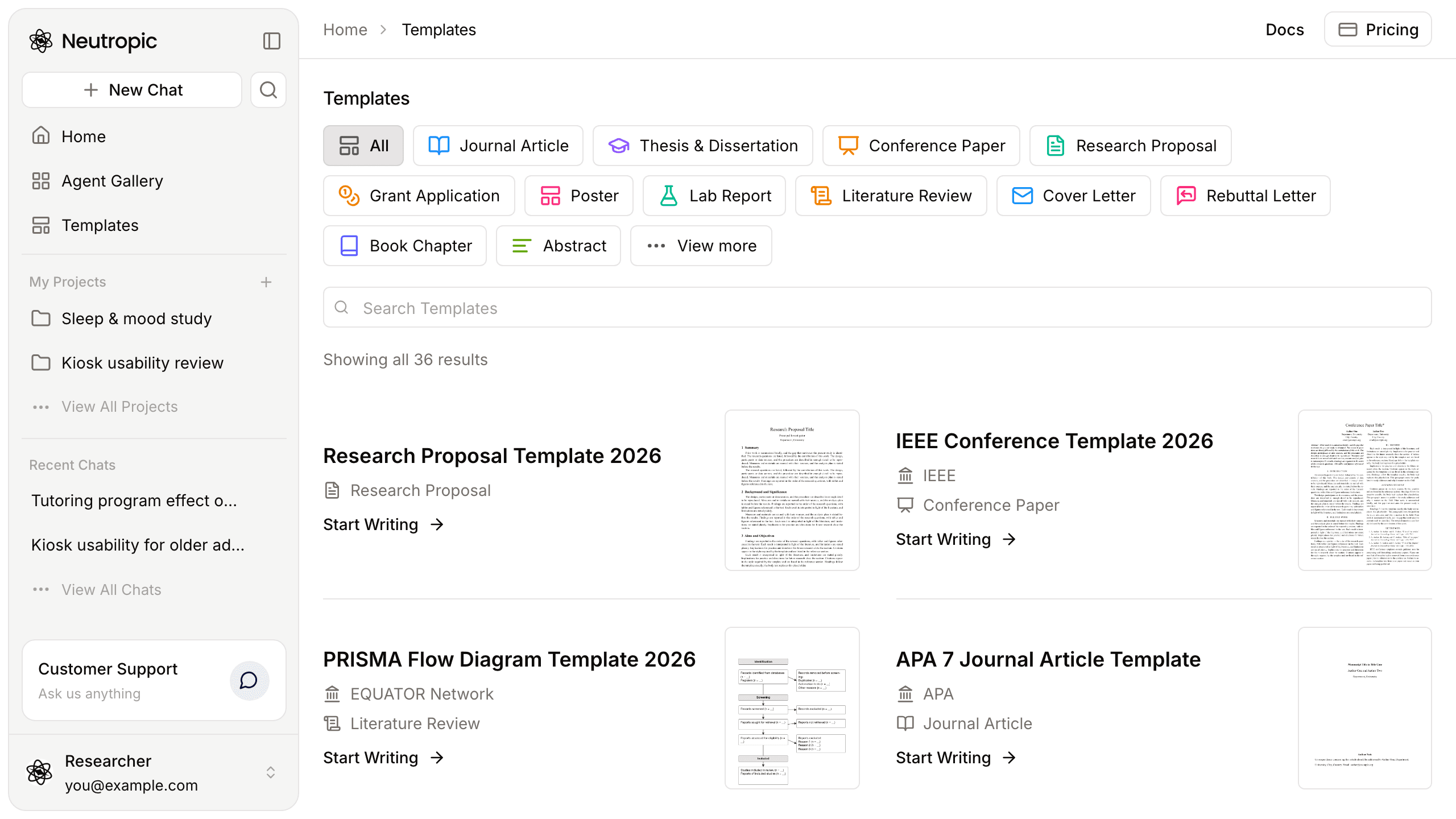
Templates lists writing templates for research documents — journal articles, theses, proposals, conference papers and more, in Word, LaTeX or Markdown. Start Writing opens Home with the writing agent picked and the template attached; for LaTeX templates you get the .tex source and a compiled PDF.
Your own agents
Every agent you run is saved to My Agents, and from there you can open its workflow and change it — the instructions of a step, the databases it searches, its knowledge base — or build a new agent from scratch on a canvas of steps. Test it, publish it to Live and, if you like, schedule it to run every week. See Build your own agent.
In your language
The interface and the answers follow the language you choose — English, 한국어, 日本語 or 中文 — and you can switch it any time from Language in the profile menu.
Your earlier chats are still here
The earlier version — chat with slash commands such as /research and /stats — was retired on November 10, 2026. Your earlier chats are kept, and open in the new screen.
The quickest way in: open the Agent Gallery, press View Output on an agent that matches your work, then Run Task and edit the example task to your own question. The docs cover every agent in detail.