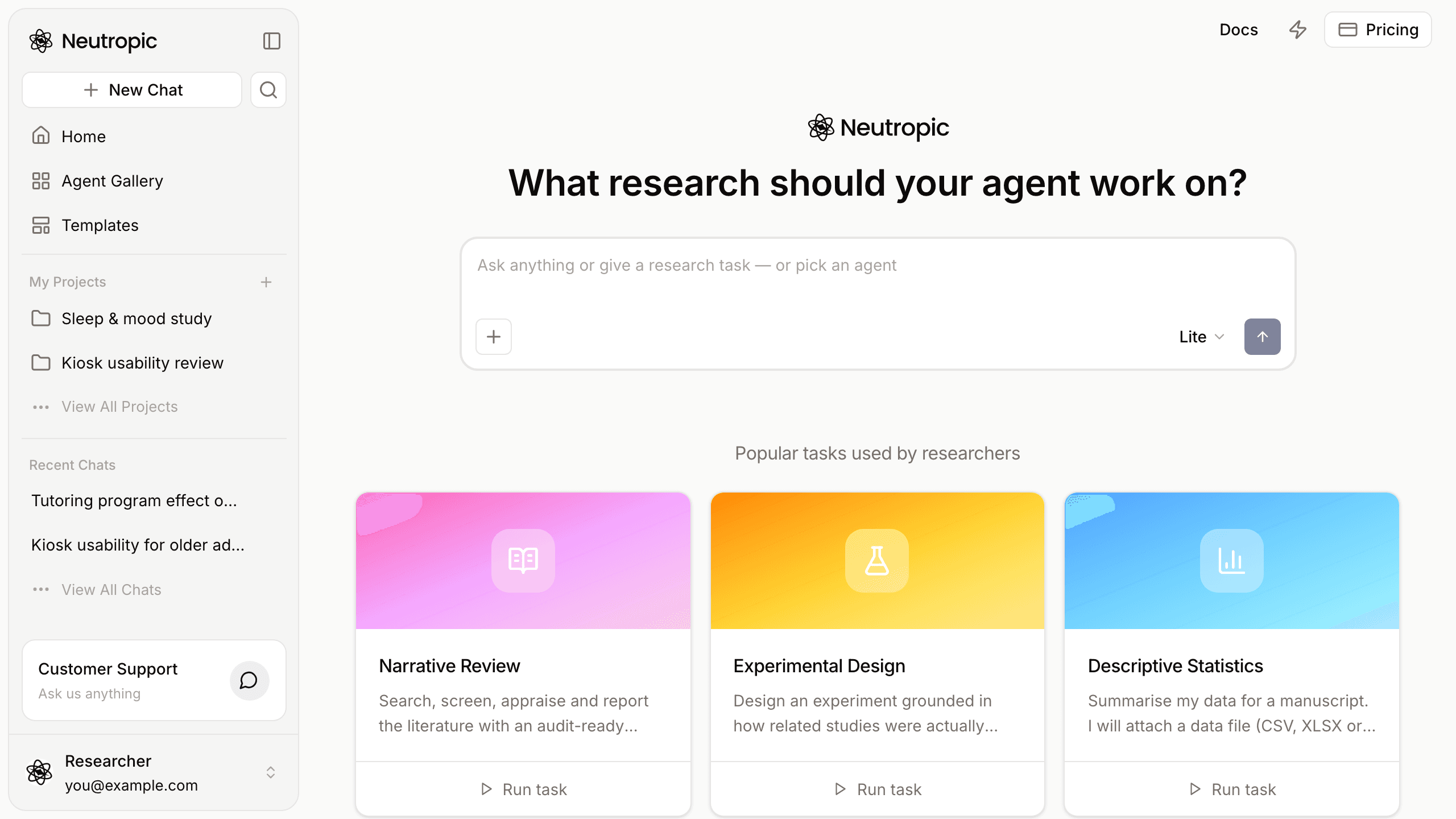
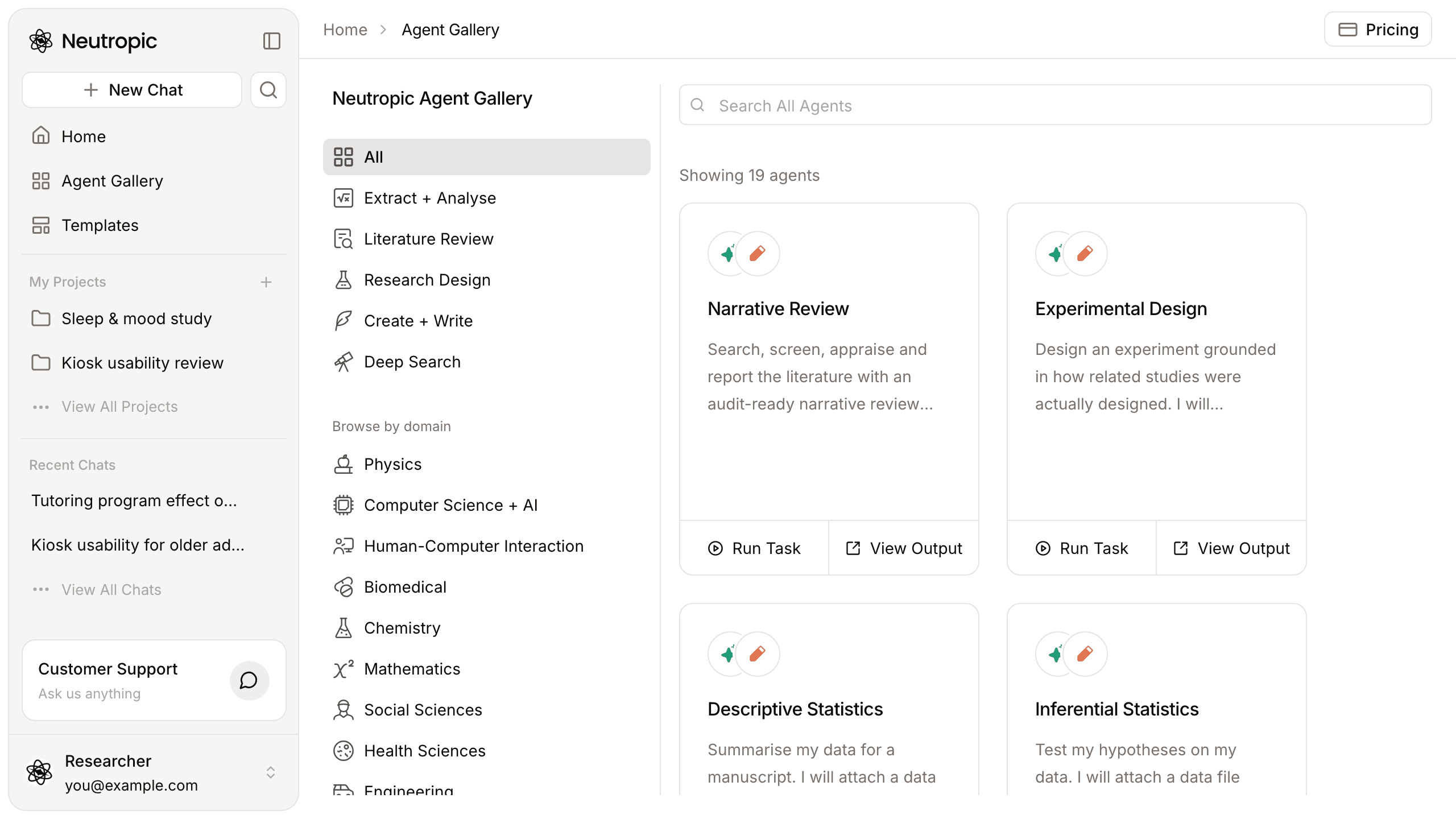
The agents in the Agent Gallery are not black boxes. Each one is a workflow — a graph of steps from START to END — and the same editor we used to build them is open to you. You can adjust a gallery agent to your study, or build an agent that does something no template does: a weekly literature digest for your lab, a screening step with your own inclusion rules, a pipeline that saves results to a connected tool.
This post covers where your agents live, the three depths of customization, the building blocks, and a small worked example you can rebuild in a few minutes.
My Agents
Agents you have run or built are listed on My Agents (/my-agents), each with Run task, View output and Settings. From here you can create a New agent or open an existing one.
Three depths of customization
1. Set up and run. Run task on My Agents opens a dialog that never touches the shared template: the agent's name, the Task to run, a Knowledge base (drop PDF, Word, PowerPoint, HWP, text, Markdown or CSV files; they are indexed before the run), the effort for the run and the Literature databases to search. Subscription databases must be connected first.
2. Edit the steps. Open the agent and go to Workflow. Select a step and the inspector on the right shows its settings. On an Agentic RAG step — the kind every gallery agent is built from — the usual edits are its Instructions (scope, analysis choices, file names), Cautions (checklist lines the agent treats as hard constraints), the Reviewer (on, with 1–3 revisions, when the output matters), Knowledge (whether it reads your documents) and the Output name of the file it produces.
3. Add your own logic. Branches, loops, approvals, Python, HTTP calls and connectors — the node groups below.
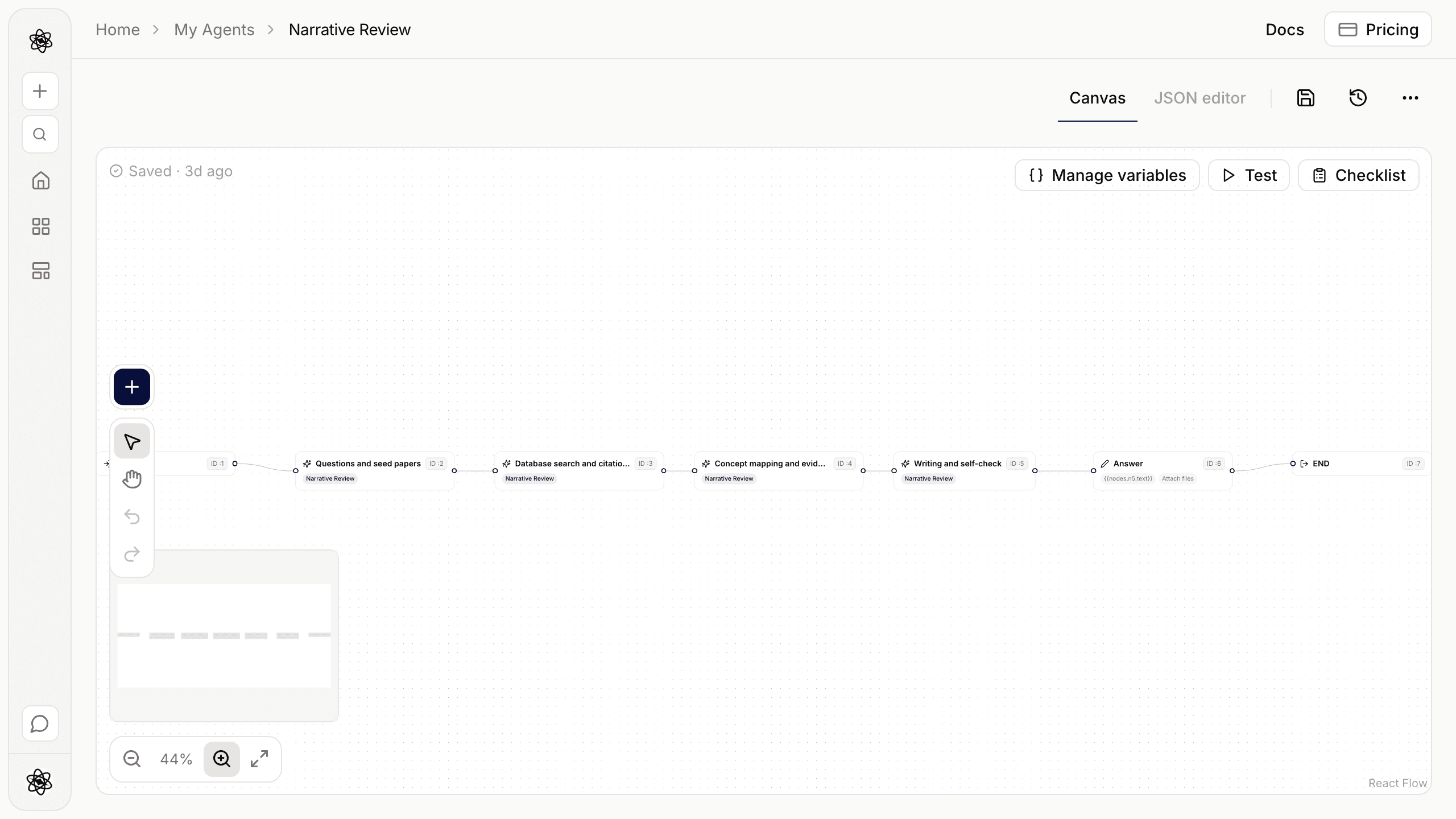
The building blocks
The + menu on the canvas adds steps in three groups:
| Group | Nodes | Use them for |
|---|---|---|
| Core | LLM · Search · Agentic RAG | One direct model call; model-free search with numbered, citable results; a full skill run that plans, searches, runs code and writes files |
| Logic & transform | If / Else · Post-process · Document · Assign variable · Response · Loop · Approval | Branching, deterministic text transforms, saving a file, variables, the final answer, iteration, a human approval card |
| Utility | API · Function · Connector | HTTP calls with secrets, sandboxed Python, a connector tool called directly |
A rule of thumb from the docs: use Agentic RAG when a step needs tools or judgement (analysing data, writing a cited report), LLM for a single well-defined transformation (classify, extract JSON, summarise one input), and Search in front of either when you want sources numbered without spending a model call on the search itself. Every node is described in Workflow nodes.
Wiring steps together
Text fields — prompts, instructions, queries, file contents, conditions — are templates. {{ … }} is filled in before the step runs, without a model:
| Reference | Meaning |
|---|---|
{{input}} | The task text you sent |
{{input.files}} | Names of the attached files |
{{nodes.<id>.text}} | A previous step's text output (the id is shown on each step) |
{{nodes.<id>.items}} · .count | Search results as a list, and how many |
{{nodes.<id>.json}} | Parsed JSON from an LLM step with JSON output, an API or a Function step |
{{nodes.<id>.verdict}} | An agent step's reviewer verdict: sound, caution or issues |
{{vars.<key>}} | A workflow variable |
{{secrets.<NAME>}} | A secret from Settings — API steps only, masked in logs |
Filters transform a value: {{nodes.n2.items | first:5 | lines}} gives the first five results, one per line. Others include json, join:", ", truncate:N, upper, lower and count. You rarely need to type these: every text field has an Insert picker that writes the reference for you.
A worked example: a weekly literature digest
Say your lab wants a short digest of new papers on a topic every Monday. Create a New agent and wire five steps between START and END:
- Search (
n2) — query{{input}}, sources PubMed + Crossref and OpenAlex, limit 20, years from last year on. - If / Else (
n3) — condition{{nodes.n2.count}}gt0. The false handle goes to a Response that says No new papers matched this week and then to END. - LLM (
n4) on the true handle, with this user prompt:
Below are search results, numbered [n].

{{nodes.n2.text}}

Keep only the studies that directly address: {{input}}
Group them by design (experiment, observational, review). For each, write two sentences: what was done and what was found. Keep the [n] marker after every claim.- Document (
n5) — format markdown, nameweekly-digest.md, content{{nodes.n4.text}}. The file appears in the chat with the source cards from the search. - Response (
n6) —{{nodes.n4.text | truncate:800}}with Attach files on, then END.
The Checklist reports anything that isn't wired — a missing Response, an unknown template reference, a step that can't be reached. When it is clean, open Test, run the Dev version on a real topic and read the Detailed log of every step. If the LLM keeps papers you didn't want, tighten its prompt and test again.
Want the digest checked as well as summarised? Swap the LLM step for an Agentic RAG step with the reviewer on — it costs more tokens but brings the skill's citation checks.
Dev, Live and schedules
Every agent has two environments. Dev is what you edit and test; Publish to Live snapshots it, and chats, Run task and scheduled runs use Live when it exists. Every publish is kept in the publish history and can be restored; Unpublish removes the Live copy.
Under Settings → Scheduled runs, turn the digest on for every week, pick the day, time and time zone, and write the task for each run — here, your topic. Scheduled runs use Live and cannot answer approval cards, so set any Approval step to approve on timeout, or remove it. Settings also holds Secrets for API steps (encrypted, write-only) and Memory for variables marked persist, such as the last processed id. Logs lists every run with its full step log.
Limits worth knowing
| Limit | Value |
|---|---|
| Direct model calls (LLM and Document steps) per run | 40 |
| Loop iterations | up to 20 |
| If / Else loops back | up to 5 |
| Search results per step | up to 50 |
| API call timeout · response size | 30 s · 1 MiB |
| Function code | 10,000 characters, no network |
| Reviewer revisions per agent step | up to 3 |
Agents use your tokens like any other task, so give loops a maximum that fits your budget.
Easiest start: run a gallery agent once, open it from My Agents, and change one thing — a caution line, the databases, the output name. The full reference is in Customize an agent, Workflow nodes and Agent Gallery.