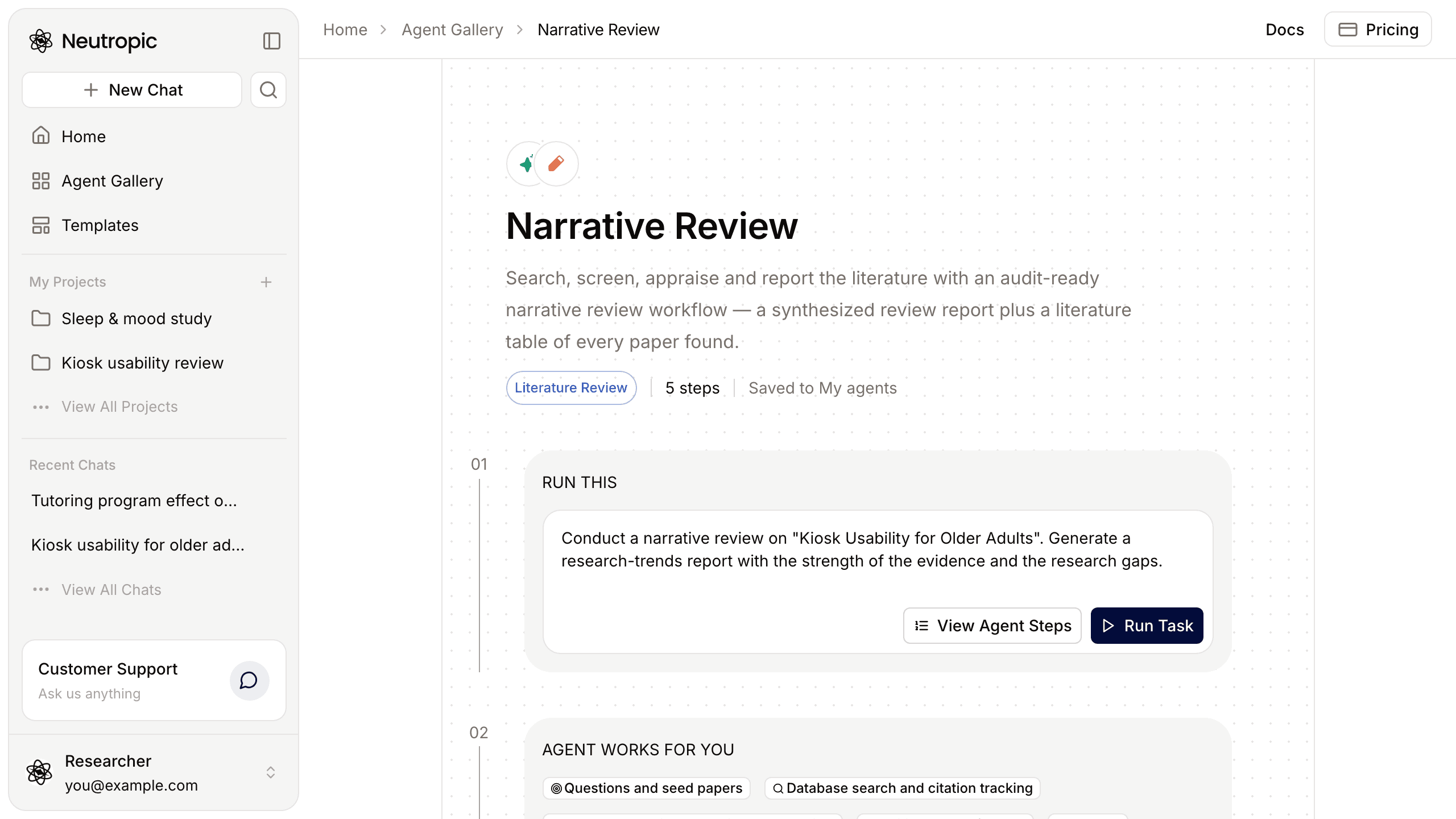
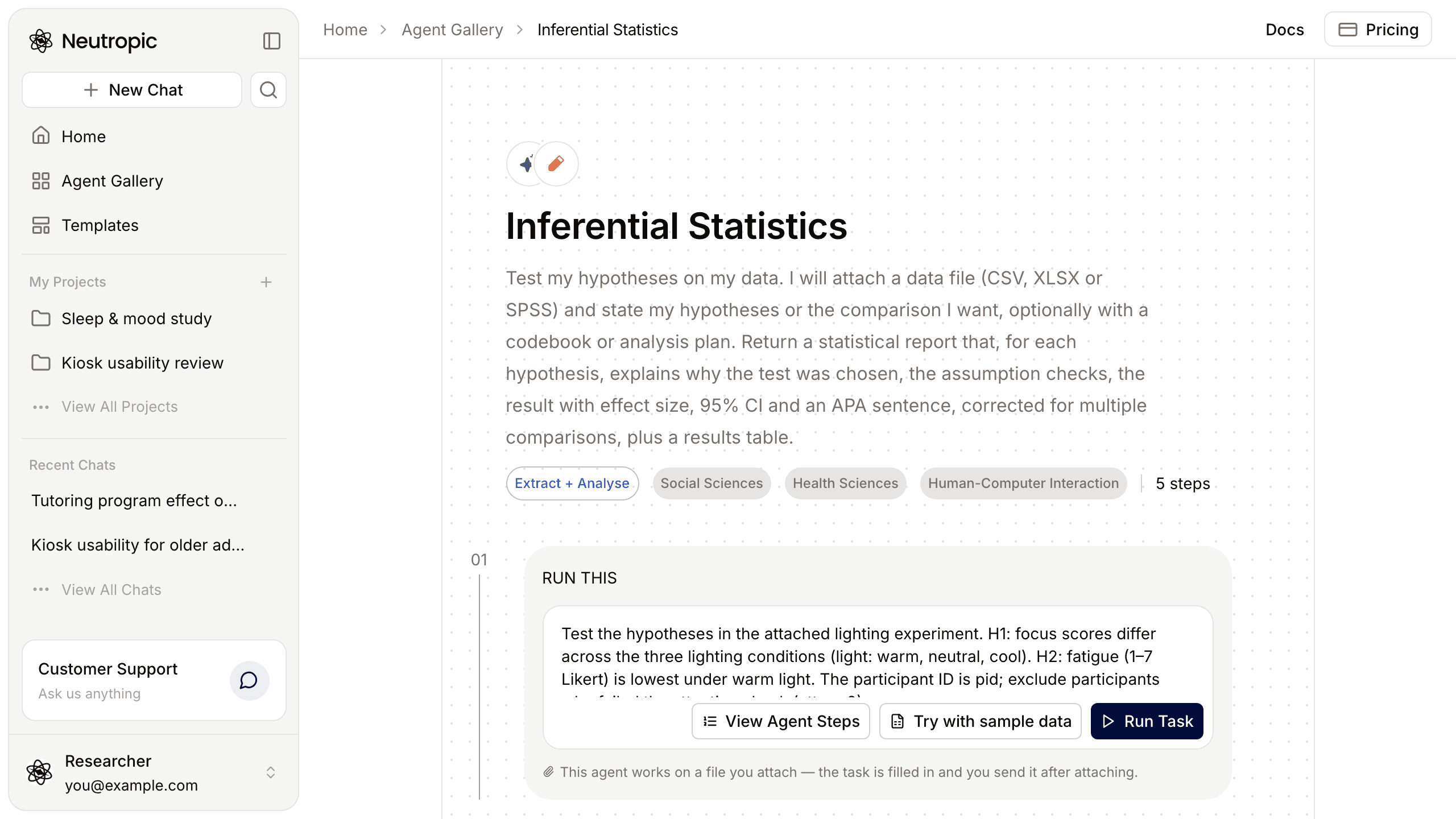
A study design is not a form to fill in. Its decisions interlock: change the design type and the test changes; change the test and the sample size you need changes. General AI tools will happily propose a plausible design, but often with a sample size that does not match the actual test, or with a scale or a paper that does not exist.
The Experimental Design agent in the Agent Gallery starts from that check. It reads the Method sections of related studies and makes each decision for your study on that basis, recording the reason and the source of every decision — and saying plainly no source when a choice rests on convention or judgement. You get a study design report and a reference-design comparison of the studies it read.
What the agent does
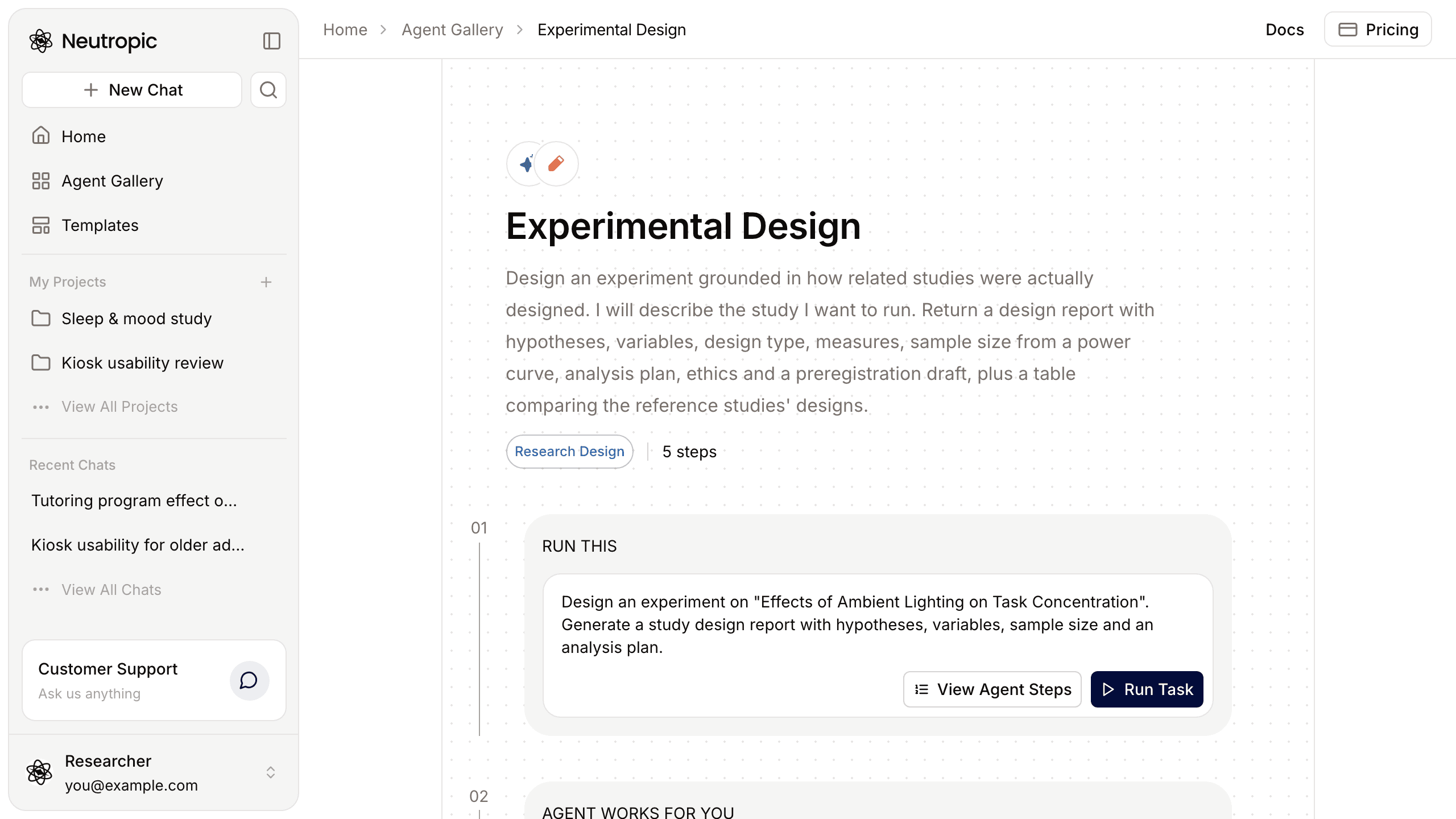
The workflow is four agent steps and an answer. It does not stop to ask you questions: what your request specifies — population, manipulation, measures, constraints — is kept exactly as written, and anything you left open is set to the most common choice in prior studies and recorded as an assumption.
- Research question and reference designs. It restates the phenomenon, the population and the outcome, writes two to four answerable research questions with directional hypotheses, and settles the open dimensions. Then it surveys how related studies designed their experiments: it searches for the paradigm and the primary measure, reads the most relevant Method sections, and records one row per study it actually read — design, independent and dependent variables, measures, N, analysis, link, and which design element it supports.
- Variables, design and measures. It decides the design type — between, within or mixed, and the factorial structure — and why it fits, with randomization and counterbalancing, and compares an alternative design with its trade-offs. Each independent variable gets a manipulation and a number of levels; each dependent variable gets an instrument, a unit and a computation. Every questionnaire or scale is looked up in Neutropic's instrument registry, and only what the registry returns (items, scoring, reverse-keyed items, source, licence) is used. An instrument it cannot find is marked source to be confirmed, never called validated.
- Sample size, procedure and validity. It computes a power curve with the test that matches the design and takes the N that reaches your power — the report never states a sample size the curve does not support. It draws the protocol flow (screening, baseline, intervention, post-test, with n and timing), defines the primary KPI with its success criterion, the secondary KPIs and the multiple-comparison control, lists the ethics items, and lists internal, external, construct and statistical-conclusion threats with how each is handled.
- Writing and checks. It writes one design report in the language of your request and runs a design check that compares the report's numbers with its figures — the power curve, the flow, the expected results — and fixes every major mismatch before finishing.
- Answer. A short summary in the chat, with the files.
What the design report covers
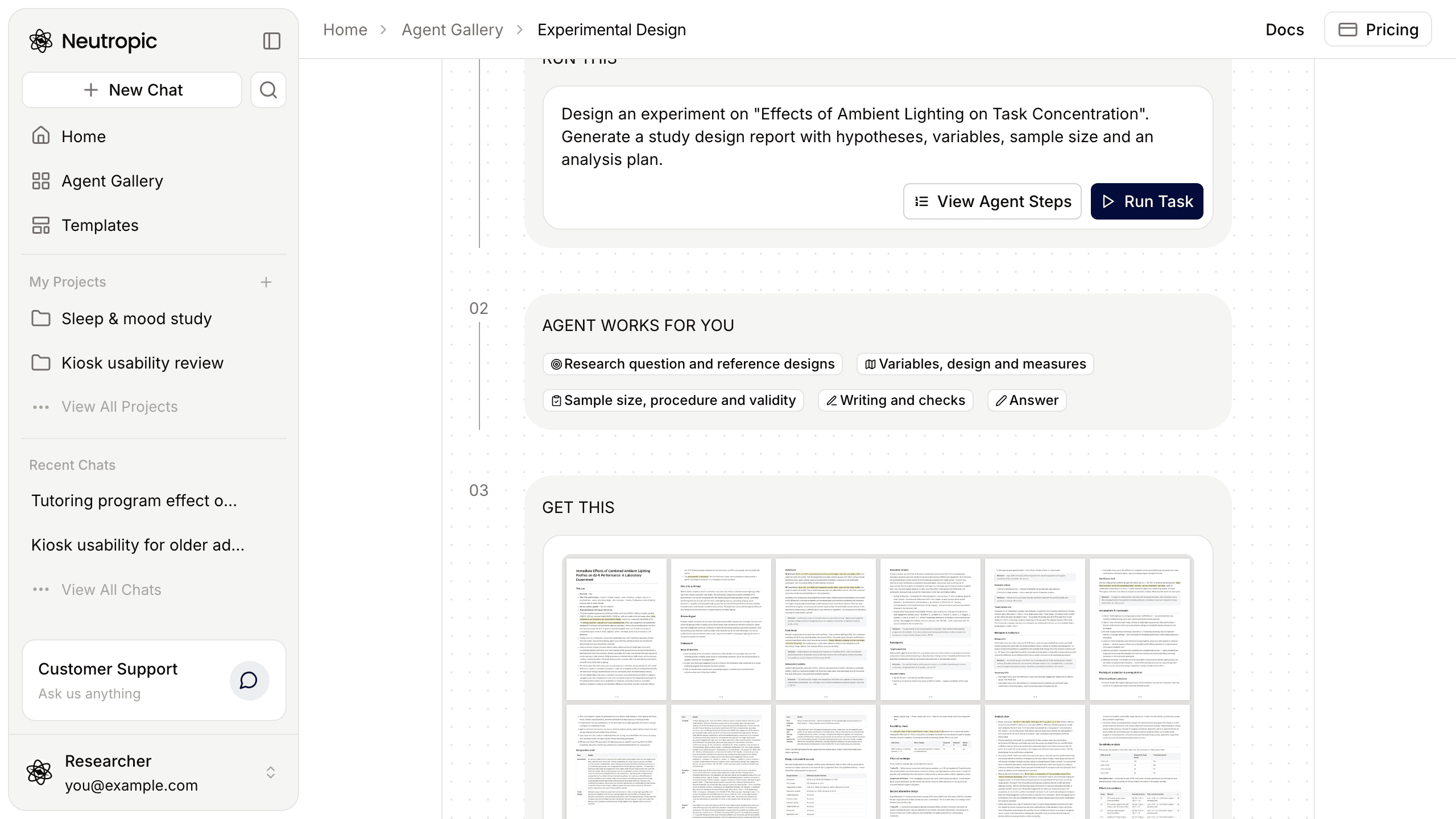
The report brings together the framing, the design, variables and measures, participants, statistics, procedure and ethics, and the rationale and source for each design element — with what you set kept apart from what the agent assumed.
The report ends with a preregistration draft — hypotheses, design, variables, sample, analysis and exclusion rules — and the list of decisions left to you. Download it as DOCX, PDF or Markdown.
The reference-design comparison has one row per surveyed study: design type, independent variables, dependent variables and measures, sample size, analysis, link and what this design took from it. The two are linked — every study cited in the design rationale is in the comparison, and its supports column shows which element it backs. Only papers searched and read in the run can be cited; anything else is removed before saving.
How the sample size is set
The power curve is computed in code, with the test that fits the design — for a mixed pre/post design, for example, change scores for the interaction. The report states the effect size, α, power and where the effect size came from; an estimate without a source is marked as such. The N is the minimum that tests the hypothesis, with no dropout allowance added, so plan recruitment on top of it.
What changes with the level
Every level runs the same steps, and the sample size always comes from the power curve. Higher levels survey more reference studies, read more Method sections and add sections to the report.
| Lite | Pro | Expert | Max Thinking | |
|---|---|---|---|---|
| In short | Main design, fast | Main design + one alternative | Design with a full analysis plan | Plus pilot plan and timeline |
| Candidates · compared studies | 8 · 5 | 20 · 8 | 30 · 12 | 40 · 15 |
| Method sections read in full | None (abstracts only) | 2 | 4 | 6 |
| Sample size | Power curve + calculation code | Same | Same + sensitivity table | Same + sensitivity table |
| Extra sections | — | — | Analysis plan · manipulation checks | Analysis plan · manipulation checks · pilot plan · timeline |
How to run it
Open Agent Gallery → Research Design and press Run Task on Experimental Design. Home opens with the example task; rewrite it with your study:
Design an experiment on {research topic or idea}. I want to test how {what you manipulate} affects {the outcome you measure} in {population}.Write down whatever you have already decided — it is kept as written. A few additions change the result noticeably:
- A participant cap or other constraints (time, budget, equipment). Power and the alternative design are compared within them, and the rationale table says where a constraint changed a decision.
- Measures or papers you must use. Measures are checked for source and scoring; papers go into the reference comparison.
- Your institution's IRB template or rules. The ethics items follow them.
I want to test in VR how kiosk font size affects task success for older adults. We can recruit at most 60 participants. Include a preregistration draft.
Pick a level next to Send and send. As with other agents, My instructions on the agent's page holds your lab's standing rules — power criteria, effect-size source, preferred designs, report language — under a name you can reuse.
After the design
Follow up in the same chat: "What if we only have 80 people?", "Switch to a between-subjects design", "Use the OSF template for the preregistration". To keep editing yourself, press Save to notebook on the report in the files panel.
Before you rely on it, review the effect size assumption, check the licences and translations of the measures, and read the decisions list. The ethics items are a draft to help with your application; approval is for your IRB. The preregistration is a draft too — register it yourself on OSF or AsPredicted.
If you have not mapped the field yet, run the Narrative Review agent first and design in the same chat, so the design can address a gap you found. When the study is done, Paper Draft takes its Methods only from this report. Settings and step instructions are in the Research Design template docs.