Most literature reviews start the same way: a keyword search, a few dozen open tabs and a summary that sounds right but leaves no trail. When a supervisor or a reviewer asks why is this paper in and that one out?, there is nothing to point to.
The Narrative Review agent in the Agent Gallery is built around that record. It searches, screens, appraises and reports the literature in fixed steps, and you get two linked files: a review report that synthesizes the research trends, the strength of the evidence and the research gaps, and a literature table with one row for every paper it found — selected, on hold or excluded, each with its reason.
What the agent does, step by step
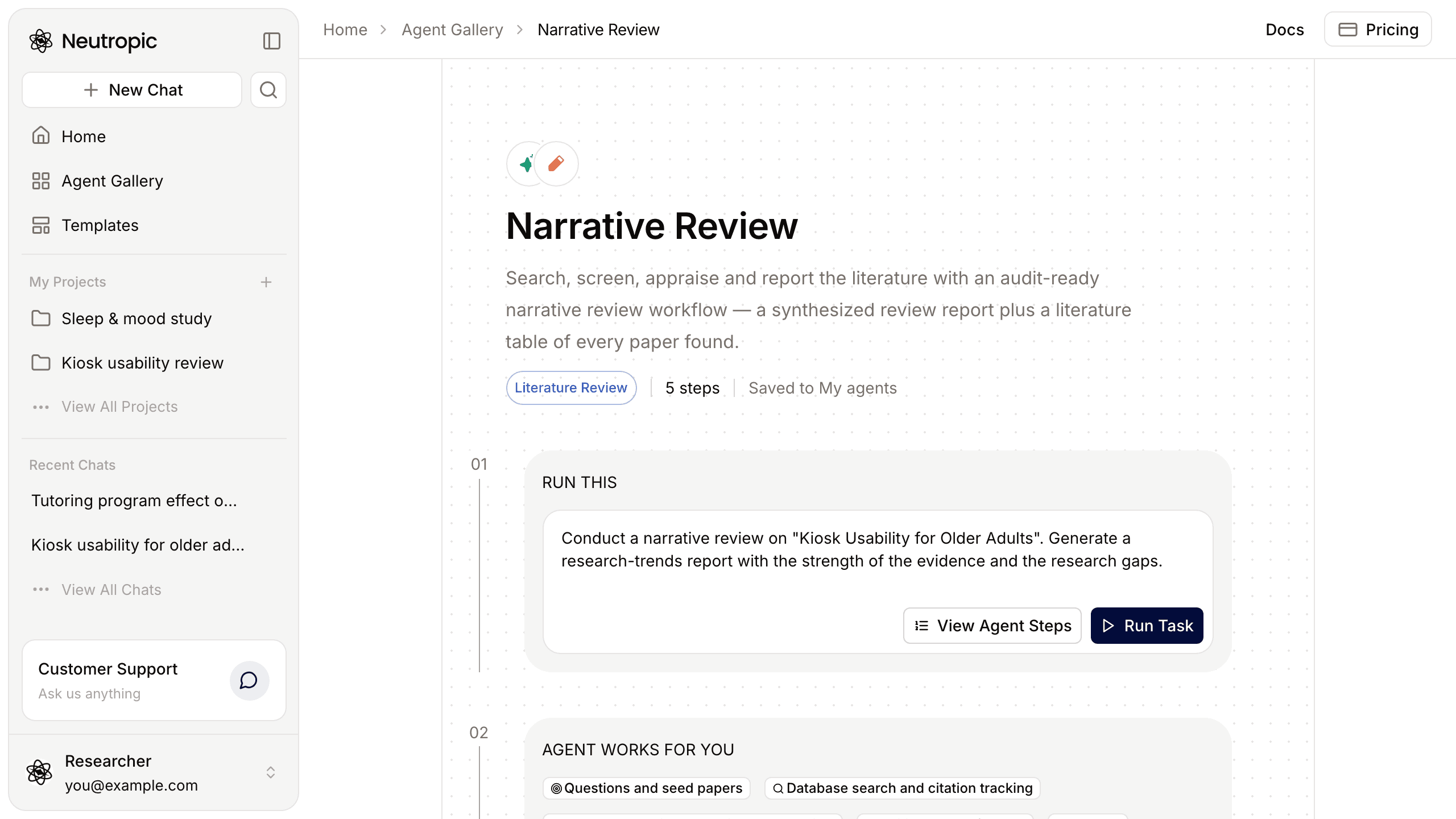
The workflow is four agent steps and an answer. It never stops to ask you a question: when something is open, it decides, carries on and records the assumption, so you can see later what it took for granted.
- Questions and seed papers. It reads your request and any attached papers, then fixes the purpose, one to three review questions, concept definitions, the scope and the exclusions. Orientation searches for recent reviews and overviews teach it the field's vocabulary; from those it picks 5–10 seed papers from different research groups.
- Database search and citation tracking. For each concept it builds a block search (synonyms joined with OR, concepts with AND), screens every new paper and reads the promising ones in full when the full text is available. Then it follows citations from the seeds — backward to their references, forward to the papers citing them — and refines its search terms with what it learned. After each round it checks saturation: when new papers only repeat claims, methods and results it already has, it stops and records why. No paper is left unscreened.
- Concept mapping and evidence appraisal. Every paper gets a final status. For the selected and held ones it records design, sample, context, measures, results, the authors' stated limitations and its own, and maps each paper to 3–6 concept columns. Conflicting results are linked, and several papers from the same study are counted once. The selected papers are then grouped, and each group is appraised: methods, main weaknesses and the alternative explanations they leave open, consistency, the amount and diversity of methods, and a one-sentence judgement of strength.
- Writing and self-check. It writes the report in the shape your purpose calls for, cites only selected papers, marks preprints (not peer reviewed) and checks the manuscript against SANRA, a published scale for the quality of narrative reviews, fixing items that fall short before it builds the files.
- Answer. A short status in the chat, with the files.
The wording is held to the evidence, too. Research gaps are argued with sources and qualified as gaps in the papers reviewed here; the report does not claim "all studies" or "never been studied", and it does not call itself a systematic review.
Where it searches
| Databases | |
|---|---|
| Always | OpenAlex · PubMed · Crossref · Semantic Scholar · Europe PMC · ERIC · arXiv |
| By topic | Psychology, HCI and behavioural research: PsyArXiv, SocArXiv, OSF Preprints, bioRxiv, medRxiv · Health and clinical: ClinicalTrials.gov |
| Citation tracking | OpenAlex · Semantic Scholar |
| Full text | Open-access full text (Europe PMC and others), PDFs you attach, PDFs in a connected Zotero library |
| When connected in Settings → Connectors | Scopus · Web of Science · KCI |
DBpia, RISS, PsycINFO and Google Scholar are not connected. If a topic depends on domestic Korean journals, the report says so in its limitations — attach must-include papers as PDFs.
What you get
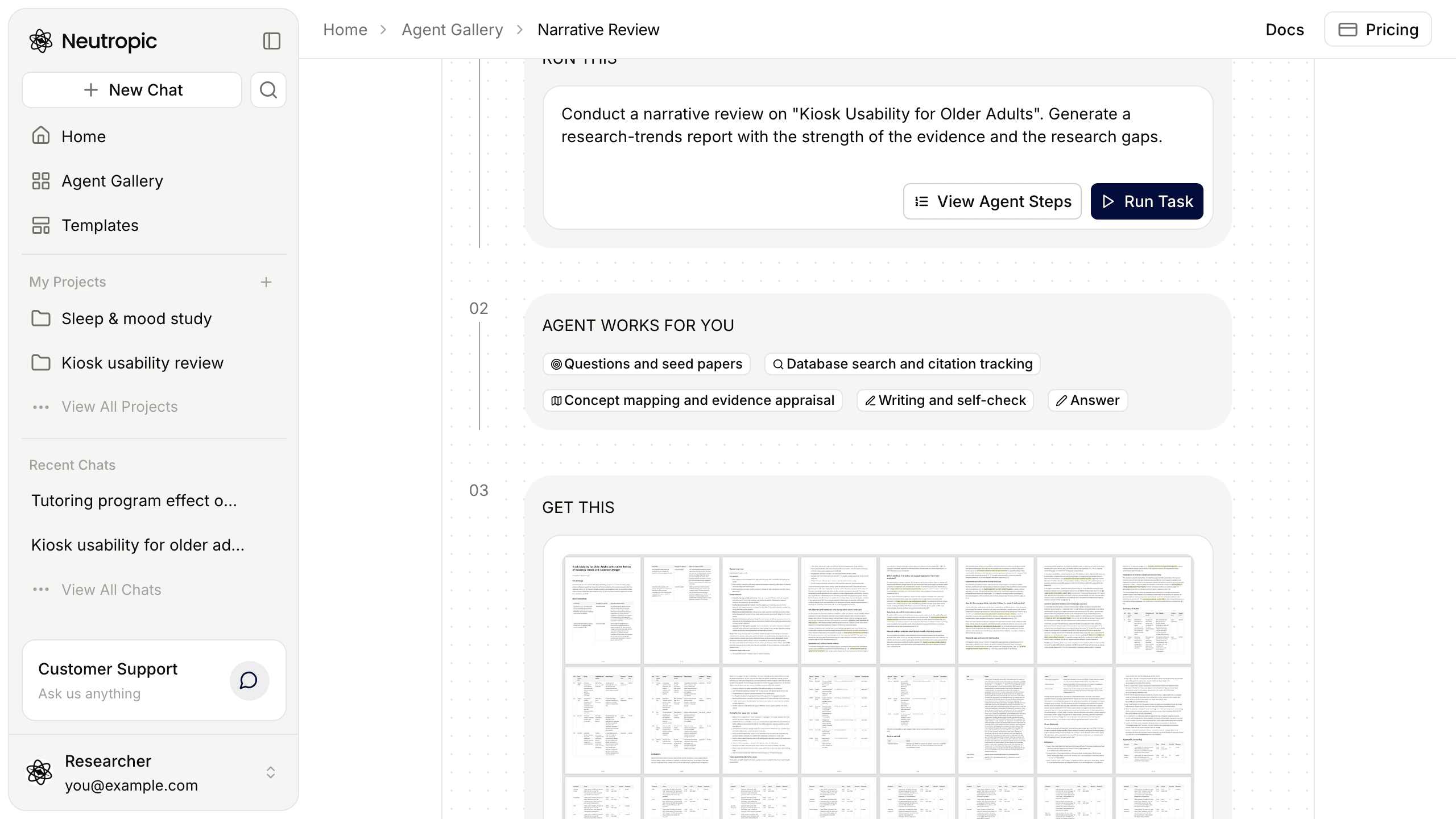
The review report opens with the key message and main conclusions, then a body shaped by the intended use, the review method, limitations, an AI-use disclosure paragraph and the references. Its first page lists which of your instructions were applied and which items ran with defaults. Download it as DOCX, PDF or Markdown.
The literature table has a row per paper, with duplicates across databases merged: bibliographic details and link, how it was found (database search, citation tracking or provided by you), how far it was read (title, abstract or full text), study content, assessment (relevance, contribution, role, evidence level), the final decision with its reason, and the report section that cites it. Sort and filter it, or take it away as XLSX or CSV.
The two are linked. The method section states how many papers were found, how many remained after duplicates were merged and how many were selected, and every citation in the report can be located in the table by its record ID.
What changes with the level
Every level runs the full method; only the amounts differ. Caps are limits, not targets — the review stops at saturation and never fills a cap with low-relevance papers.
| Lite | Pro | Expert | Max Thinking | |
|---|---|---|---|---|
| In short | Quick overview of the field | Core literature mapped | In-depth review | Search to saturation |
| Papers in the table | Up to 100 | Up to 200 | Up to 400 | No cap |
| Citation tracking | 3 seeds · 1 round | 5 seeds · 1 round | 8 seeds · up to 2 rounds | 10 seeds · up to 3 rounds |
| Full texts read | 2 | 5 | 10 | 20 |
| Selected papers | Up to 8 | Up to 15 | Up to 25 | Up to 40 |
How to run it
Open Agent Gallery → Literature Review and press Run Task on Narrative Review. Home opens with the agent picked and an example task in the composer. Replace it with your own, following this pattern:
Conduct a narrative review on {research topic}. The review is for {understanding research trends / the theoretical background of a paper / a review article}. Synthesize the research trends, the strength of the evidence and the research gaps around {key question}.Always state the intended use — it sets the report's structure, from trends per concept, to a theoretical background that ends with your research question (include it), to a full review article. Leave the key question out and the agent derives questions from the topic.
Attach the key papers you already know (+ → Upload files): they become seeds whose citations are followed, and with a PDF the full text is read. Then pick a level next to Send. On the agent's page, My instructions lets you set your lab's rules — period, languages, document types, inclusion and exclusion criteria, structure, length, citation style — and save them as a named set for the next review.
After the review
The chat remembers the review, so you can keep going in it: "strengthen chapter 3", "list only the conflicting results", "re-synthesize including paper X". To keep writing yourself, open the report in the files panel and press Save to notebook: it becomes a notebook in your project, with its numbered citations turned into notebook citations and a reference list.
From here, the Experimental Design agent can design a study that addresses one of the gaps, and Paper Draft uses the review as evidence for an introduction and discussion. Every setting is listed in the Literature Review template docs.