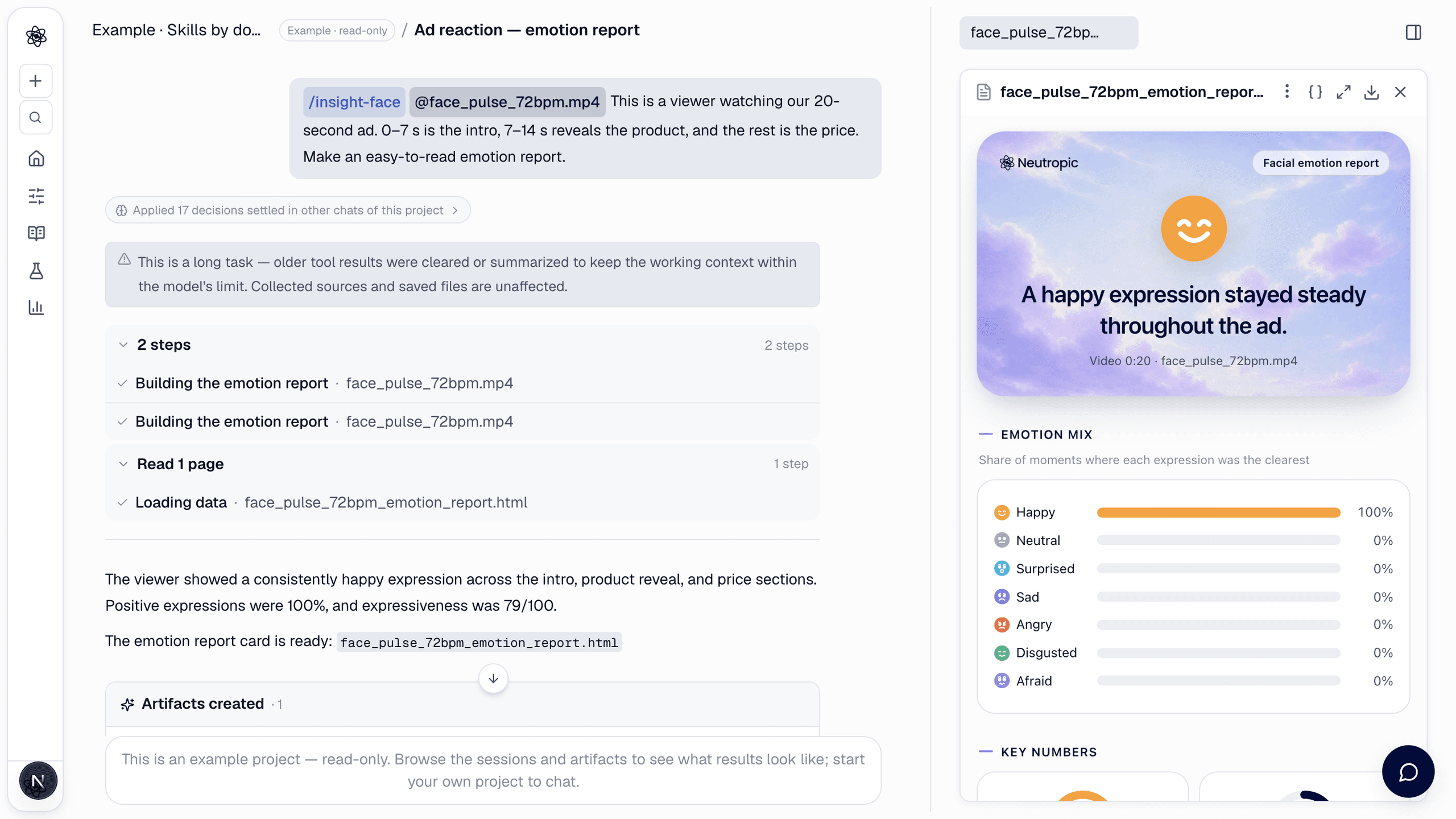
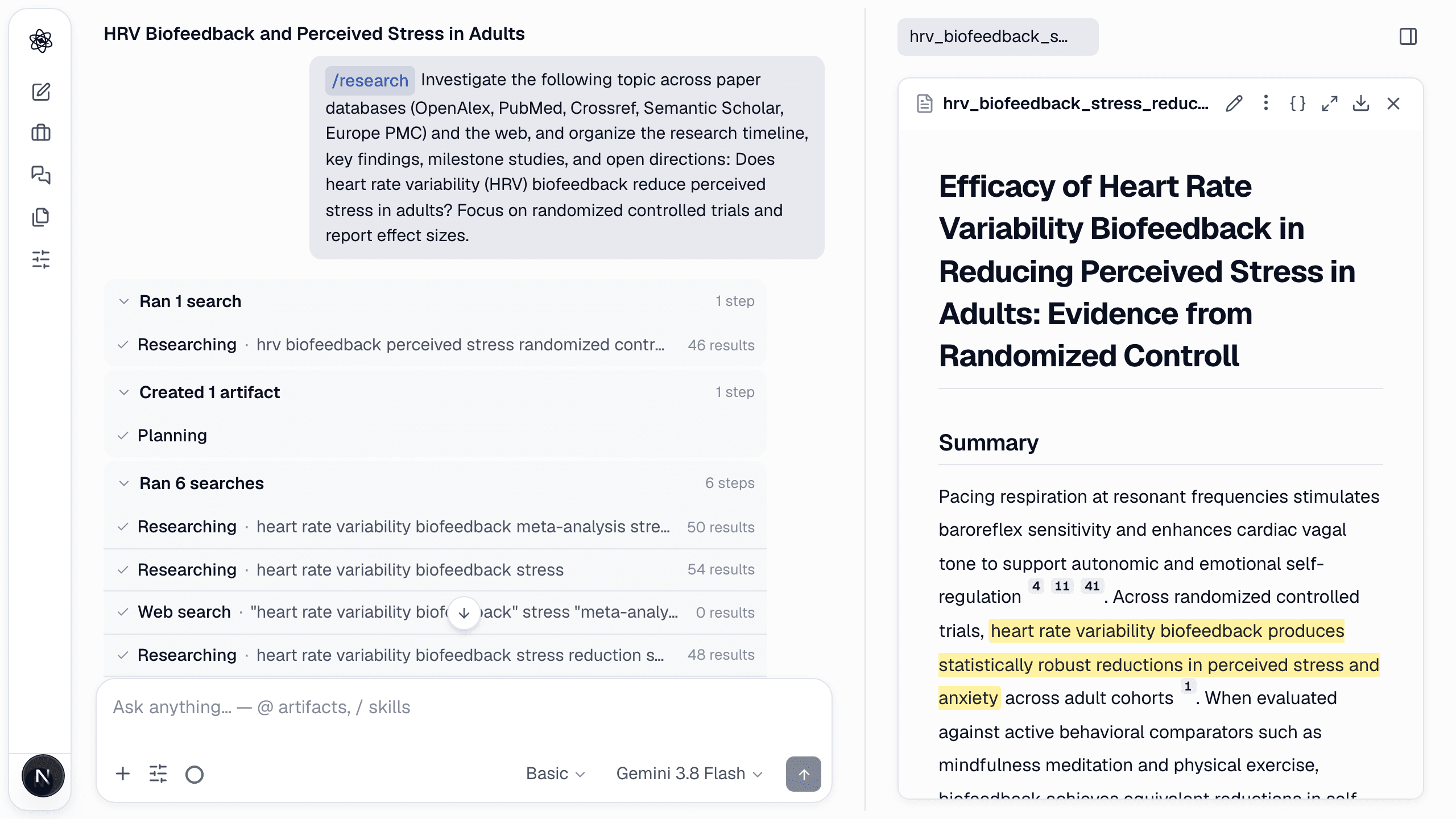
Most research decks are made the night before, by copying numbers out of a report and screenshots out of a figure tool. Slides (/slides) skips that step: it reads what the chat and project already hold and builds the deck from it.
How to call it
Open Slides from the tools list, or type the command with the audience and the time you have:
/slides Make a 15-minute lab-meeting deck from this chat: the pilot design, the protocol figure and the analysis plan.
You can skip the details. Without them the skill assumes a 15-minute talk and says so in its summary, so you can redirect ("make it 8 slides for the advisor").
What makes it different from "summarise this into slides"
- One message per slide. The title of each slide is the sentence you want remembered — "Anxiety fell by 6 points after four weeks", not "Results".
- Numbers are copied, never re-derived. Every statistic comes from the artifact that reports it, and the slide names that artifact. If the session has no support for a claim, it is left out or raised as an open question in the notes.
- Figures are reused, not redrawn. The study flow, protocol and plots already in the chat go onto slides by file name; the diagram keeps its text as editable objects in the PPTX.
- Citations survive. Background claims keep their [n] markers and a references slide is built from the session's own records.
- Speaker notes on every content slide — the message, where the evidence is, and the caveat to say aloud.
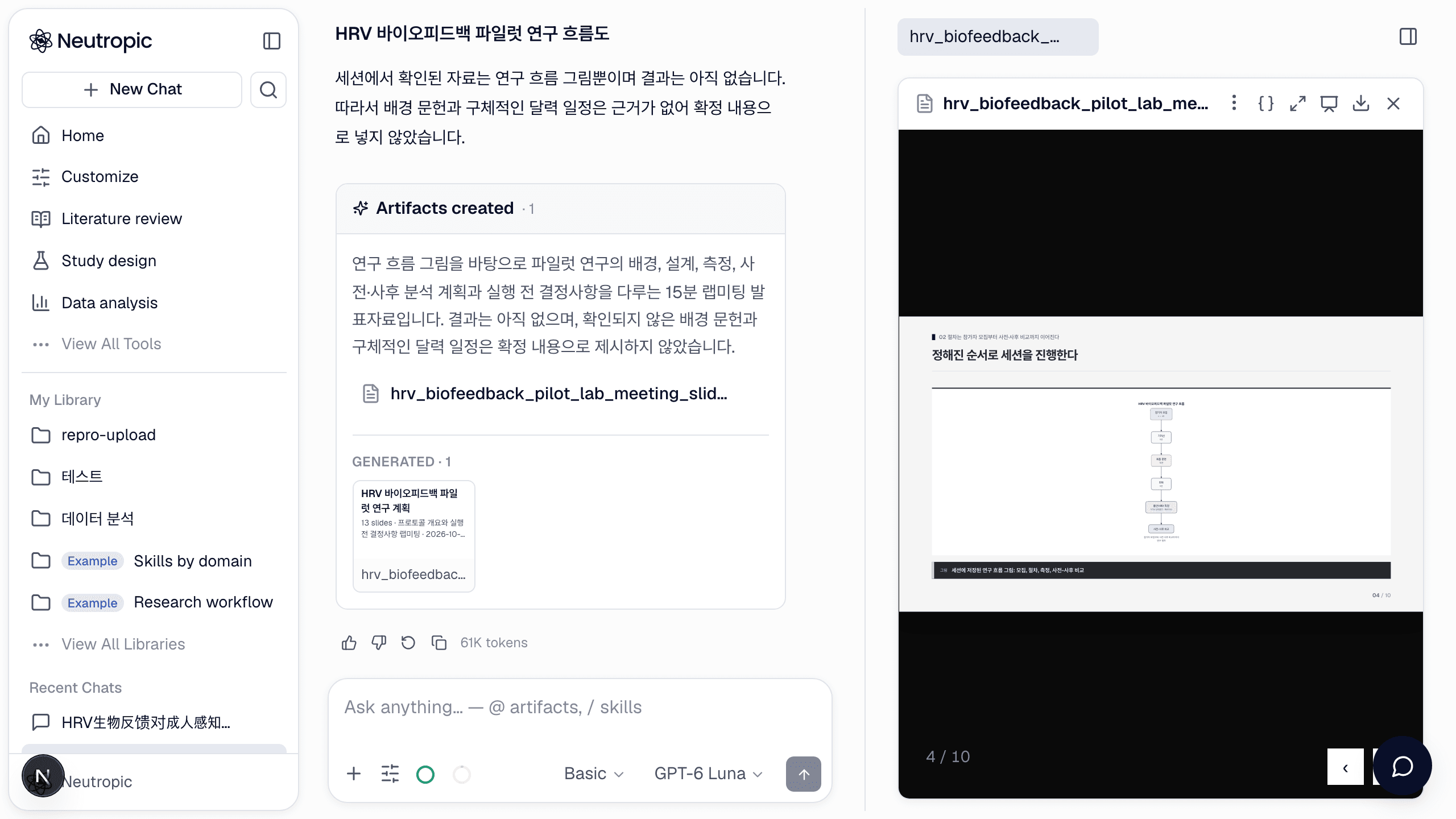
Fourteen slide layouts, chosen by the content
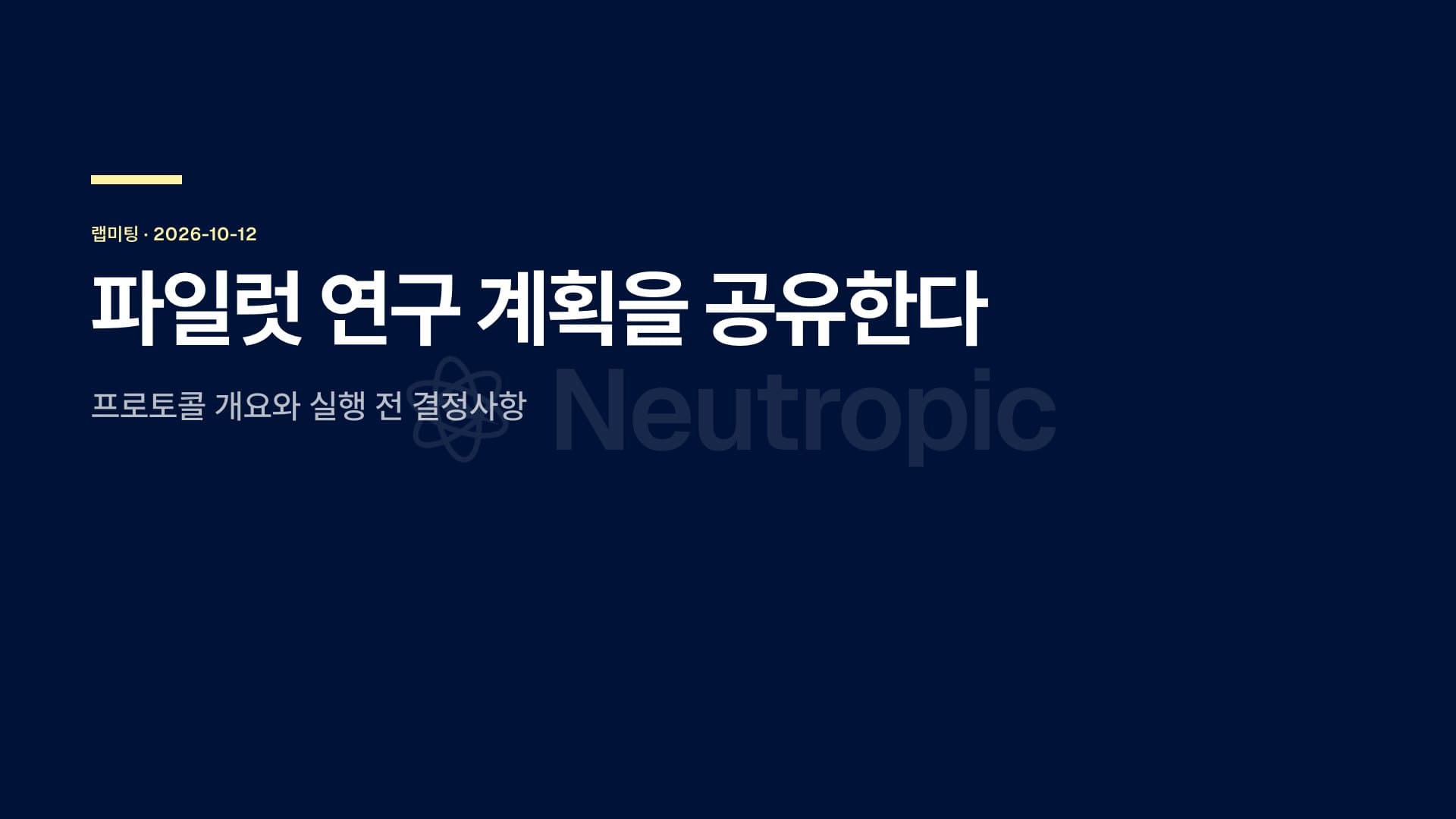
Cover, agenda, section dividers, bullets, bullets + figure, full figure, number tiles, cards, table, bar/line chart, steps, side-by-side comparison, quote, references and closing. Text that would not fit is shrunk one step, then split into a continuation slide — so a wall of text never happens, and the skill tells you when it had to split.
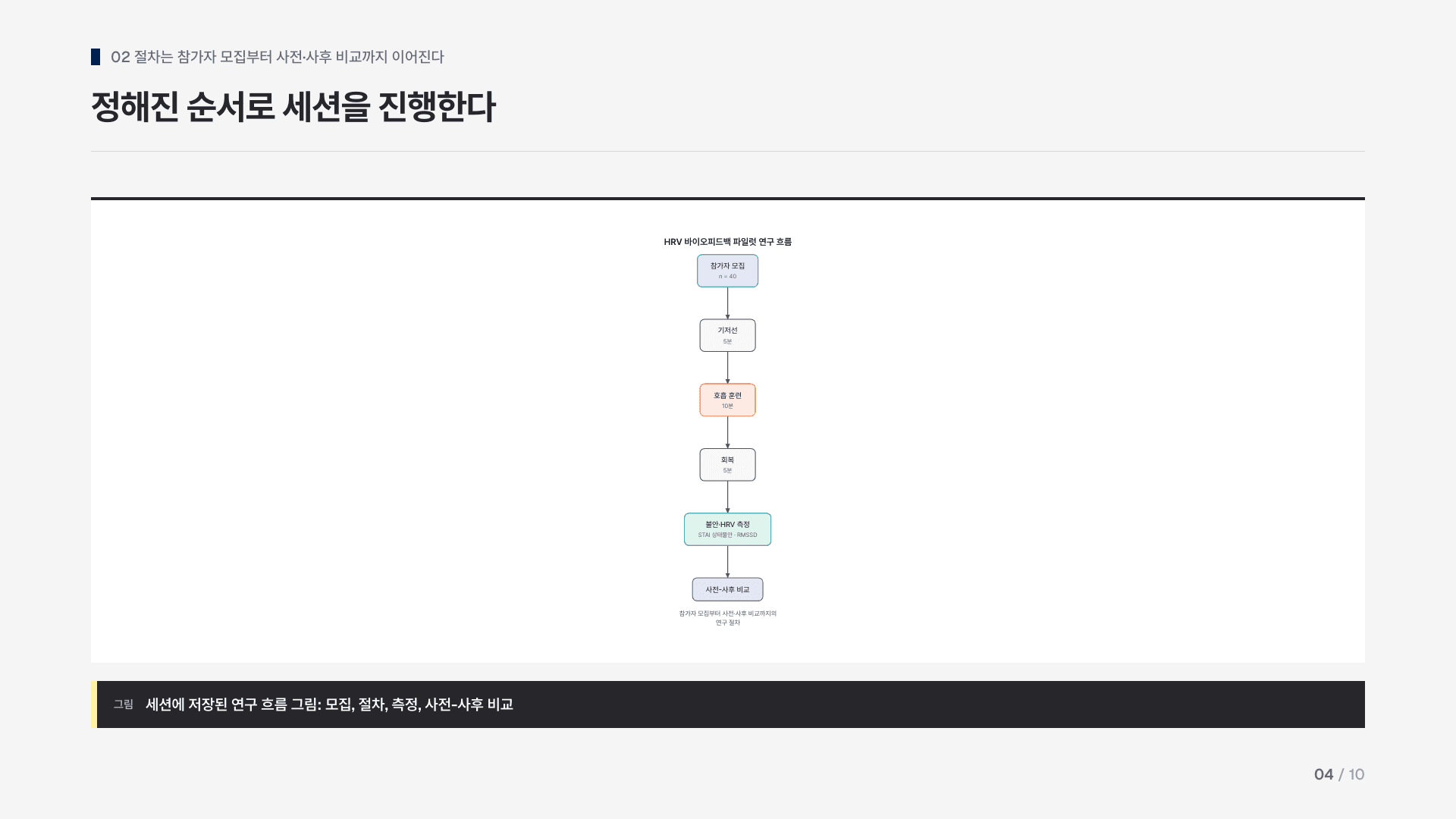
Present, change, export
The deck opens in the artifact panel with its own viewer: arrows to move, N for notes, F or the Present button for fullscreen. Ask for changes in the chat and the deck is edited in place:
Shorten slide 3 to three bullets and move the timeline after the methods. Use the dark theme.
Themes are paper (light), ink (dark), slate, warm and brand — attach your logo and the accent colour is taken from it.
The download menu gives HTML (a self-contained viewer that opens anywhere), PPTX (editable text boxes, native tables and charts, diagrams as shapes, notes) and PDF. Connected apps work too: Google Drive makes a Google Slides file with notes, Dropbox and OneDrive receive the PPTX, Canva imports it as a new presentation, Notion gets an outline page.
Two things it will not do
It does not search the literature — a deck presents what the session holds, so run the research or analysis first (or ask for both in one message: "review the literature, then make the slides"). And it does not analyse a rehearsal video of your talk; that is Insight › Presentation rehearsal.