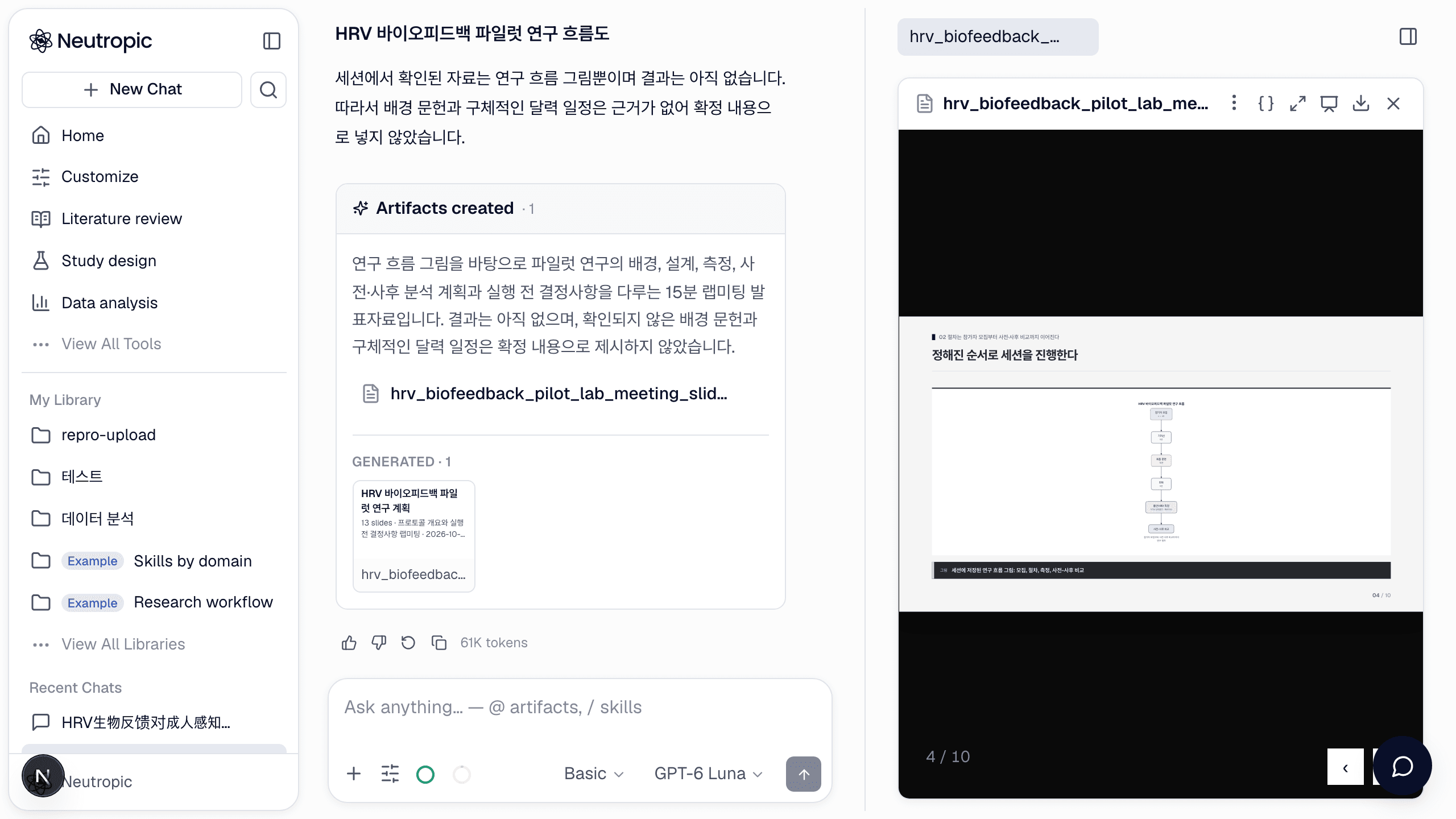
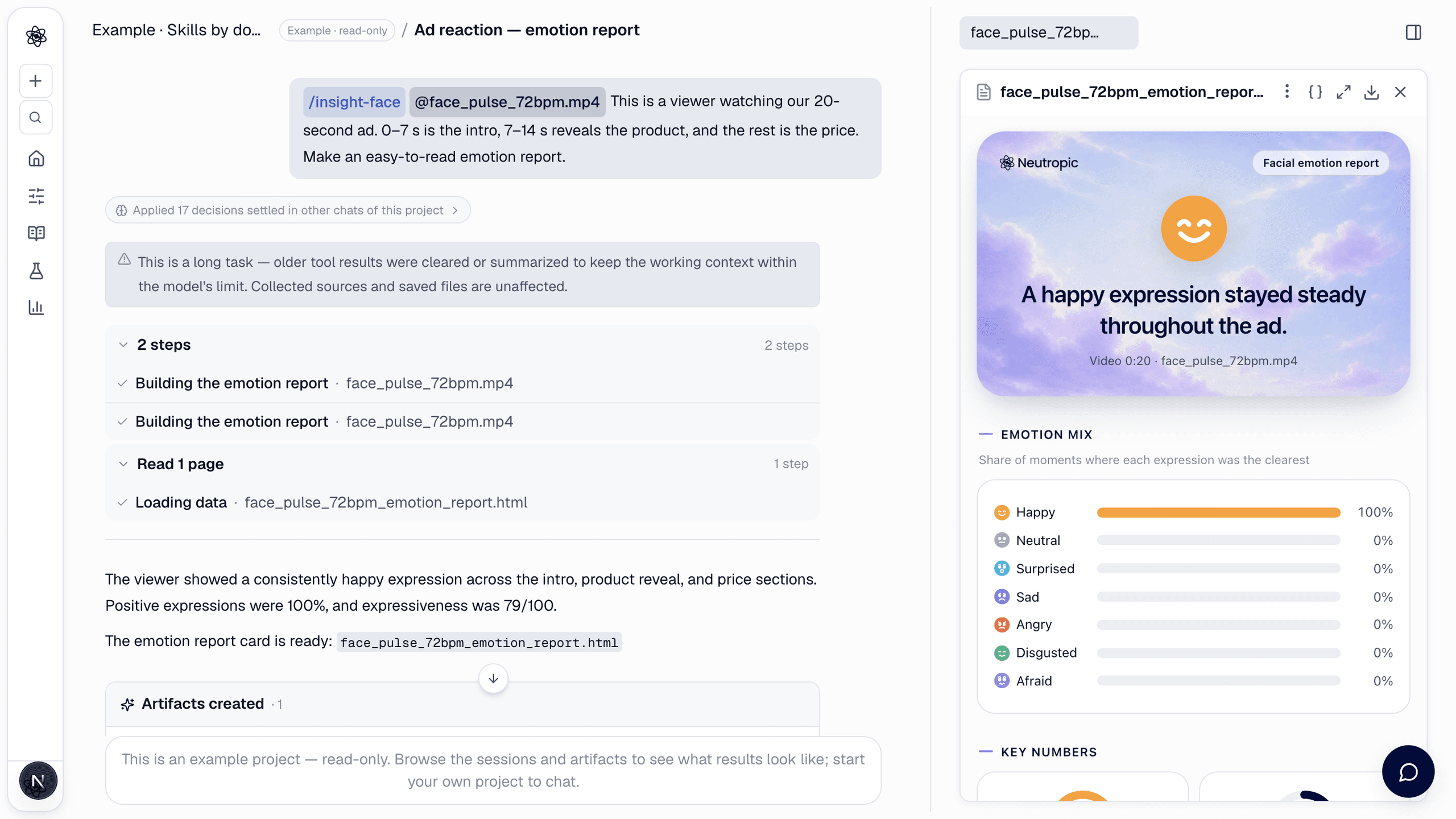
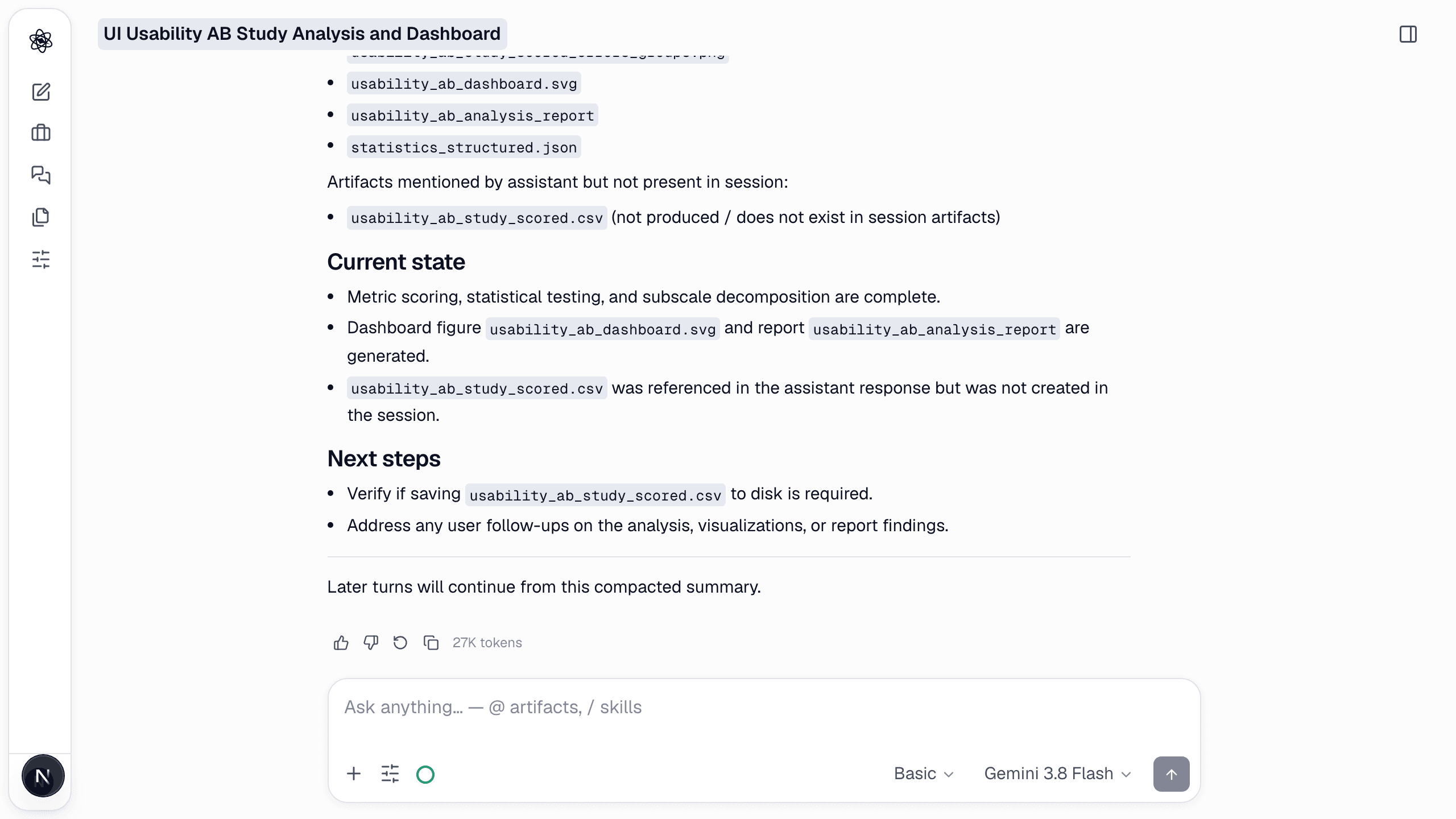
compact summarizes the conversation so far into a compact, faithful summary and continues from it. Use it when a session has grown long — many turns, many artifacts — and you want the next turn to start from a clean, complete context without losing decisions.
How to call it
text
/compact Keep the following in detail: the SUS and NASA-TLX results by version.
The argument is optional; without it the whole conversation is summarized evenly.
What happens
- The summary is written as a message the agent will read first on the next turn: what was asked, what was decided, which artifacts exist and what they contain.
- Anything you named is kept verbatim-level; the rest is condensed.
- Artifacts are not touched — only the conversational context is compacted.
Tips
- Compact before switching to a new sub-task in the same session (e.g. from analysis to writing).
- Name the numbers you will need later; they survive compaction exactly.