Authored by Neutropic Team | Published on November 3, 2026
A translated scale is only as good as the record of how it was made. Reviewers and later readers want to see who translated it, how differences were settled, and where the translation departs from the original.
What is the Scale Translation and Back-translation Record Template?
A six-section record with a seven-column table: item number, original, two forward translations, the reconciled version, the back-translation, and review notes.
What ethics reviewers look for:
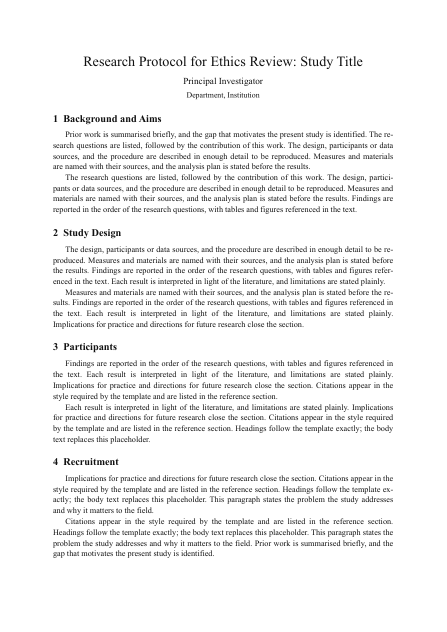
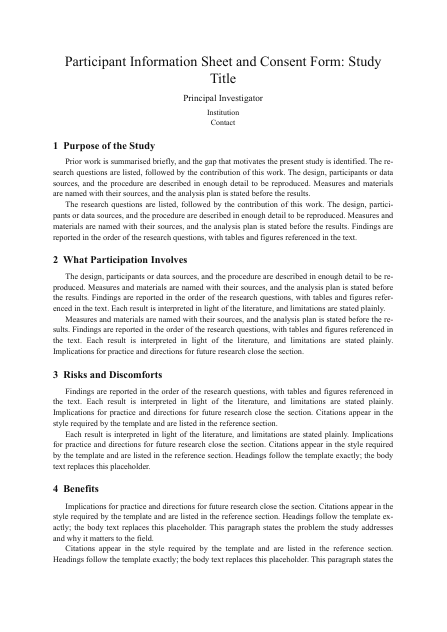
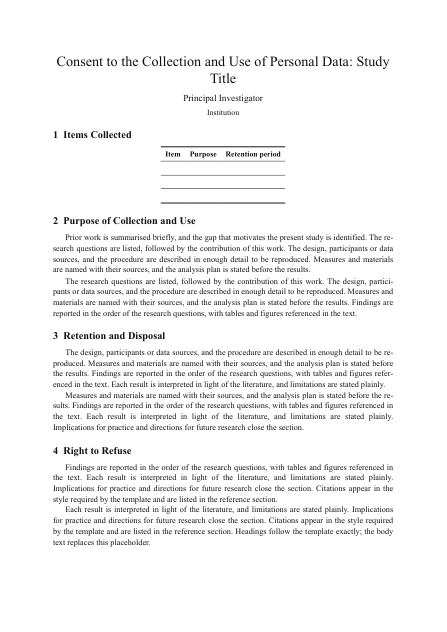
Who takes part and how they are chosen, what they are asked to do, what could go wrong and how it is handled, how consent is obtained, what personal data are collected and for how long, and how a participant can stop. Numbers such as duration, sample size, compensation, and retention period should be the same in every document.
What usually triggers a request for revision:
Documents that contradict each other, an information sheet written in technical language, missing withdrawal or data disposal procedures, scales used without a source or permission, and translated items that drift from the original. Check these before you submit.
What does this Scale Translation and Back-translation Record Template include?
Original scale details and permission to translate, the procedure with who did each step, the item-by-item table covering the instruction and response options too, discrepancies and the decisions taken, pilot testing, and the final version.
Steps to Use This Template with Neutropic Agent
- Click Start Writing on this page and choose a project. A notebook opens with every section of the form in place.
- Fill each yellow place-to-fill block. If your institution has its own form, follow its headings and wording first.
- Use the notebook's AI actions to draft or tighten a section, and keep numbers such as time, sample size, and retention period the same in every document.
- Check the documents against each other before you submit. Export as Word and move the content into your institution's form.
Scale Translation and Back-translation Record Template Structure at a Glance
| Element | Typical requirement |
|---|---|
| Original scale | Reference, items, subscales, response format, permission |
| Translation procedure | Forward translation, reconciliation, back-translation, expert review |
| Item-by-item record | One row per item, instruction and options included |
| Discrepancies and decisions | Where meaning shifted, what was decided, and why |
| Pilot testing | Comprehension checks with the target population |
Quick Tips for Using the Scale Translation and Back-translation Record Template
Write the protocol first and take every number in the other documents from it. Write participant-facing documents at the reading level of your participants. Keep the published wording of standardized scales. Leave the approval number blank until you have it.
Best Practices
Ask someone outside the project to read the information sheet and say back what they would be agreeing to. Compare the survey with the original scales item by item before submission. Record every change to a scale and the reason for it.
Before You Submit: Final Check
Permission to translate is recorded; every item, the instruction, and the response options have a row; the back-translator did not see the original; each difference has a decision and a reason; the final version is the one used in the survey.