Hi, this is the Neutropic team!
You know the moment: the analysis is finished, the tables are ready, and the manuscript file is still empty. The first sentence of the introduction will not come, and you are not sure how much detail the methods need. Then, after submission, a reviewer asks: "What were the eligibility criteria? How was the sample size set? How were missing data handled?" 🥲
Reporting guidelines exist to answer those questions up front: STROBE for observational studies, CONSORT for trials and so on. The trouble is that checking every item by hand is tedious, and it is tempting to paper over gaps with plausible guesses.
In this post we follow Sam, a public-health PhD student, getting a first draft of a cross-sectional study on sleep quality and depression. Sam is fictional, but every screen below comes from a real run in Neutropic.
Sam attached two files and asked in one line
Sam had two files: a design document (two universities in the capital region, convenience sampling, an online survey, 212 students, PSQI and PHQ-9, hierarchical regression) and an analysis results document (r = .41, ΔR² = .14 for the regression, and so on). Sam opened the Paper Draft agent from the Agent Gallery, attached both, and wrote:
Using the attached design and analysis results, write a journal article draft on the relationship between sleep quality and depression in university students.
The sentence is short; the attachments do the work. With the design and results handed over as documents, the agent writes the methods and results from those facts and marks whatever the documents do not say. Asking for a "journal article" set the format, from introduction to conclusion.
It read the files first, then searched for sources
The run went through seven steps. Inventory read two documents (one design, one analysis) and found zero citable sources. So Format and outline searched Crossref, OpenAlex, Europe PMC and other databases on the topic, added 15 papers, and planned five sections (IMRaD plus a conclusion), 24 claims and about 3,000 words.
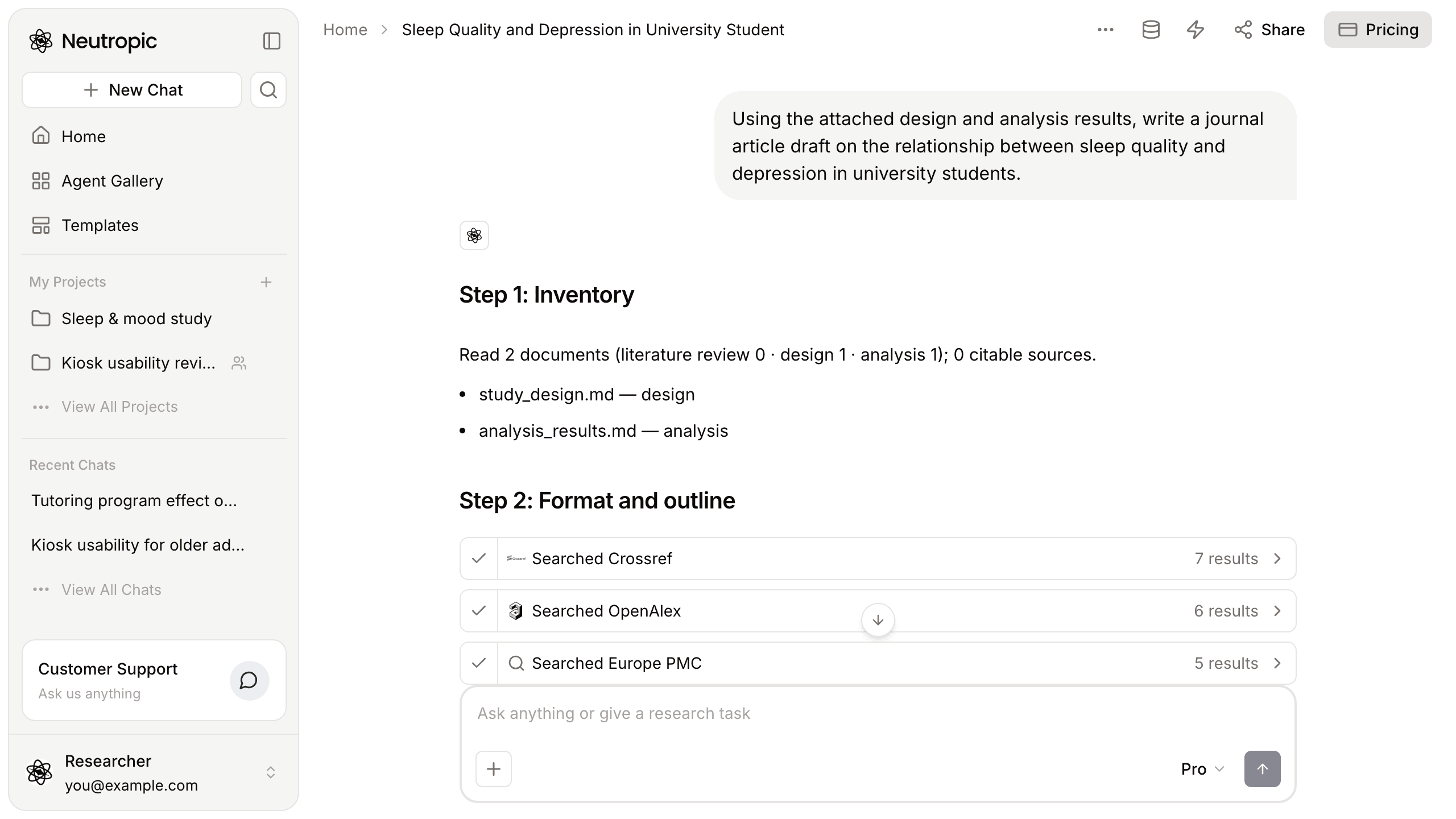
Fill evidence gaps ran one more search and added two sources for unsupported claims. Claims and evidence then tied each of the 24 claims to its support: the design document for the survey dates, the analysis document for the results, papers for the background. It also removed five citations whose abstracts did not actually support the claim they were attached to. The full mapping came as a downloadable claim–evidence table.
After writing, it checked the draft against STROBE
Write by section produced five sections and 1,392 words. Then Check looked at three things: whether every citation is on the source list, whether each section is long enough, and whether the reporting areas of the guideline that fits the design are covered. A cross-sectional survey means STROBE.
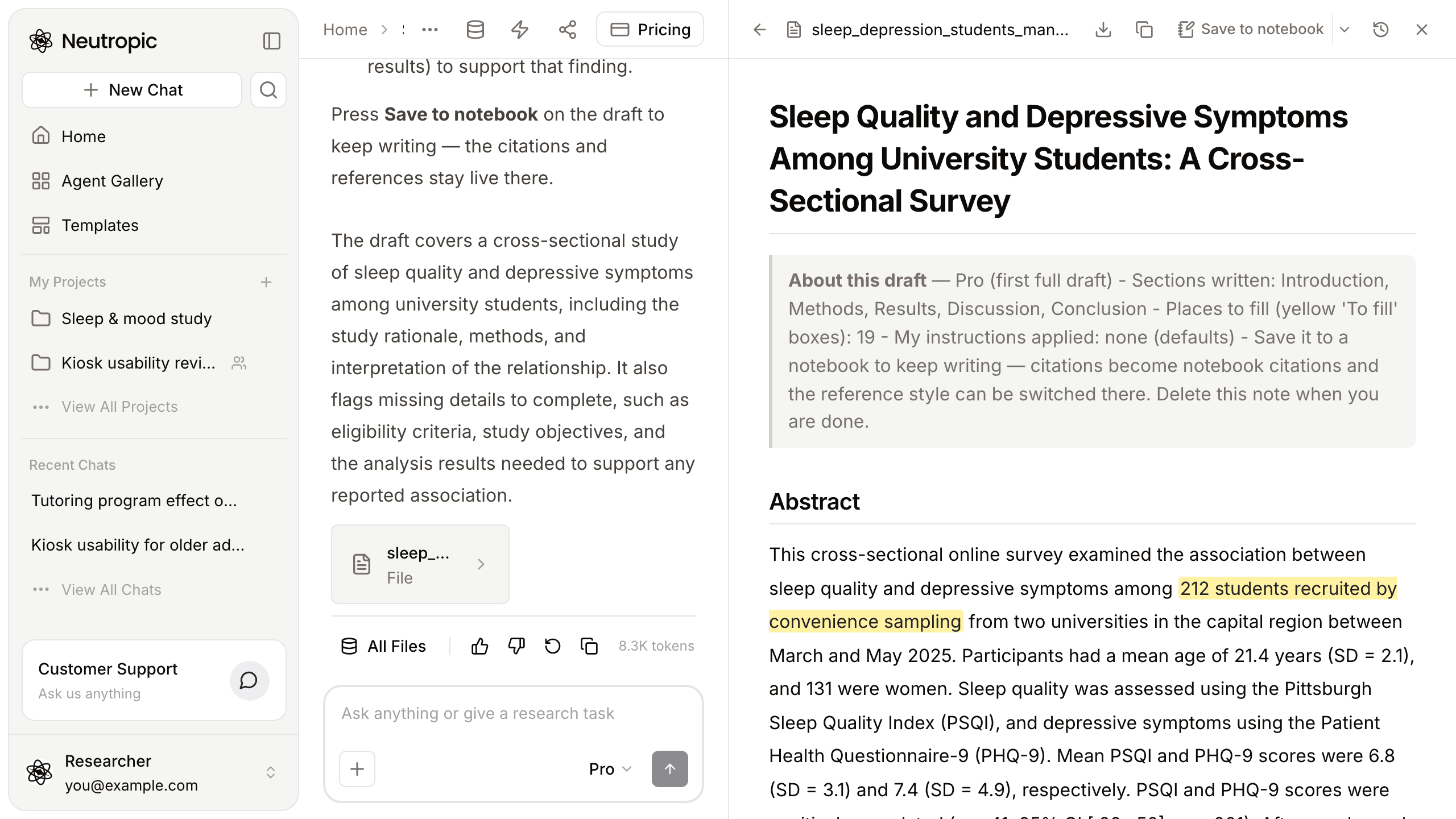
The check was strict. Of five STROBE reporting areas, none was fully reported and all five only partly. The agent sent all five back to be added or marked as places to fill, and five sections were revised. The final manuscript: 1,633 words, 7 references, 19 places to fill.
The manuscript opens with an "About this draft" note, then the abstract. We compared the abstract's numbers with the attached files and they match: 212 students recruited by convenience sampling, 131 women, mean age 21.4 (SD = 2.1), mean PSQI 6.8 (SD = 3.1) and mean PHQ-9 7.4 (SD = 4.9).
Sam nearly filled the gaps with guesses
At the top of the answer was a Fill these first list: a source for the rationale, the eligibility criteria and whether participants were followed up, the study objective and any hypotheses, and analysis results to support the reported association.
Sam's first instinct was to type in something reasonable for each. Don't. Places to fill mark information that is genuinely missing, and a guess there makes the draft say something untrue. The design document gave no eligibility criteria, so the agent left them blank instead of inventing them.
The list also deserves a critical read. One item asks for analysis results to support the association between poorer sleep and higher depression scores, but those results were in the attached file and already appear in the abstract. The Claims and evidence step had flagged an introduction sentence about this association as unsupported. So treat the list as a to-do list to check, not one to fill blindly: some items you can tick off in seconds.
One more caution: the STROBE check is about reporting, not study quality. A fully reported study can still be weak, and defending the design is the researcher's job.
The draft moves to a notebook
Press Save to notebook in the manuscript pane to keep writing there; the citations and references stay live.
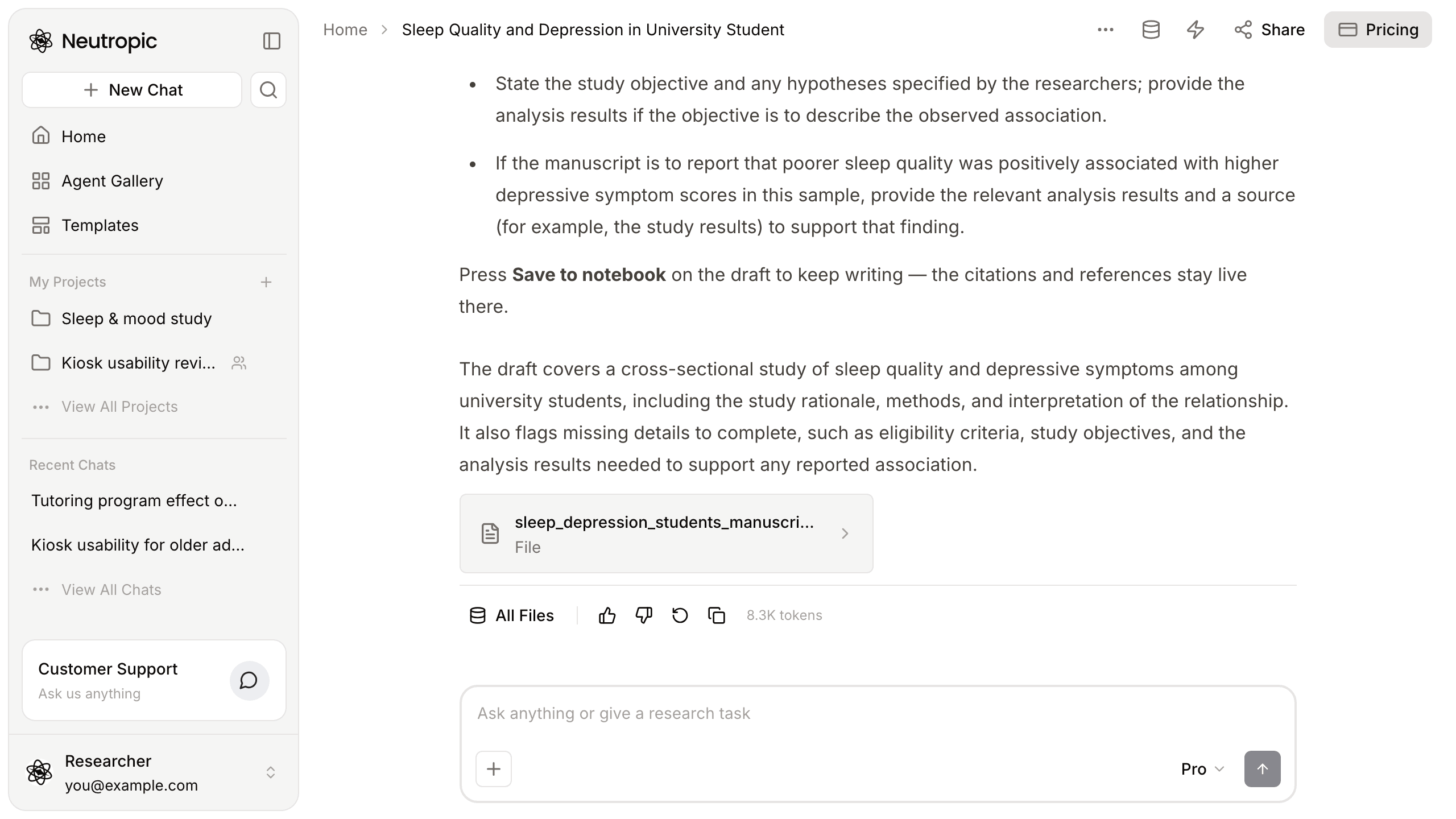
A blank manuscript became a first draft with clear gaps
| At the start | Now | |
|---|---|---|
| Manuscript | An empty file | Introduction to conclusion, 1,633 words |
| Sources | Zero citable sources | 7 references after a search, plus a claim–evidence table |
| Guideline | Planned to check items by hand | Five STROBE areas checked, five sections revised |
| Gaps | Tempted to guess | 19 places to fill, listed |
| Next | Stuck | Keep writing in a notebook |
To be honest about the limits: the plan was about 3,000 words, and the finished draft is 1,633, short for a submission. The seven references need checking and probably extending. And the places to fill are information only Sam can supply. Still, starting from a draft whose numbers match your files, with a list of what is missing, is very different from a blank page.
This walkthrough used Pro. Lite (the free plan) writes a shorter draft with fewer checks; Expert and Max write longer sections and search more literature.
If the analysis is done but the manuscript is blank, two files can get you a first draft. 😎
This week, attach your design and results and ask in one line, just like Sam. Start with Neutropic for free